FaceTime Like a Pro
Get our exclusive Ultimate FaceTime Guide 📚 — absolutely FREE when you sign up for our newsletter below.

FaceTime Like a Pro
Get our exclusive Ultimate FaceTime Guide 📚 — absolutely FREE when you sign up for our newsletter below.



Signal ships private by default, but its best protections sit behind settings. These tips cover disappearing messages, read receipts, typing indicators, link previews, and view-once media.
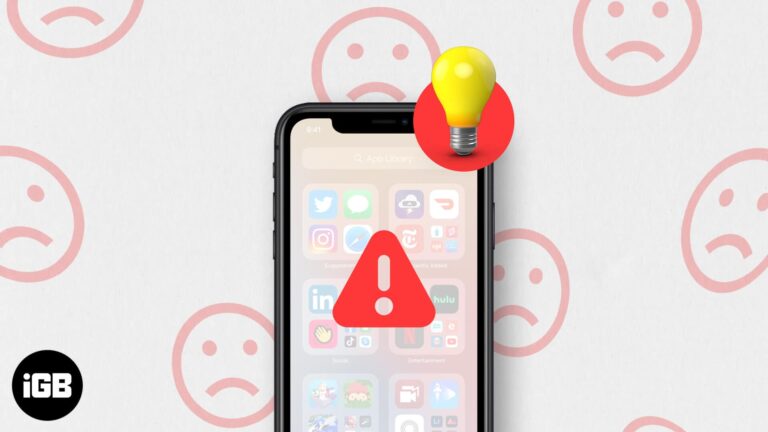
App Library organizes your apps automatically, so a broken one is genuinely disruptive. These fixes cover restarts, iOS updates, list and grid view settings, and a full settings reset.
The Signal app has become the hot topic of the town! People are rushing to download and take it for a spin. And my friends and family have taken it to the next level by calling me incessantly to install…
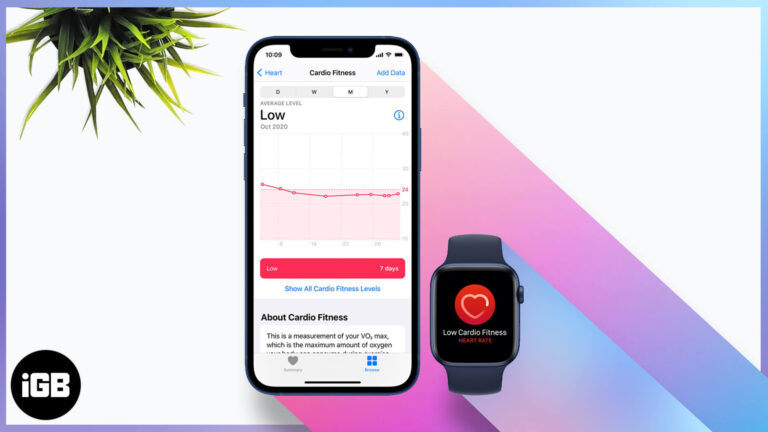
Cardio fitness is one of the better long-term health markers your watch records. Here is how Apple estimates it, how to set it up, enable notifications, and view your levels over time.
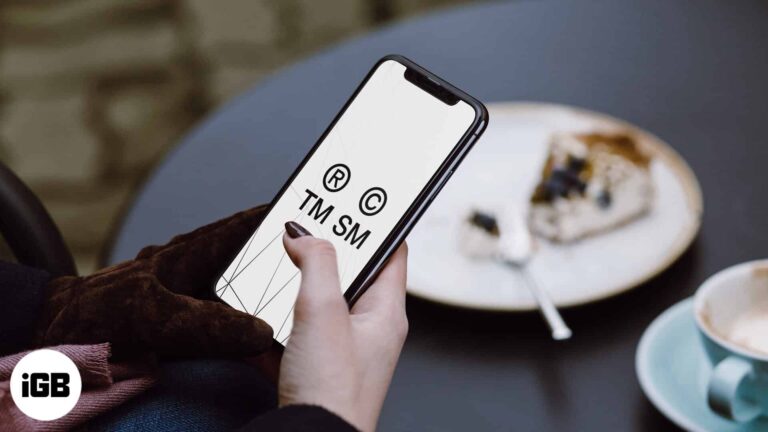
These symbols are not on the standard iOS keyboard. Here is how to insert the trademark, copyright, and registered marks on iPhone, set up text replacements, and the keyboard apps that help.
Siri controls Apple Music far more precisely than most people ask it to. Here are the commands for finding music by chart or genre, building playlists, tuning radio, and training its suggestions.
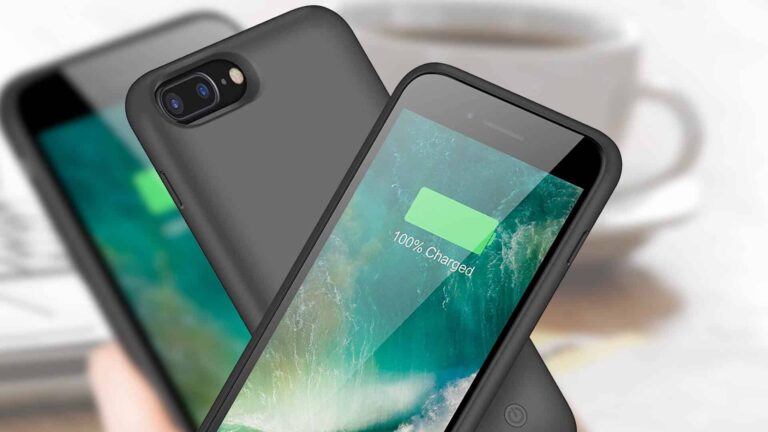
As an iPhone 7 Plus battery ages, a case with its own cell is the simplest fix. We compare capacities, thickness, and charging options so you can get through a full day again.
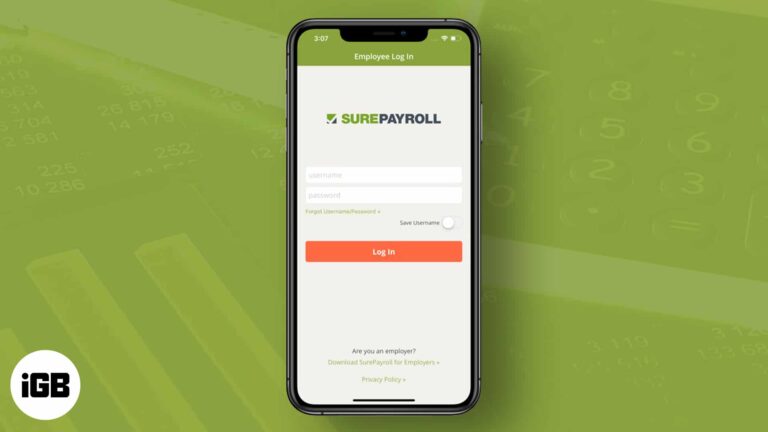
Need to handle payroll on your iPad? These apps help you calculate wages, manage pay runs, and keep employee records in one place.
Dropped calls point to the SIM, carrier settings, or network coverage far more often than a faulty phone. Here is how to work out which one it is and the fixes for each.
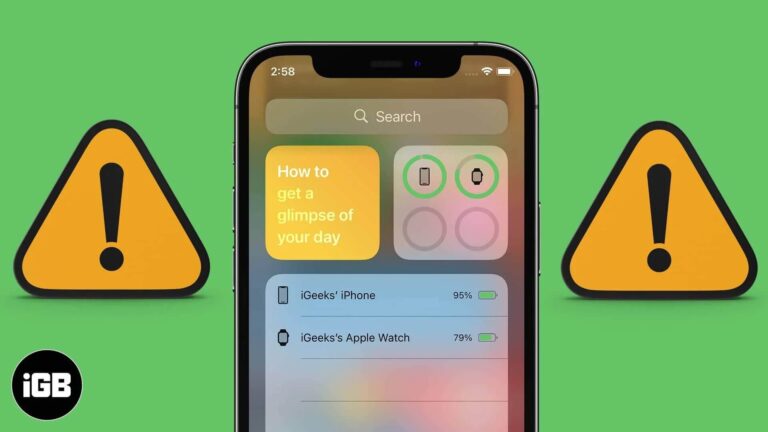
The Batteries widget only appears once a Bluetooth accessory is paired, which catches many people out. These fixes cover adding the widget, lock screen access, iOS updates, and a settings reset.
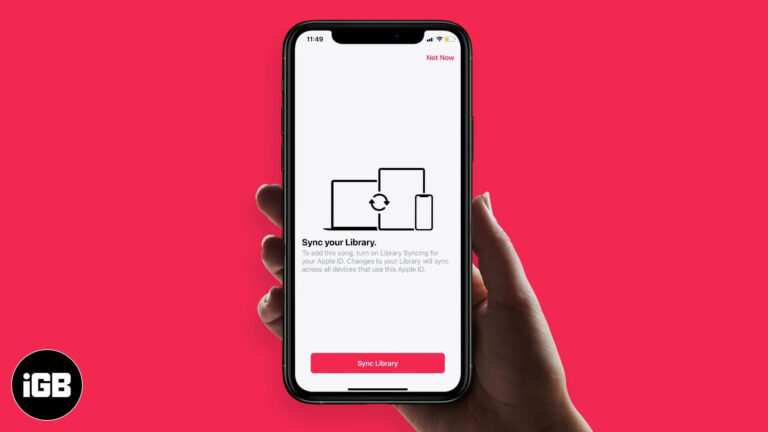
iCloud Music Library keeps your songs, playlists, and matched tracks identical on every device. Here is how it works, how it interacts with Apple Music and iTunes Match, and how to enable it.
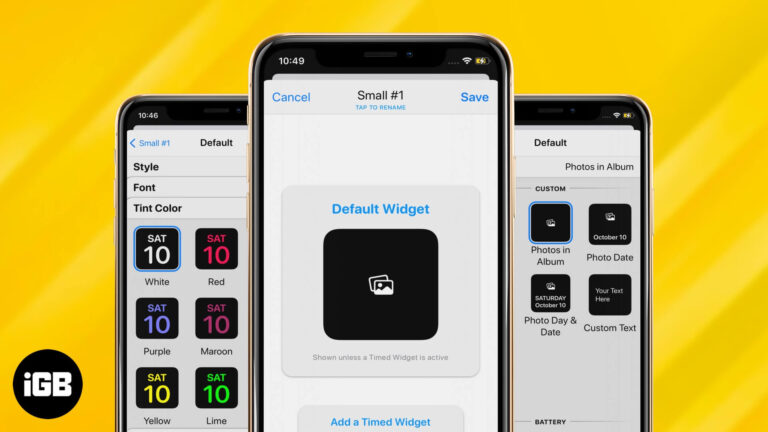
Widgetsmith is the app behind most custom iPhone Home Screens. Here is how to design a widget with your own styling, add a photo widget, and place the result on your Home Screen.
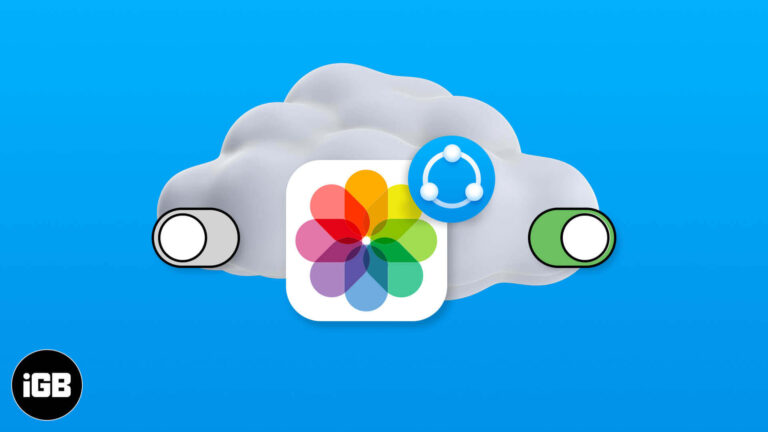
Shared Albums let you send photos to specific people without filling their storage. Here is how to enable or disable the feature on every platform, and how it differs from iCloud Photos.
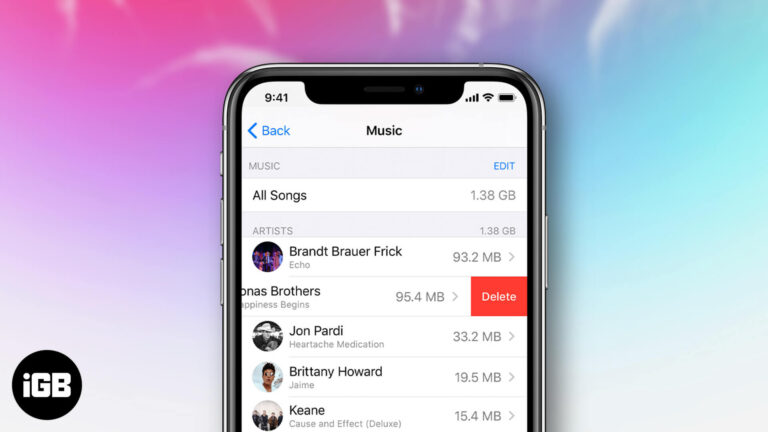
Purchased tracks stay in your library forever unless you hide them. Here is how to hide, unhide, and permanently delete purchased music across iPhone, iPad, and the Music app on Mac.
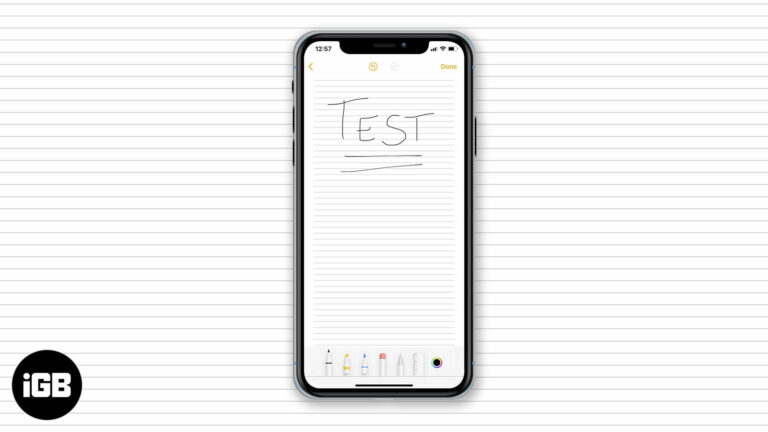
Lined and grid backgrounds make handwritten notes far neater on iPad. Here is how to apply a paper style, remove it from an existing note, and set your preferred default for every new note.
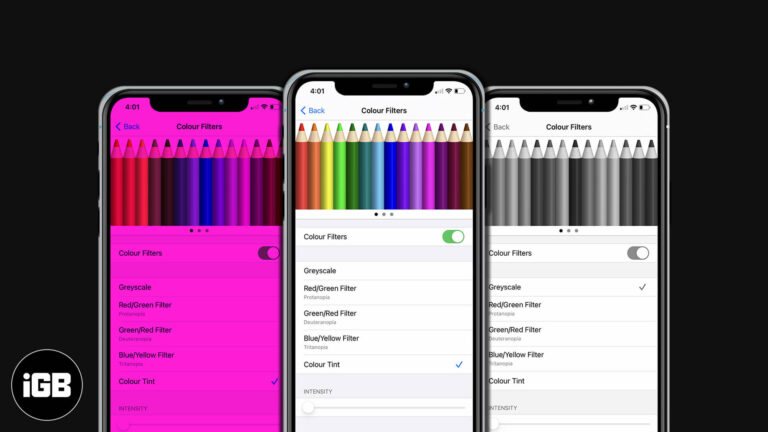
Color Filters shift how iOS renders color to help with color vision differences. Here is how to enable them on iPhone and iPad, pick the right filter, and fine-tune tint and intensity.
Facebook Dating runs inside the main app but keeps a separate profile. Here is how it works, how to set yours up on iPhone, what Secret Crush does, and the settings worth changing.
A video shot in the wrong orientation is fixable without a computer. Here is how to rotate one in the Photos app on iOS, and how to do it in iMovie for more control.
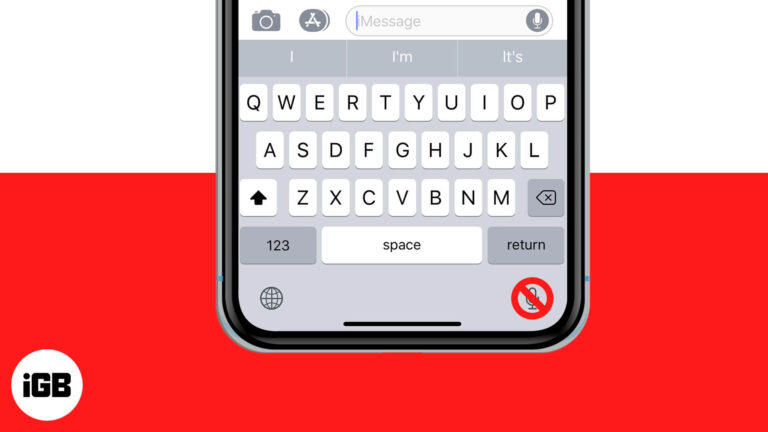
The dictation key sits next to the space bar and gets pressed by accident constantly. Here is how to remove it from the iPhone and iPad keyboard by disabling Dictation.
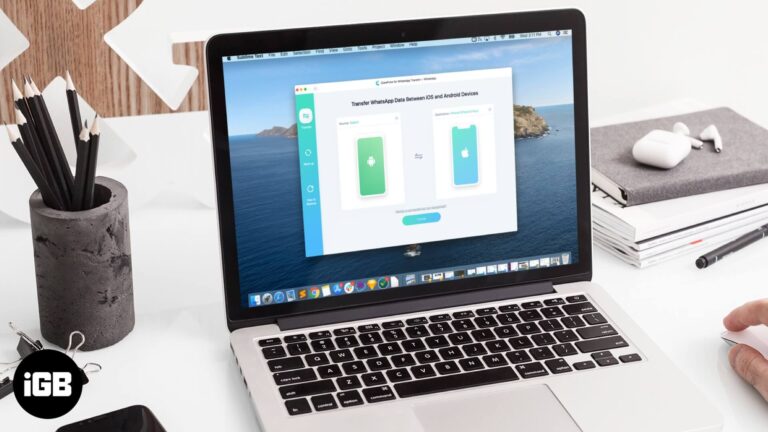
Moving WhatsApp between iPhone and Android normally means abandoning your history. iCareFone transfers chats and media across platforms. We look at how it works, its backup tools, and the price.
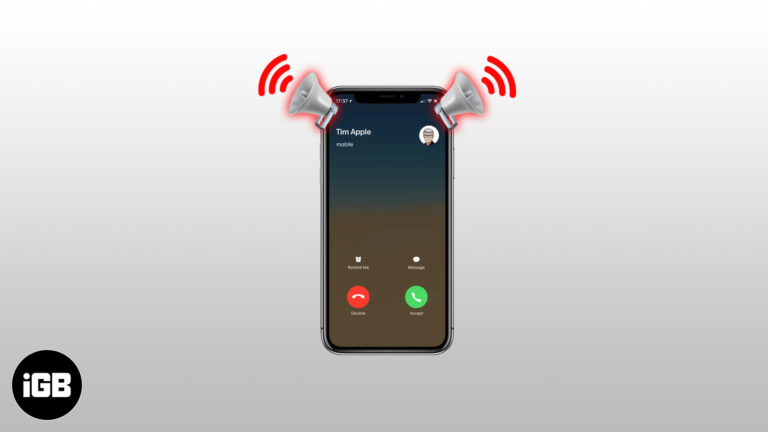
Announce Calls reads out who is ringing so you can decide without looking. Here is how to enable it on iPhone and choose when it activates, from headphones only to always on.
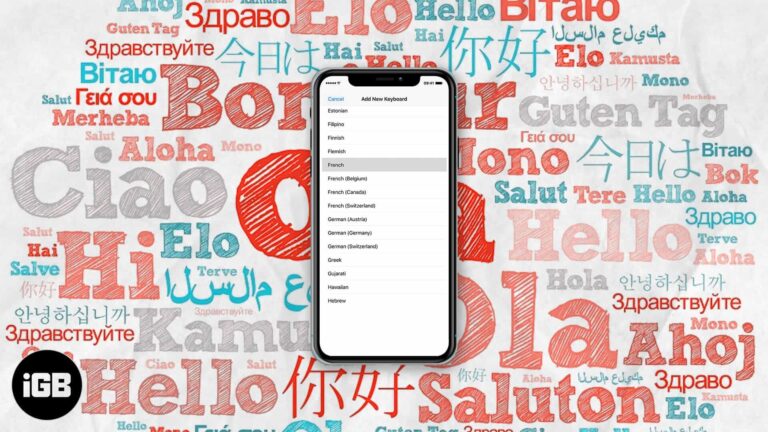
The iOS keyboard can autocorrect two languages simultaneously, so you stop switching mid-sentence. Here is which languages support it, how to set it up, and how to fix it when it fails.
Face ID gets slower with poor angles and awkward lighting. These adjustments, including turning off Require Attention and setting an alternate appearance, cut the delay before your phone unlocks.
Siri Suggestions learn from your habits, so they break quietly when settings reset. Here is how to restart the feature, toggle it properly, and update iOS to get recommendations back.
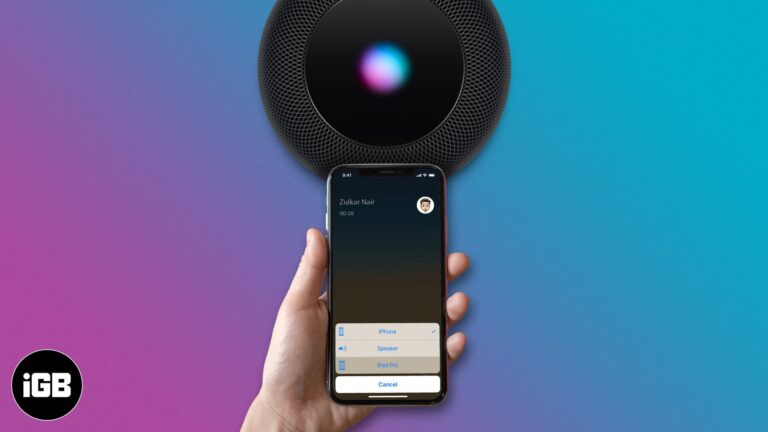
Calls jumping to the wrong speaker is a constant annoyance. Here is how to set a Bluetooth headset or speaker as your default call audio output on iPhone so routing behaves predictably.
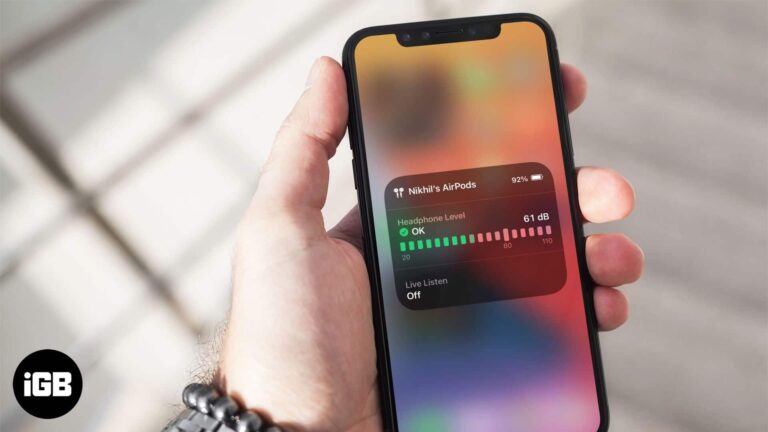
Sustained volume above 80 decibels damages hearing over time. iPhone can measure headphone levels live. Here is how to add the Hearing control and check your listening history in Health.
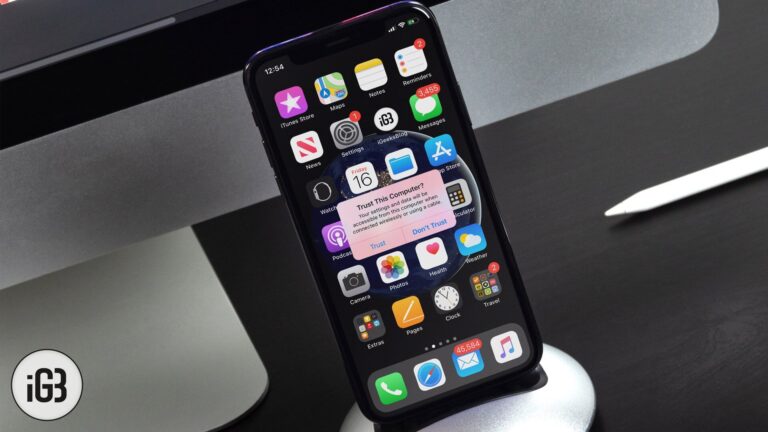
When you connect your iPhone or iPad to a Mac or Windows PC, you might see a pop-up on your device that asks – Trust This Computer. If you accidentally tapped on Don’t Trust, here are some ways to undo…