
FaceTime Like a Pro
Get our exclusive Ultimate FaceTime Guide 📚 — absolutely FREE when you sign up for our newsletter below.

FaceTime Like a Pro
Get our exclusive Ultimate FaceTime Guide 📚 — absolutely FREE when you sign up for our newsletter below.



The Notes app is incredibly useful in everyday life and is packed with handy features. Among these is the ability to set the style of digital paper you want, such as a grid or ruled lines. This is especially helpful…

Color Filters are perfect for the ones with color blindness to help them comprehend between the different colors. These filters provide a way to adjust the tints and hue of the screen. So, through this color filter option, you can…

Apple Watch is packed with great features from listening to music to games. And whether you are an adult or a child, distraction is a tough bird to kill. Although a handy watchOS feature can help you set schedule-based limits on…
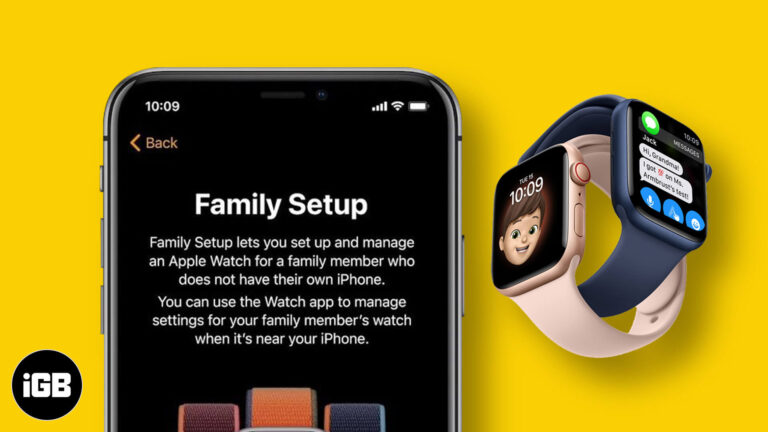
At the ‘Time Flies’ event, Apple announced two new Apple Watch models – Series 6 and SE. One big highlight was a new feature in watchOS 7 called Family Setup. You can now set up the Apple Watch of family…

The Apple Watch Series 6 came with a blood oxygen sensor and an accompanying app to help you measure how well oxygenated your blood is at any moment. This is an excellent new feature to gain insights into your health…
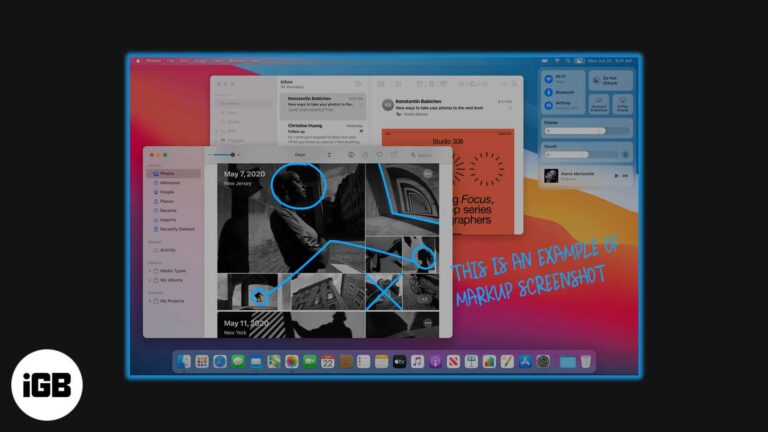
Markup in the Preview app is one of the most useful tools on Mac that lets you edit pictures meticulously. Having plenty of editing options in Mac’s own toolbox means that you don’t need a third-party application to modify your…
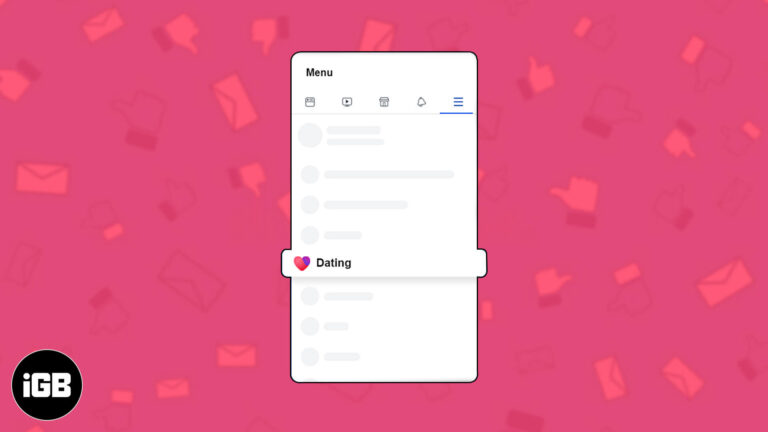
Facebook’s new dating feature gained eyeballs with its launch for all the right reasons. Being one of the largest online social community, Facebook boasts a range of appealing dating features like a secret crush list and Instagram attachments. If you’re…

Like your pictures, to give you a good viewing experience, even your Video requires an excellent orientation. Maintaining the wrong orientation video will adversely affect the user’s actuality while viewing a video on your iPhone. When viewed in landscape mode, videos…

The microphone icon on the iPhone and iPad keyboard is for dictation. After tapping on it, you speak, and it effortlessly types what you dictate. Despite being a handy feature, many users prefer typing, swiping, and seldom use dictation. Additionally, some…
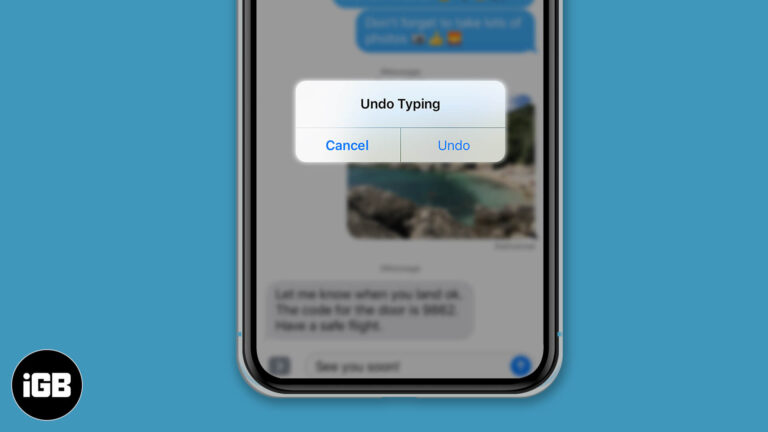
Here's how to fix mistakes fast with undo and redo features on iPhone and iPad.
Shared Album on the iPhone and Mac is one of the underrated features that people often overlook. In a few clicks, it lets you share several images and videos with your family and friends. They can also add their pictures…

Faxing might sound like an outdated means of communication or sharing documents, but it is still as respected as it used to be. While there are myriad options for sharing documents today, including emails and instant messaging applications, faxing remains…

More than a billion people regularly use WhatsApp. It provides a way to communicate with our friends and families securely. So, when you switch to a new phone, you wouldn’t want to leave those chats, moments, and data behind. By…

The moment you open a web page on your computer, it will start playing audio or video. If you haven’t silenced the sound, you can experience an intense glare from people sitting around. Thankfully, there is a way to perfectly…

Apple started giving a security feature called System Integrity Protection with macOS X 10.11 El Capitan. It functions to prevent malware from modifying system files on your Mac. SIP is meant to protect your Mac from malicious software while running…

The Announce Call feature on the iPhone was introduced with iOS 10. When you enable it, your iPhone will speak up the caller’s name every time you receive a call. In case the number is not on your contact list,…

The inbuilt iOS keyboard supports several languages that let people across the globe converse in their preferred choice. If you are someone who uses more than one language while writing, you can enable multilingual typing. Using this, you can quickly…
According to Apple, for most iPad models, you should get around 10 hours of usage in a single full charge. This will change depending on how old your device is. But, if it is relatively new, in good condition, and…
Face ID is the most secure and fast way to unlock your iOS device, authenticate purchases, sign in to apps, and more. However, do you think that you are having a subpar experience while using it every day? If you…
Siri app suggestions are one of the proactive features in iOS. Based on your routines and how you use your apps, it makes recommendations for what you might want to do next. This includes helpful hints, like asking you to…

Taking calls while playing music on your thumping Bluetooth speaker can be annoying, especially when the iPhone is kept away. In this case, it’s great to redirect calls to the speaker and answer directly if it has a built-in mic.…
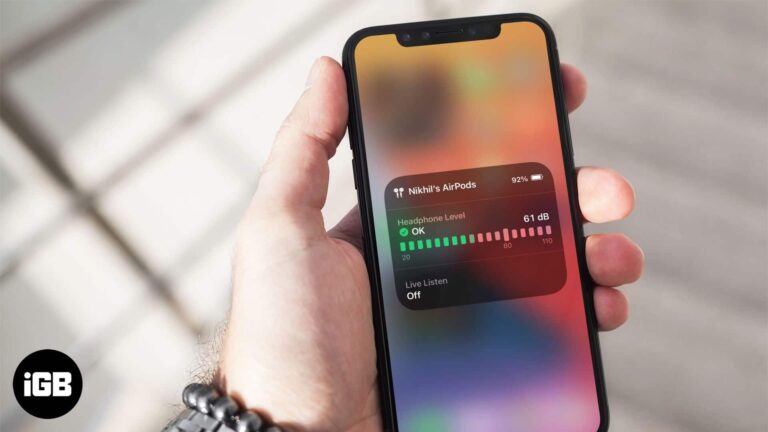
According to WHO experts, high decibels sound (above 80db) can harm your listening ability in the long run. It is thus advisable to keep your headphone audio levels in check. Earlier in iOS 13, you could see the history of…
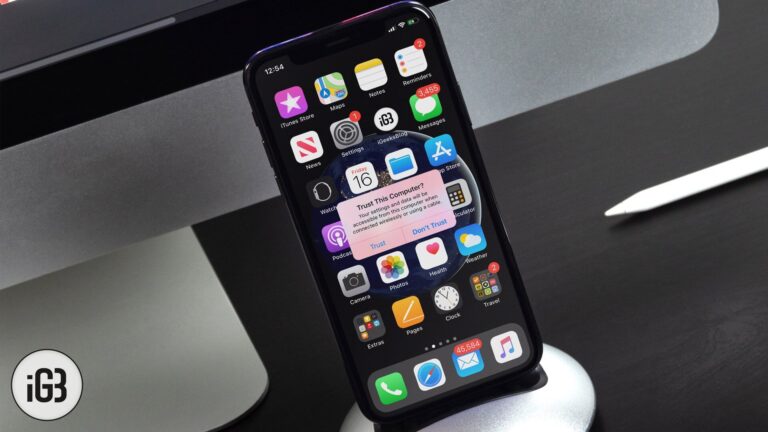
When you connect your iPhone or iPad to a Mac or Windows PC, you might see a pop-up on your device that asks – Trust This Computer. If you accidentally tapped on Don’t Trust, here are some ways to undo…
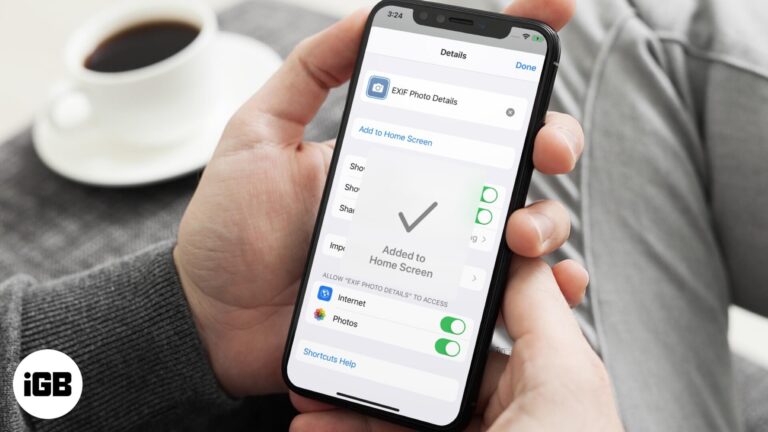
Siri Shortcuts in iOS and iPadOS let you perform tasks quickly. You can create your own shortcuts to take action and get various things done efficiently. Once you do that, it is of prime importance to add its icon to…
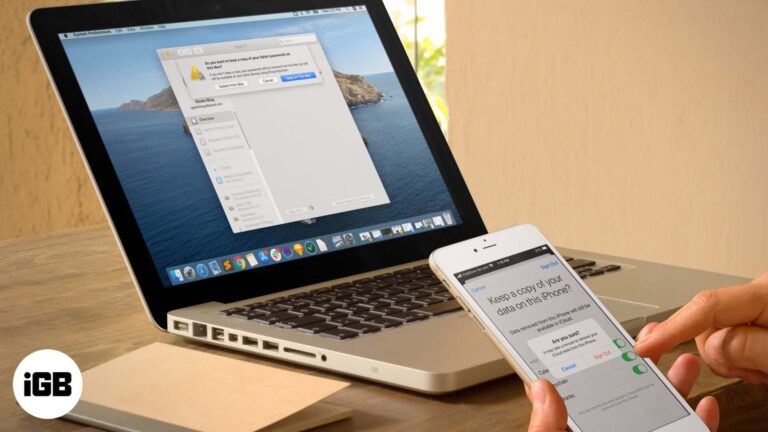
iCloud is the service that seamlessly ties all your Apple devices together. Additionally, many services like Find My device, Keychain, Apple Pay work only when you are signed in to an iCloud account. Still, there may be reasons to sign out…

Apple Music lets you add a song to your library as well as download it locally for offline listening. When you want to delete songs from it, you have two options – Remove and Delete from Library. Both are different…

Google and iOS add another layer of security; you can now lock Google Drive on iPhone and iPad using Privacy Feature. Dubbed as the Privacy Screen, the feature secures your data by using biometrics. So, you will require Face ID or…

Follow this detailed guide to extract text messages from your iPhone backup to a computer. Export your messages as txt or pdf files and save your photos and videos.


