FaceTime Like a Pro
Get our exclusive Ultimate FaceTime Guide 📚 — absolutely FREE when you sign up for our newsletter below.

FaceTime Like a Pro
Get our exclusive Ultimate FaceTime Guide 📚 — absolutely FREE when you sign up for our newsletter below.


Learn what your favorite emojis mean! Follow these simple steps to quickly find out exactly what each emoji is about.
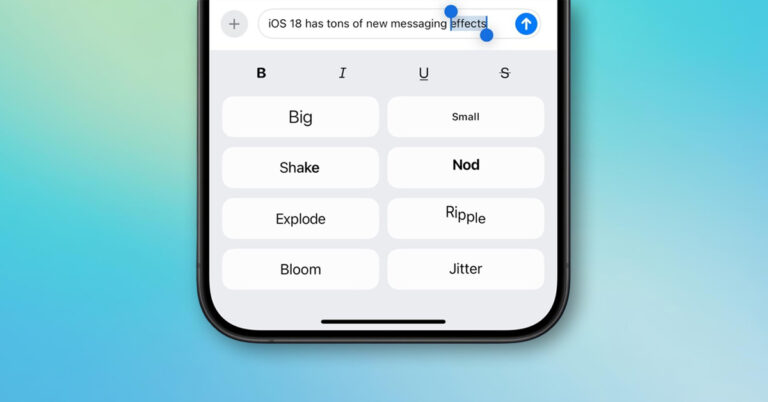
A word can whisper or smile in iMessage. With a subtle effect, your message stays yours, just with a little more feeling between the lines.
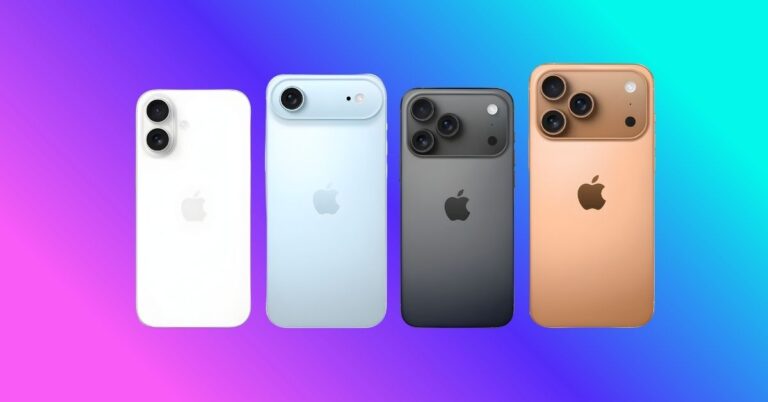
Make your new iPhone smarter. From AssistiveTouch to Live Text and Siri hacks, discover 22 iPhone tricks that’ll transform how you use your device.
Use Search Here in Apple Maps to refresh nearby results, narrow the map area, and apply filters so you always find the right spots fast on your iPhone.
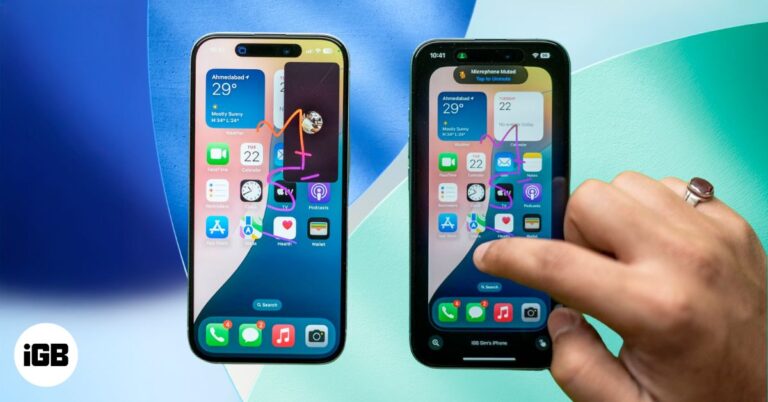
With SharePlay in FaceTime, you can remotely control someone’s iPhone screen to guide them through settings or troubleshoot issues. Here’s how it works.
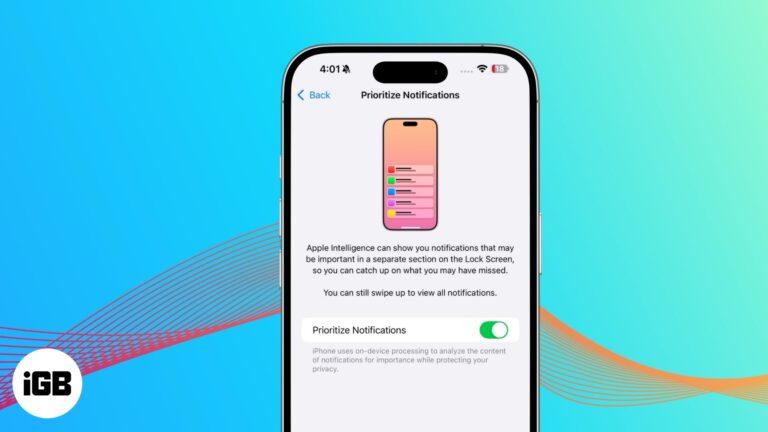
Reduce notification overload with Priority Notifications. This Apple Intelligence feature ensures you never miss important alerts.
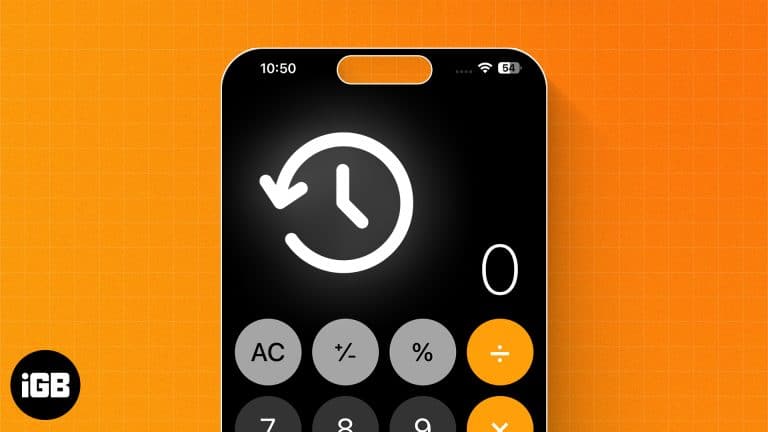
iOS 18 finally added a calculation history to Calculator, complete with a running tape you can review and clear. Here is where to find it, and the workaround for older iOS versions.
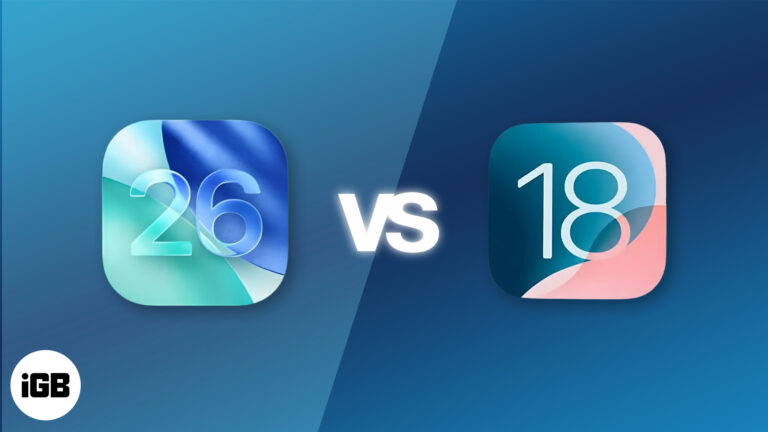
Wondering how iOS 26 compares to iOS 18? From a stunning Liquid Glass design to a brand-new Games app, discover the biggest changes Apple made in its latest iPhone update.
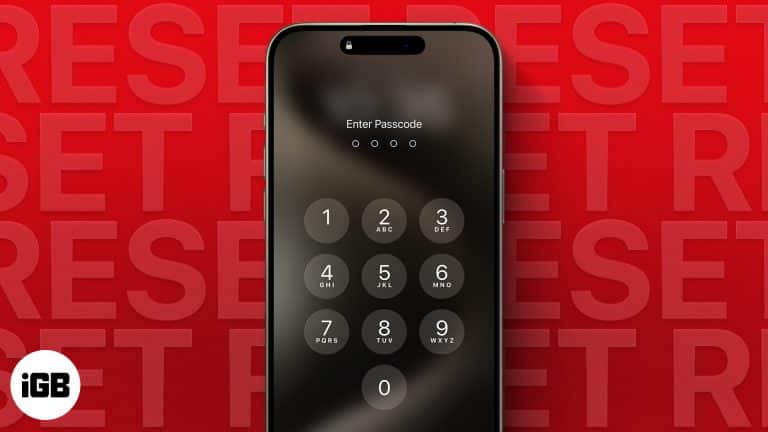
Repeated wrong entries lock an iPhone entirely, and there is no way to recover the passcode itself. These four tested methods erase and restore the device, plus what to do once you are back in.
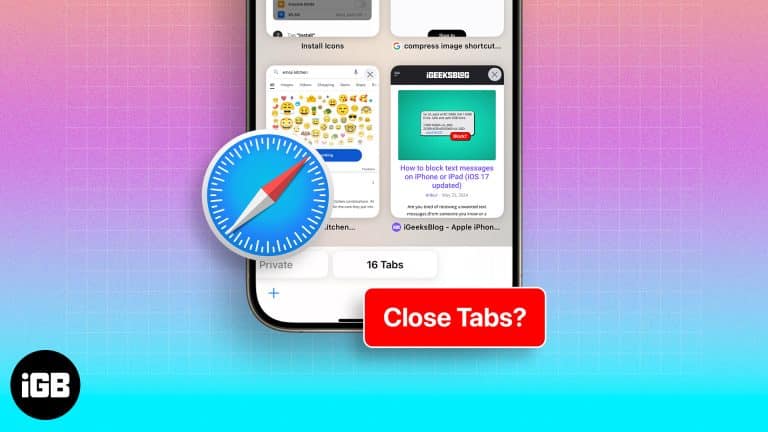
Looking for an easy shortcut to close all open tabs at once in Safari. Here are multiple ways to close all tabs on iPhone or iPad.

 Ava Biswas and Yash Wate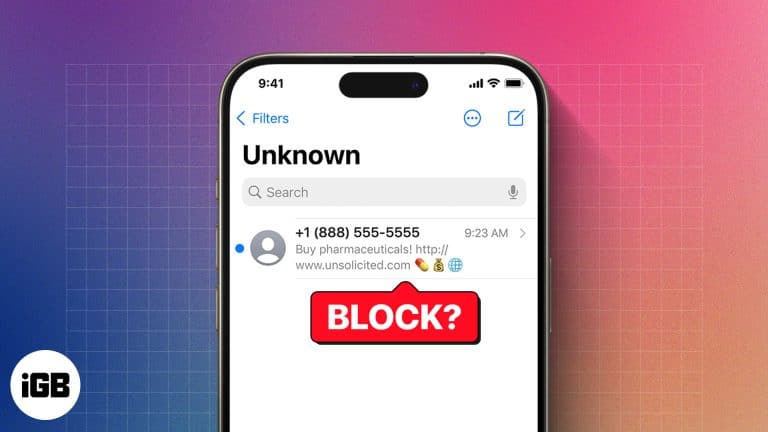
Blocking stops calls, texts, and FaceTime from a number in one move. Here is how to do it from every app that offers it, where to review your blocked list, and how to reverse it later.
Ava Biswas and Yash Wate
What are the new accessibility features in iOS 18? This article will answer this question and explain how to use them.
Ava Biswas and Yash Wate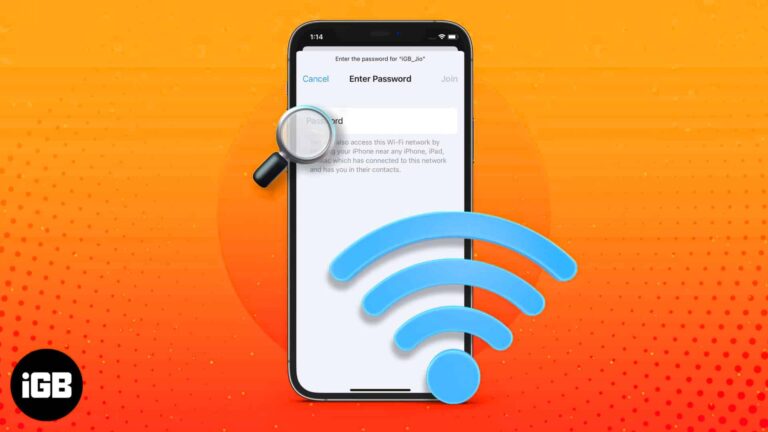
iOS finally lets you read saved Wi-Fi keys rather than just share them. Here is where to find them in iOS 18, the older iOS 17 method, and how to share a network with someone nearby.
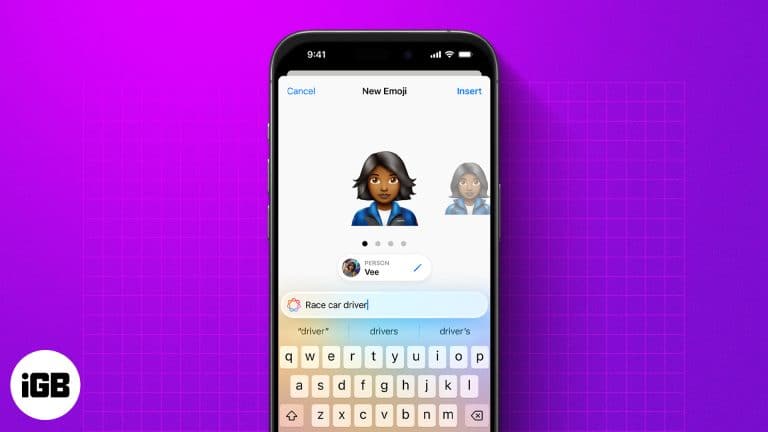
Genmoji lets you create custom emojis from text, emojis, or photos. Here’s how to use, customize, and share them on your iPhone.
Ava Biswas and Yash Wate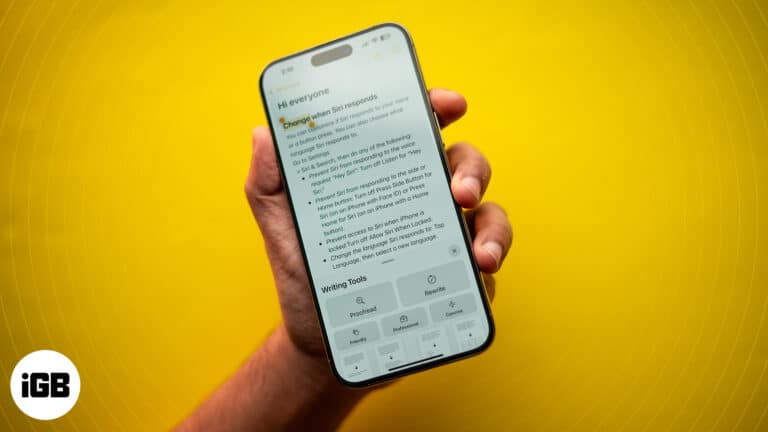
Learn to use Writing Tools with Apple Intelligence on your iPhone to summarize text, proofread, and generate different versions to find the perfect tone.
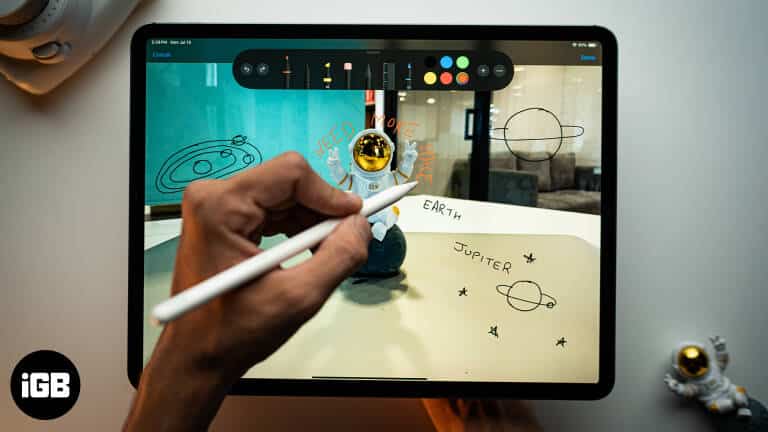
Markup is built into Photos, Mail, Files, and Safari but easy to miss. Here is which apps include it, what you can annotate with it, and how to use every tool on iPhone and iPad.
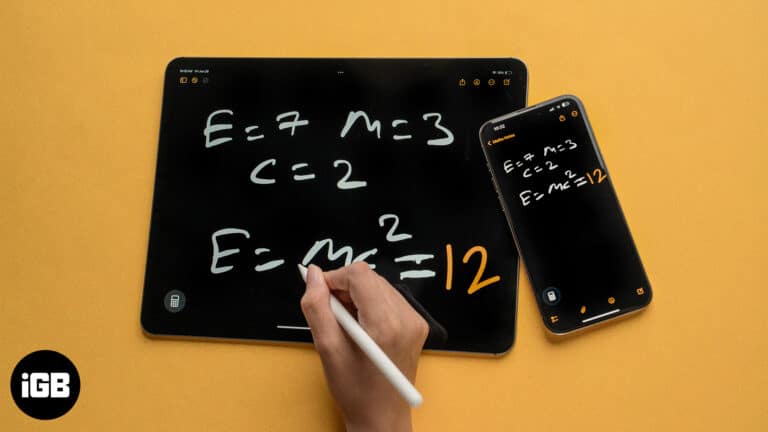
Solve equations and plot 3D graphs with Math Notes on iPhone and iPad in iPadOS 26—here’s how to use Apple’s powerful new Calculator feature.
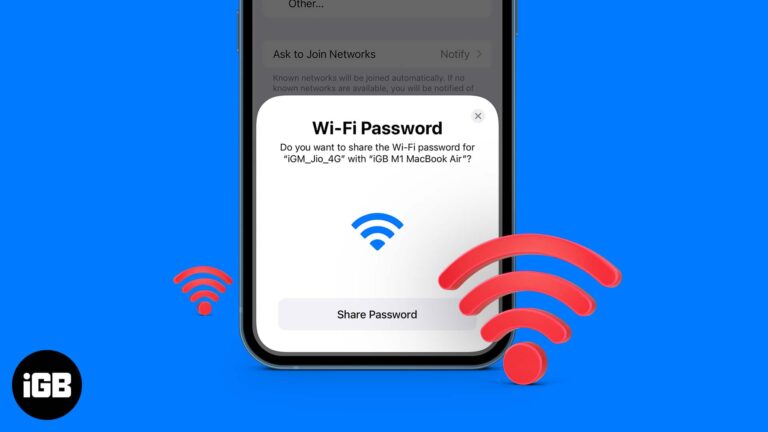
This post details how to share Wi-Fi password on iPhone, iPad, and Mac. Trust me, nothing is more frustrating than spelling out your complex Wi-Fi password to a friend visiting your home.
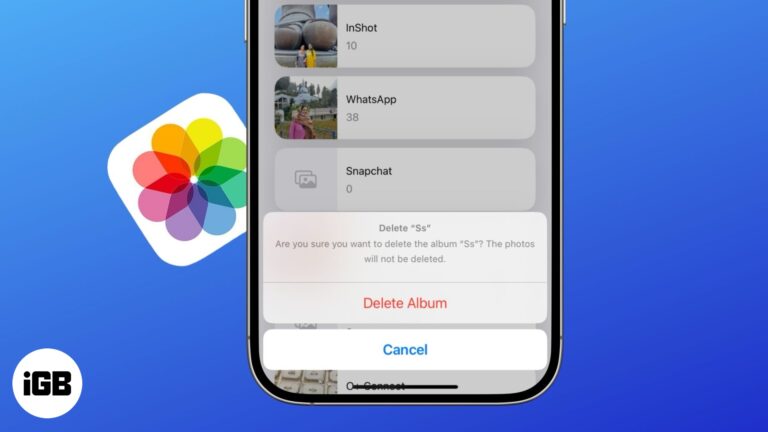
Get rid of cluttered photo albums in just a few taps.
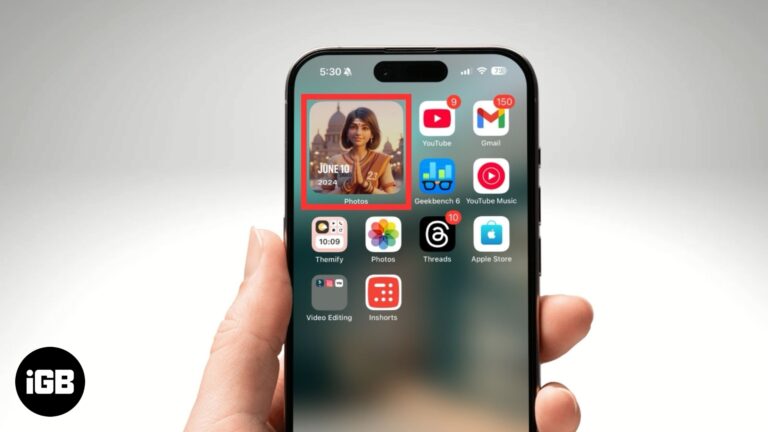
Easily customize and manage featured photos in iOS 18.
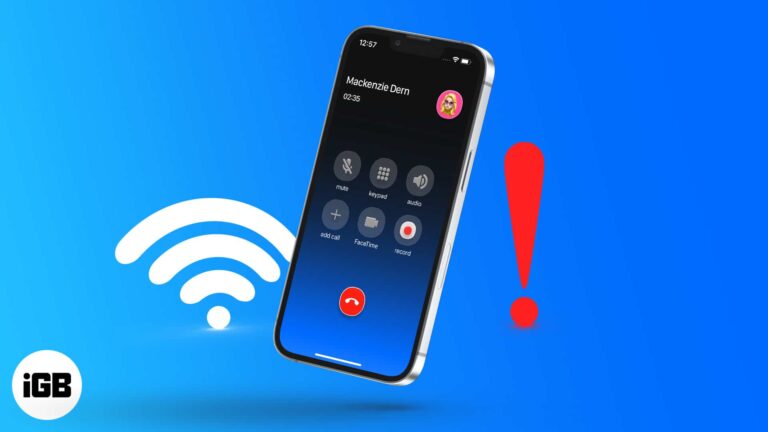
Having trouble with Wi-Fi calling on your iPhone? Whether it’s not connecting or dropping calls, this guide will help you fix the issue in minutes.
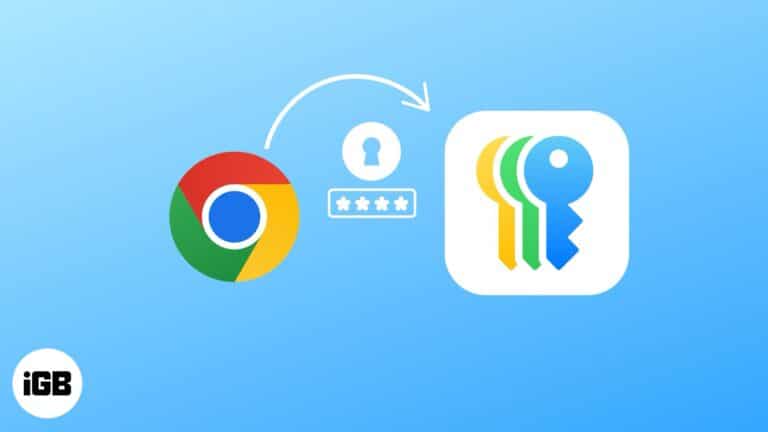
Here's how to secure your passwords the Apple way and ditch the third-party password managers.

Frustrated with iOS 26 bugs? Here’s how to safely downgrade to iOS 18.
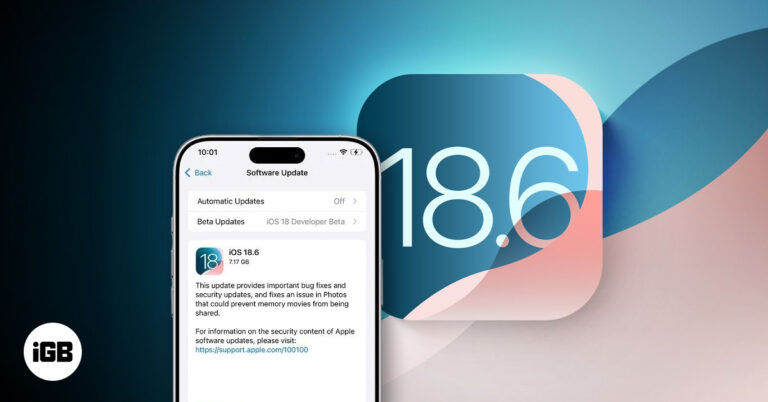
Apple has released iOS 18.6 with key security fixes and EU-specific App Store changes. Learn what's new and why this update matters for your iPhone.
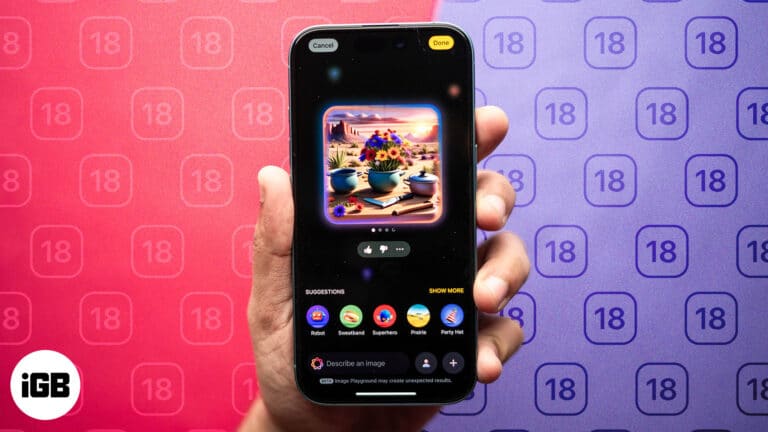
Create fun, original AI images on your iPhone with Apple Image Playground—from avatars to Genmoji.
Make driving smarter and more enjoyable with these Apple CarPlay tips and secrets.

 Nidhi Bohra and Vikhyat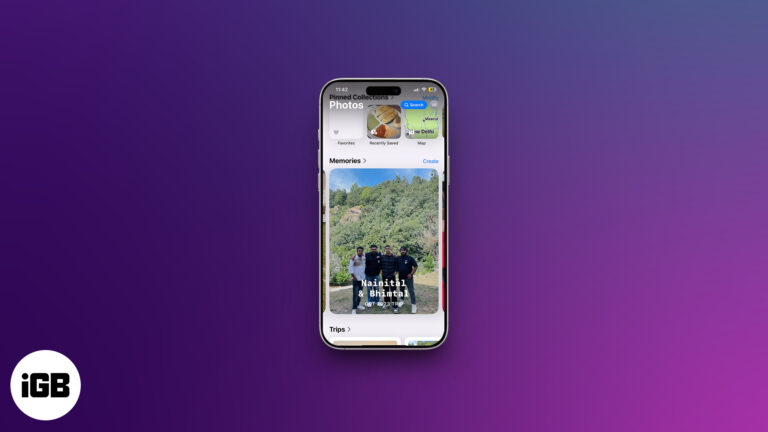
Memories turns your library into edited movies with music, and it is more controllable than most people realize. Here is how to view them, customize them, build your own, and remove any.
Nidhi Bohra and Vikhyat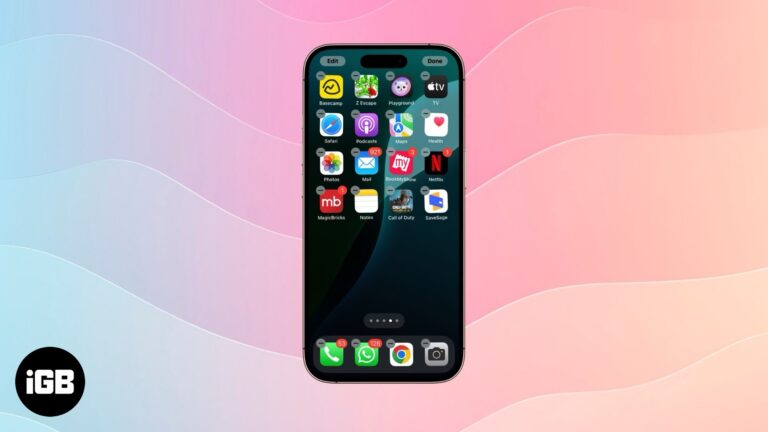
Learn how to declutter your iPhone by organizing apps with folders, pages, and the App Library.