
FaceTime Like a Pro
Get our exclusive Ultimate FaceTime Guide 📚 — absolutely FREE when you sign up for our newsletter below.

FaceTime Like a Pro
Get our exclusive Ultimate FaceTime Guide 📚 — absolutely FREE when you sign up for our newsletter below.


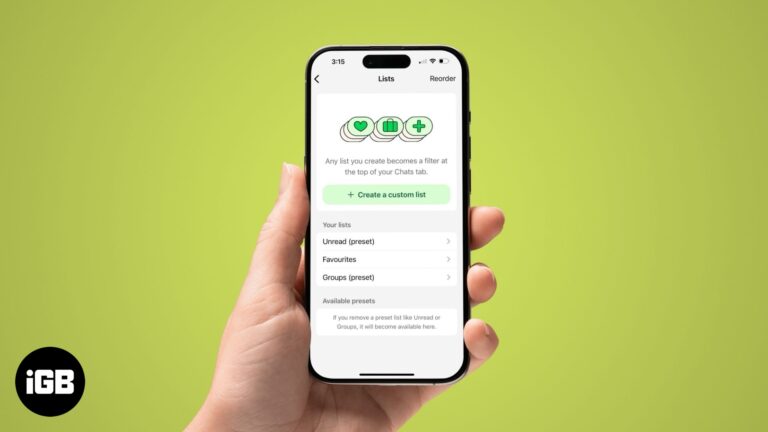
Use custom chat lists on WhatsApp for quick access to chats.
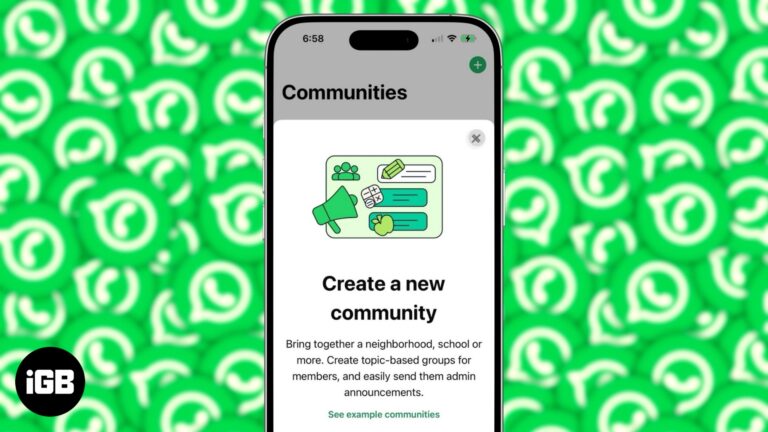
All you need to know about WhatsApp Communities.
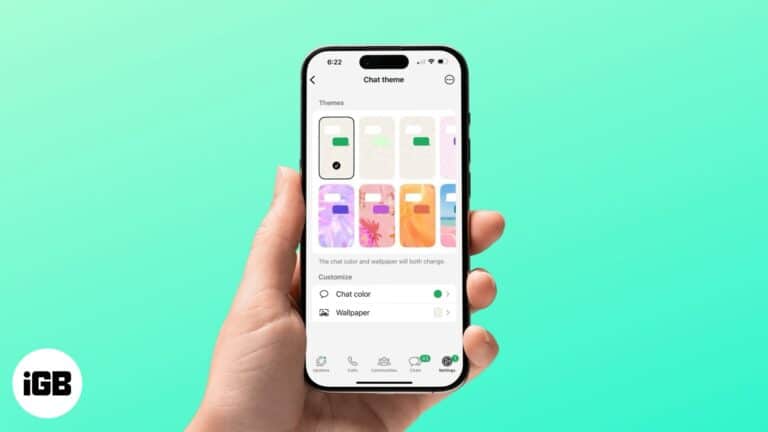
Customize your WhatsApp chats with unique themes and colors.

WhatsApp is one of the most popular messaging apps globally — and for good reason. Its rich features make it a powerful tool for communication. However, one major drawback is its tendency to compress images, especially when the HD photo…
WhatsApp doesn’t have call recording, but here’s how to record audio and video calls on your iPhone.
Switching phones? This guide shows you how to move your WhatsApp chats and photos from Android to iPhone without losing your important conversations.
Simple steps to delete files and manage WhatsApp storage on your iPhone.
Learn simple methods to send multiple images at once on WhatsApp.

Thanks to WhatsApp’s latest update, gone are the days of fretting over quality loss when sharing media. Now, iPhone and Mac users can choose their quality preference – Standard and HD – before sending images on WhatsApp or set for…

WhatsApp formatting relies on symbols around your text rather than a toolbar. Here are the characters for bold, italic, strikethrough, and monospace, plus how to build lists in a chat.

WhatsApp recently experienced a data breach that affected 500 million users, leading to increased fraud and scam calls. WhatsApp responded promptly by introducing a helpful feature within the app that allows you to silence unknown callers on iPhone. Here’s how to do…
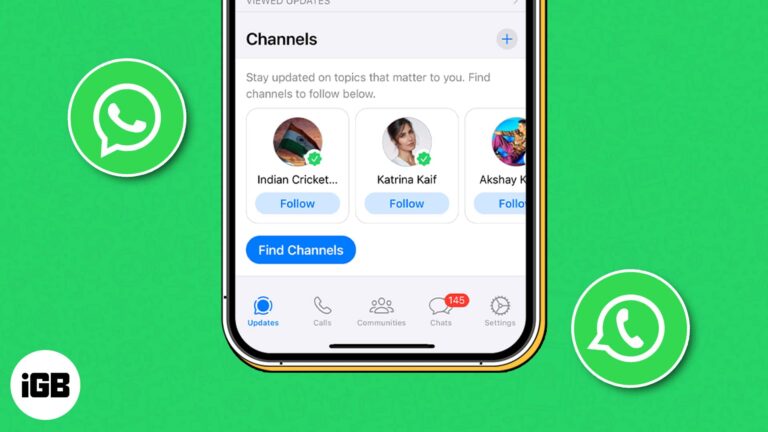
WhatsApp has been slowly rolling out its new Channels feature in different countries, and after a long wait, it’s now available in 150 countries. If you don’t know what WhatsApp Channels are and how to use them, then you’re in…
WhatsApp is dedicated to enhancing effective communication through innovative means. In line with this commitment, the Meta-owned app recently introduced a new feature – the ability to create and send short video messages. If the concept of sharing short videos…
Protecting our personal information and private conversations while using messaging apps like WhatsApp is crucial. Thankfully, WhatsApp rolled out a helpful feature called Privacy Checkup that allows you to review and manage your privacy settings. Here, I will share how to start…
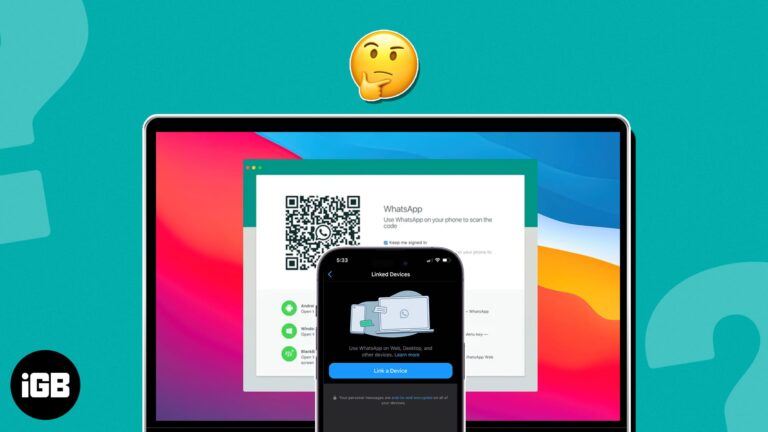
WhatsApp is one of the world’s most widely used messaging apps, and its convenience has extended beyond smartphones. This guide has everything you need to know about using WhatsApp on your Mac. Let’s get started! How to use WhatsApp Desktop…

We want to keep our WhatsApp chats private and protect them from prying eyes, right? Thankfully, WhatsApp offers a handy feature to lock your chats on your iPhone. So, if anyone gets access to your WhatsApp, they can’t read those chats until…
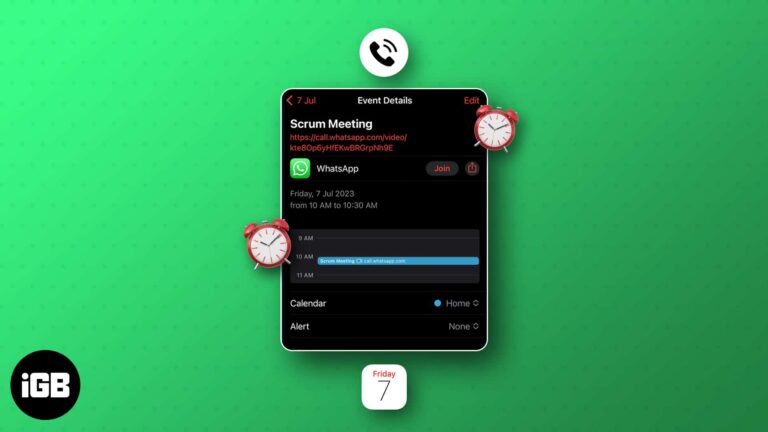
While we’re busy with our daily lives, it’s very crucial to stay updated with our work-related stuff. We cannot ignore the importance of being organized. Thankfully, you can now integrate WhatsApp calls seamlessly into your iPhone’s Calendar app to effectively…

Whether you are a social butterfly, a busy professional, or an avid traveler, get ready to unlock a whole new level of convenience and connectivity by using the same WhatsApp account across multiple devices. Yes, you heard that right! Accessing…

WhatsApp is an incredibly popular platform thanks to its easy-to-navigate user interface and numerous features, including group video calling and end-to-end encrypted chats. It has become the standard for texting and has taken the place of SMS in many countries.…
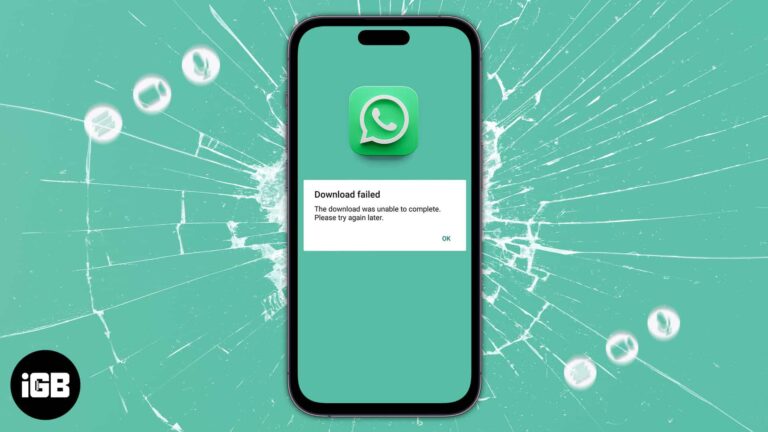
WhatsApp is one of the most popular messaging platforms, and it lets you send multimedia messages and stay connected with your dear ones. If you’re wondering why WhatsApp media is not downloading on iPhone, there are many reasons. I have…

We all have experienced Avatars on Facebook, Instagram, and Messenger for quite a long time. Now, WhatsApp has rolled out the same feature. So, you can create a WhatsApp Avatar on your iPhone by choosing various outfits, hairstyles, and facial…
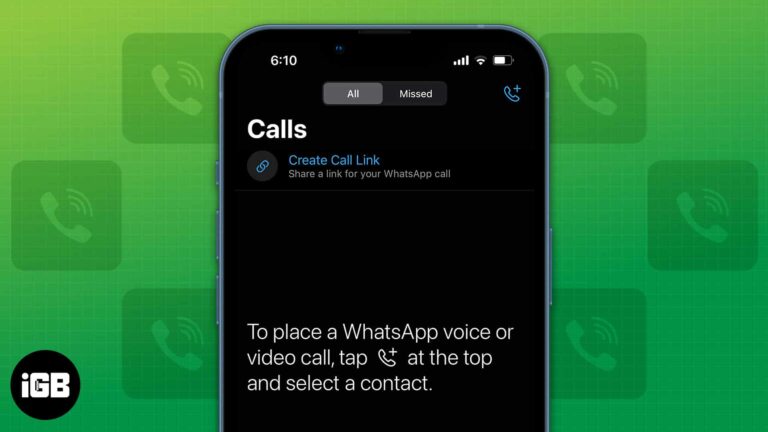
WhatsApp is one of the largest instant messaging services in the world. It is the primary service used for audio and video calls in several countries. Considering that, the company constantly makes additions and improvements to the service. The latest…

You deserve the best experience you can get, whether you’re making a WhatsApp call or chatting with a friend. Although WhatsApp might seldom try to reconnect if your network is unstable, it’s worth your attention if it becomes frequent or…

WhatsApp safeguards our conversations using end-to-end encryption. Its security code is an indication that the conversation between you and the receiver is encrypted. Changing WhatsApp security codes will help establish your contact is legitimate and the conversation is encrypted. This article…

WhatsApp gives no official way past a block, but two workarounds sometimes reach the person. Here is how the group chat method and the account reset approach work, and their real limitations.
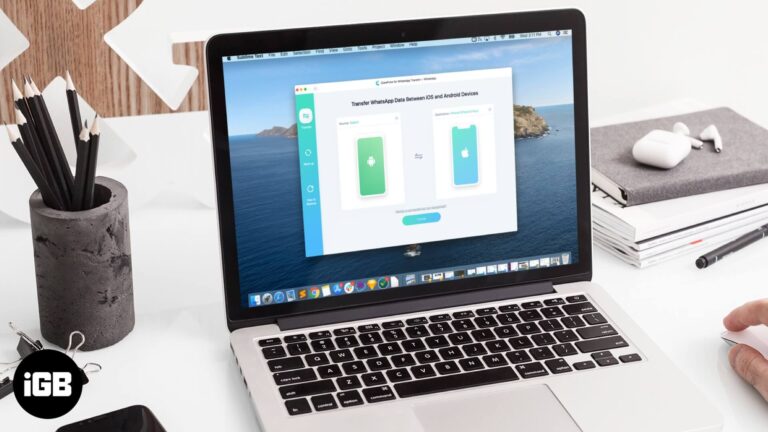
Moving WhatsApp between iPhone and Android normally means abandoning your history. iCareFone transfers chats and media across platforms. We look at how it works, its backup tools, and the price.

Photos stall in WhatsApp when the app lacks Photos access, the connection is weak, or storage is full. These fixes work through permissions, network checks, and app settings in order.
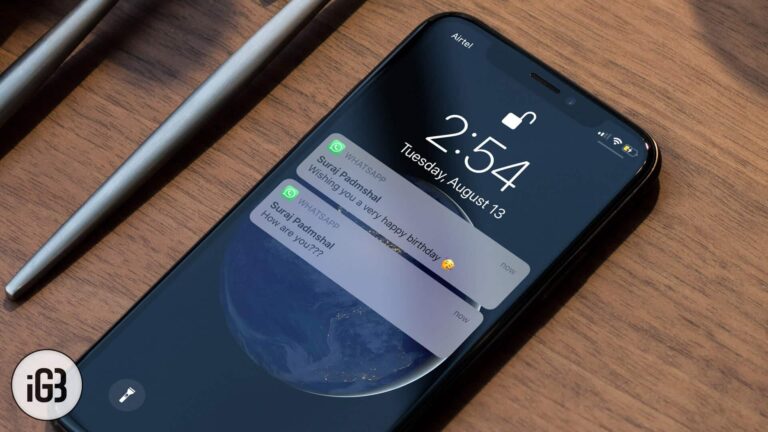
Anyone glancing at your Lock Screen can read incoming WhatsApp messages. Here is how to turn off message previews on iPhone so only the sender name, or nothing at all, appears.
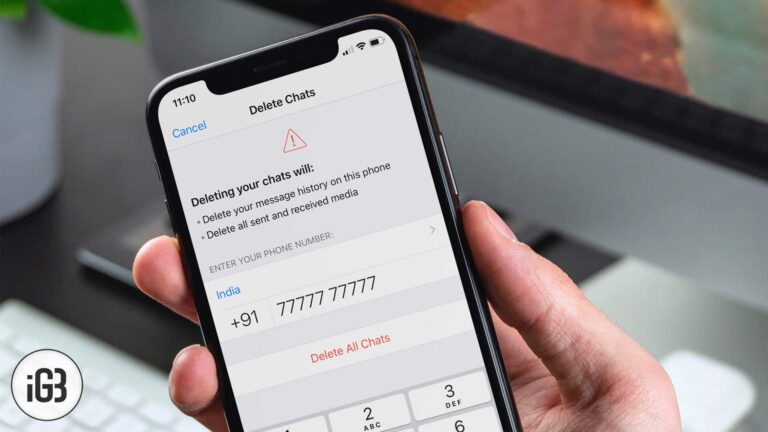
WhatsApp media quietly consumes gigabytes. Here is how to clear the history of one chat or every chat on iPhone, and what the difference is between clearing and deleting a conversation.


