
FaceTime Like a Pro
Get our exclusive Ultimate FaceTime Guide 📚 — absolutely FREE when you sign up for our newsletter below.

FaceTime Like a Pro
Get our exclusive Ultimate FaceTime Guide 📚 — absolutely FREE when you sign up for our newsletter below.




FaceTime hand gestures lets to send confetti and hearts reactions and make video calls more fun!
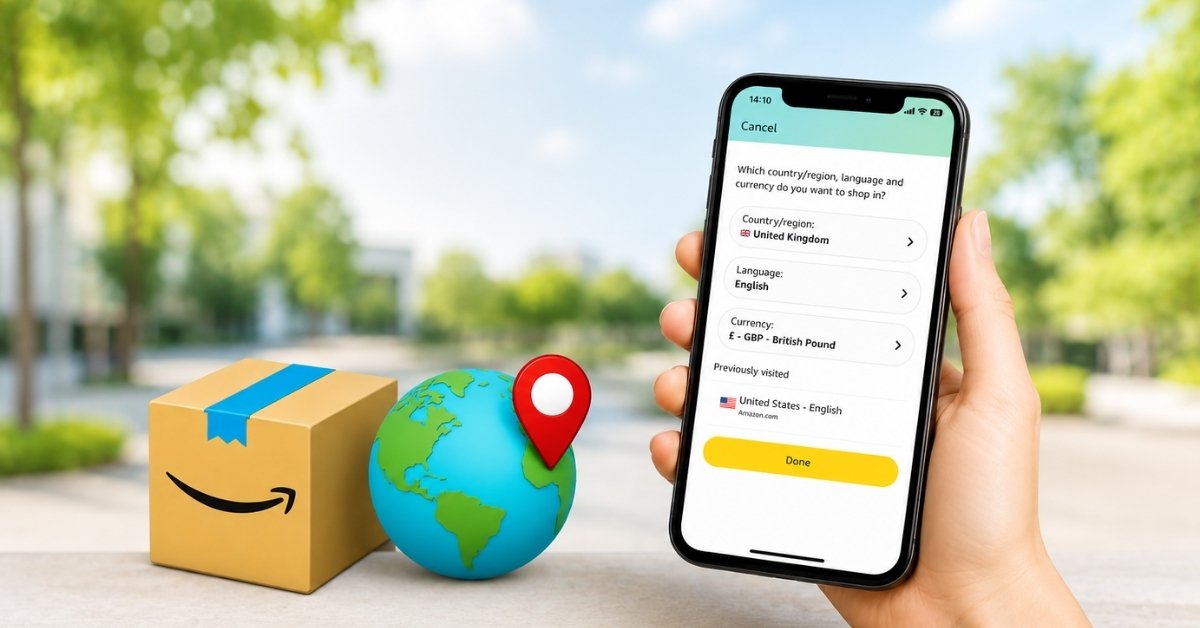
Shop Amazon like a local—anywhere in the world. Here’s how to switch your country in a snap!
Learn how to use Facebook’s Lock Profile feature to control who can see your photos, posts, and personal info plus what to do if the option isn’t available on your account.
Don't want to be disturbed by government alerts? Check out this guide to learn how to turn off AMBER and Emergency alerts on your iPhone.
Want to turn a Live Photo into a video for online sharing? Learn how to save a Live Photo as a video on an iPhone and create a sticker out of a Live Photo.
Want to save photos from WhatsApp on your iPhone? Read on to find out how to save WhatsApp photos to iPhone manually and automatically.
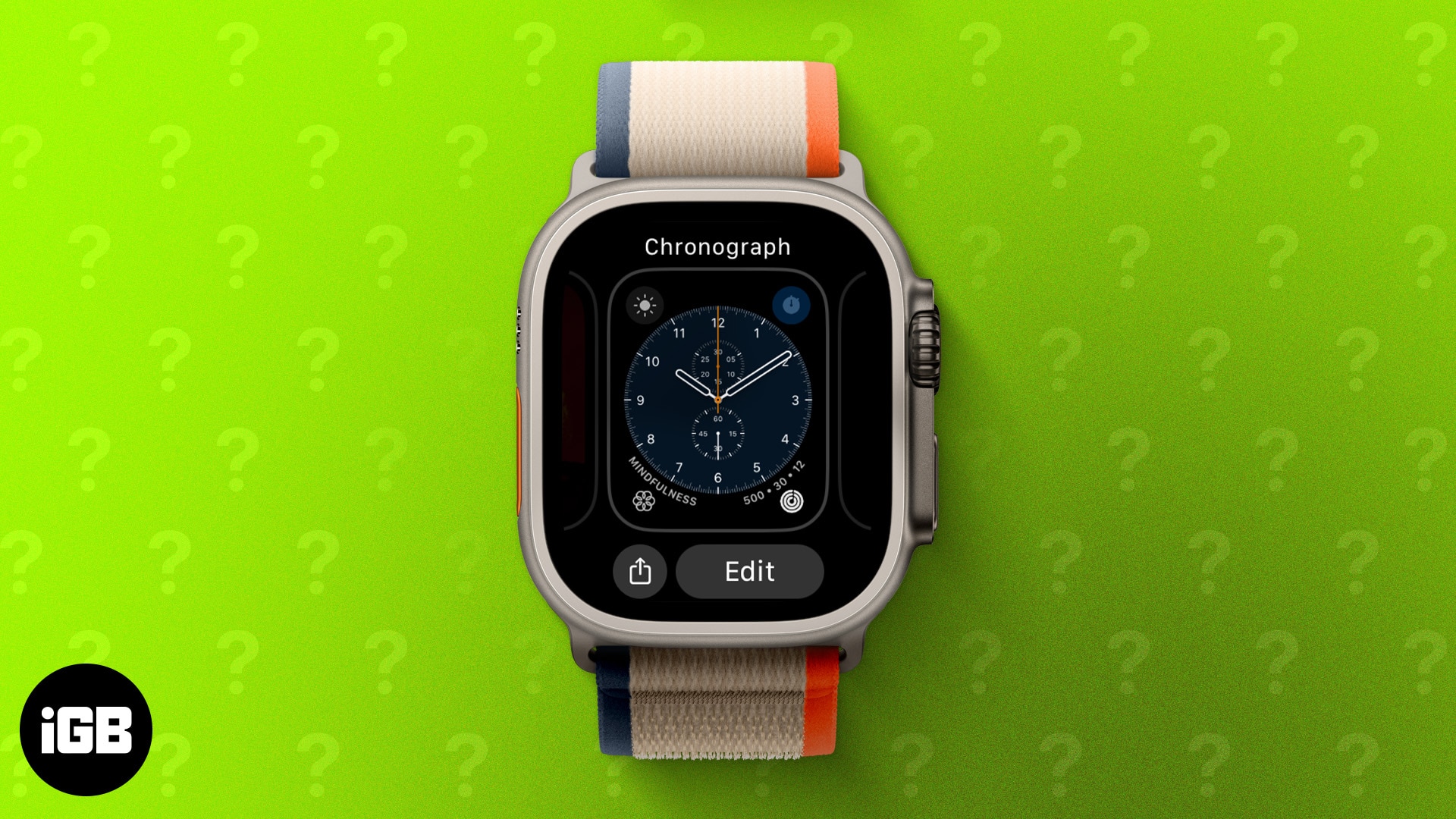
Changing your Apple Watch face is an easy way to personalize your style. Learn how to switch, customize, remove, and even create custom watch faces in this step-by-step guide.
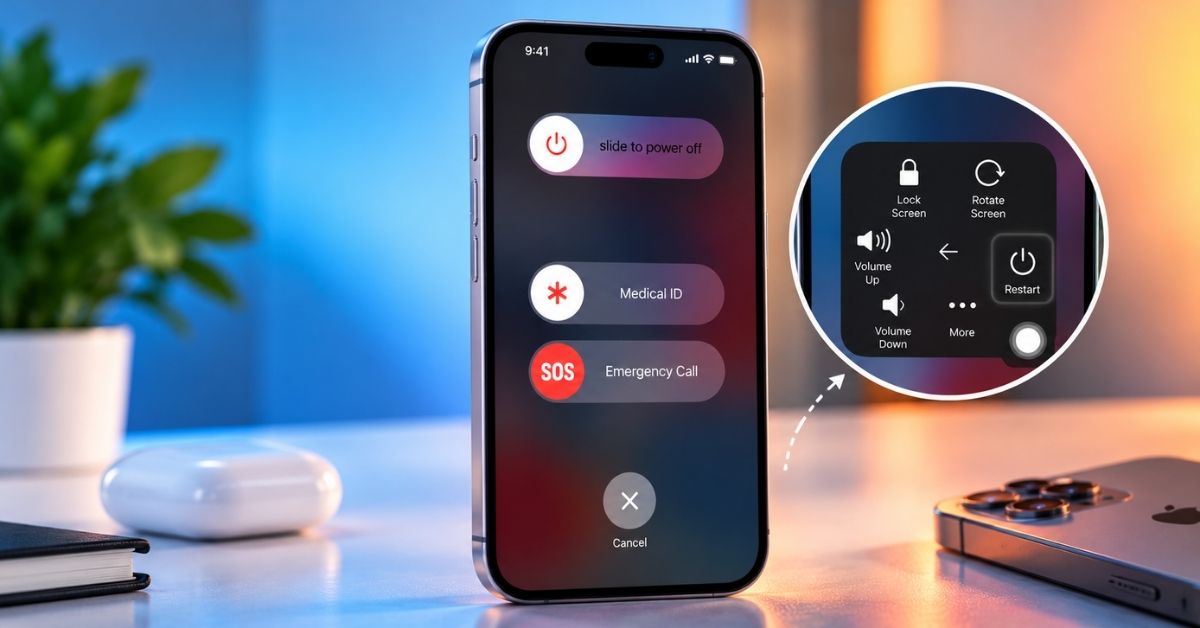
A broken power button need not stop you shutting down. Here is how to power off an iPhone from Control Center in iOS 18, the Settings method for older versions, and how to switch it back on.
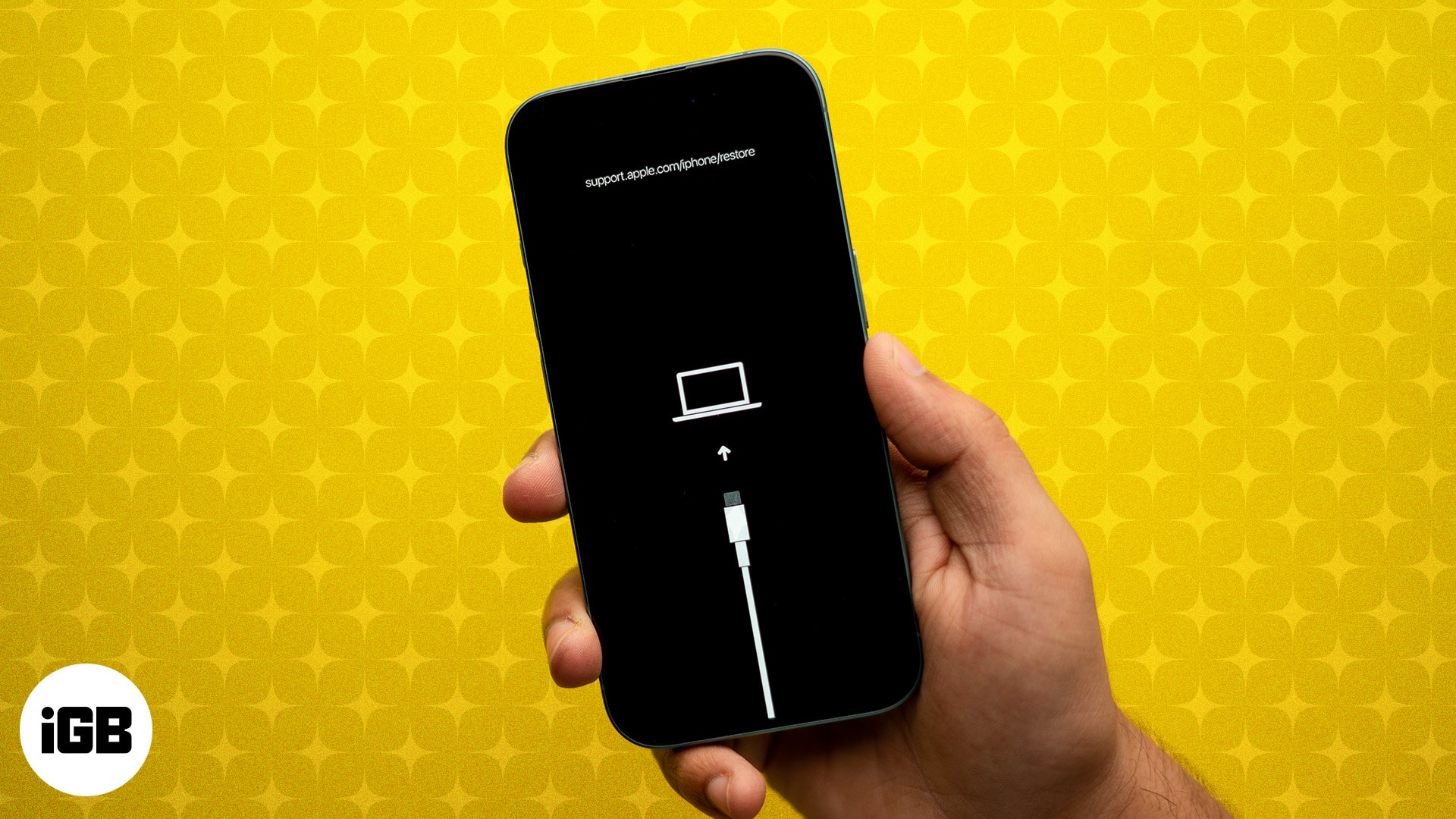
DFU mode is the deepest restore your iPhone or iPad offers. Here are the exact button steps for every model, including iPhone 18 Pro, plus how to restore and exit.
Out with the old, in with the secure! Learn how to factory reset your device and send it off worry-free.
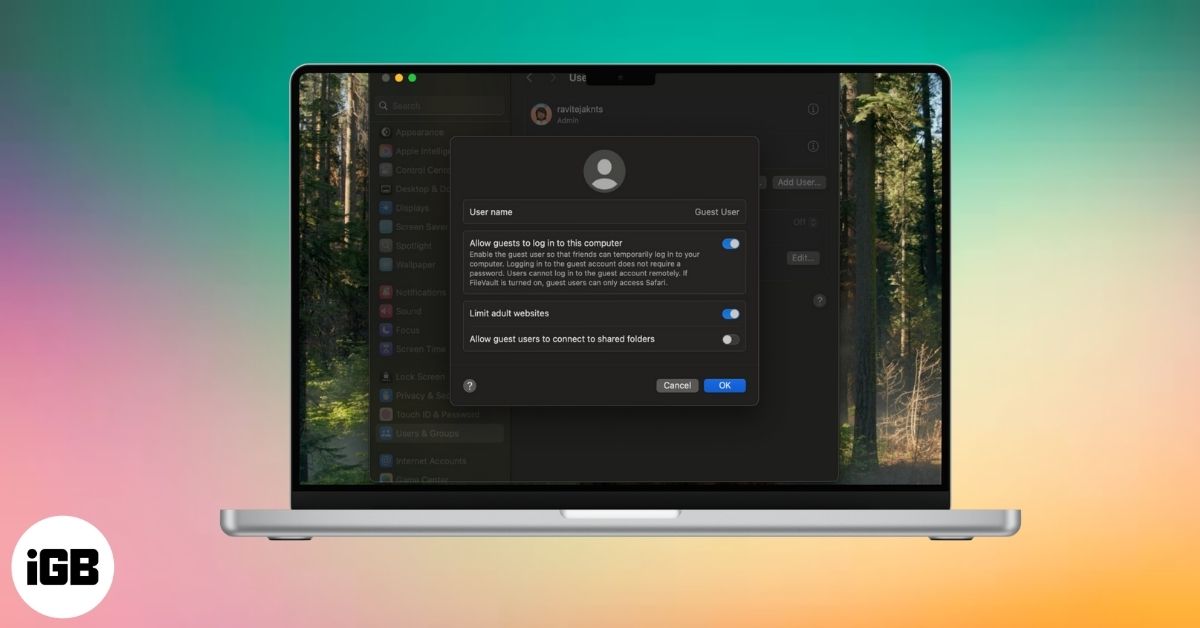
Sharing your Mac doesn’t have to mean sharing your files. Here’s how to set up Guest User on macOS for quick, secure access without risking your data.
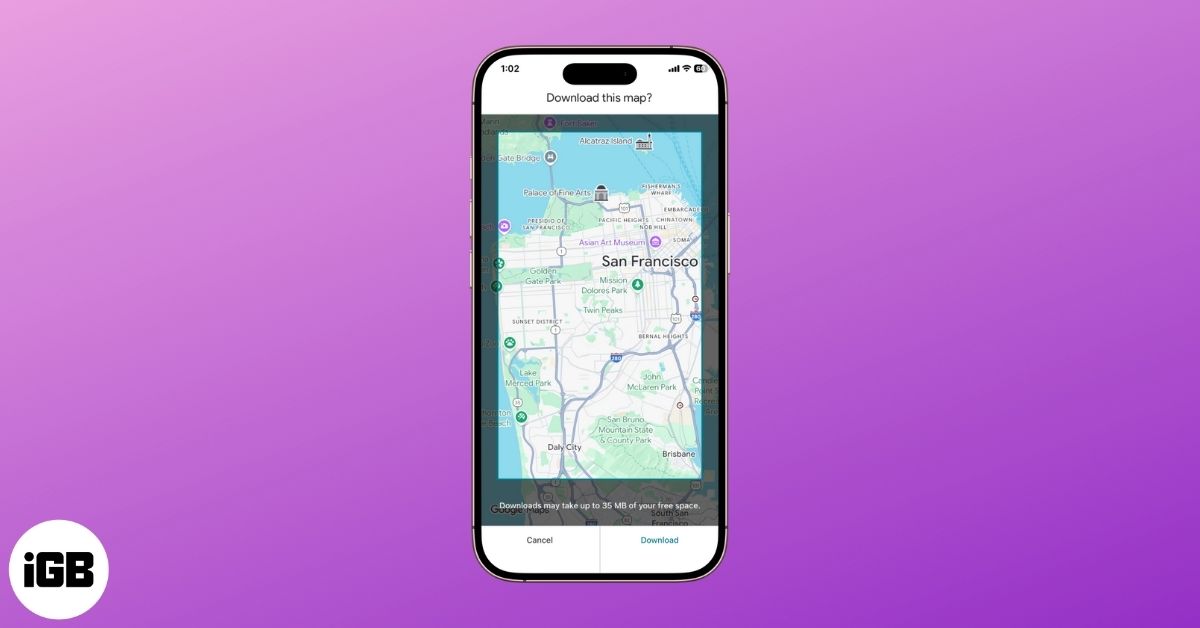
Offline maps keep navigation working with no signal and save mobile data. Here is how to download an area on iPhone and Android, manage the download settings, and navigate offline.
"Ready to reinvent your Reddit identity? Discover the insider secrets to changing your Reddit username—when you can, how to do it, and what to do if you can't.
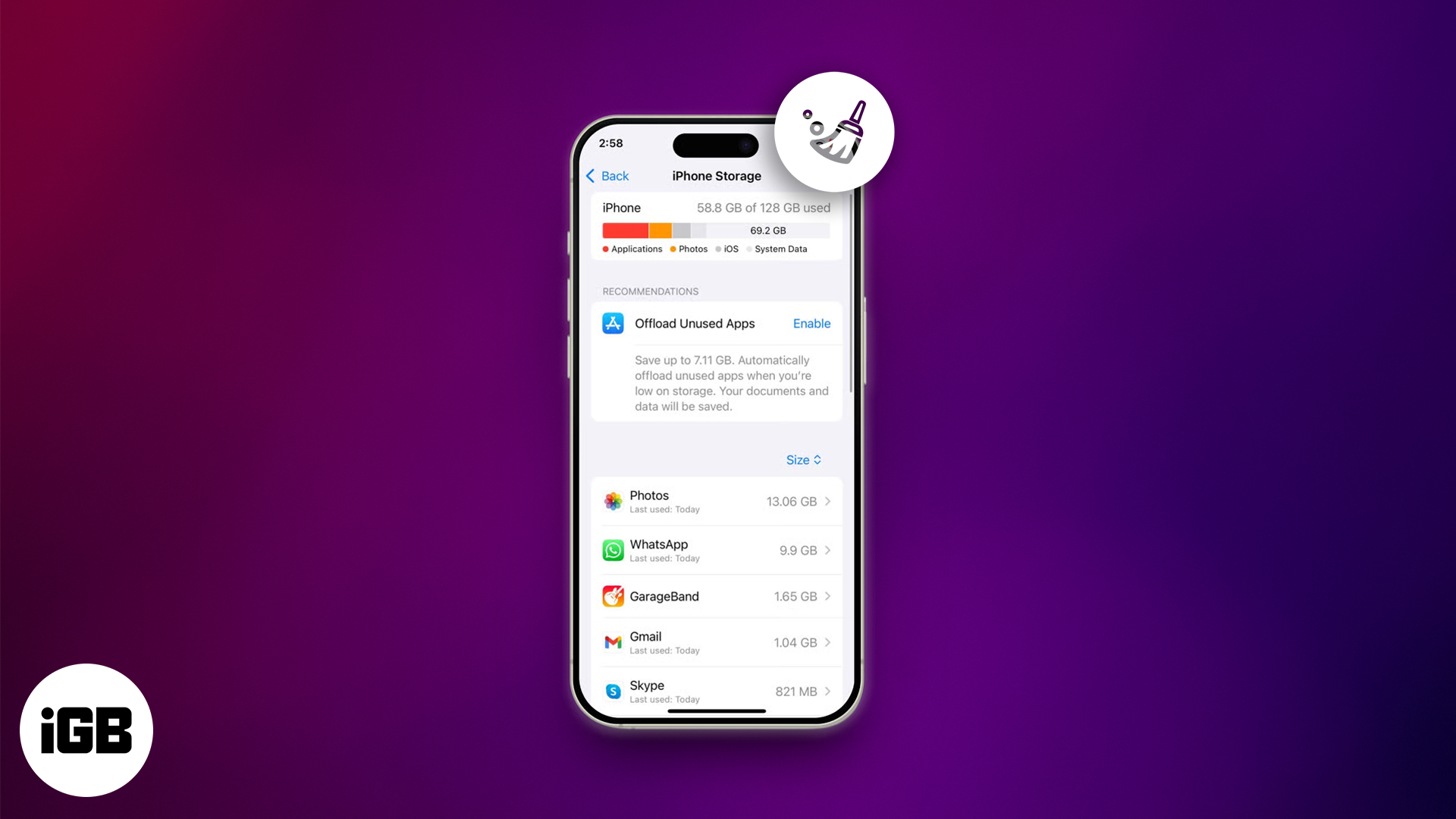
Breathe new life into your iPhone—clear cache, free space, and enjoy faster performance in just a few easy steps!
Don’t risk losing your chats! Learn how to back up WhatsApp messages on iPhone and Android with iCloud, Google Drive, or encrypted backups.
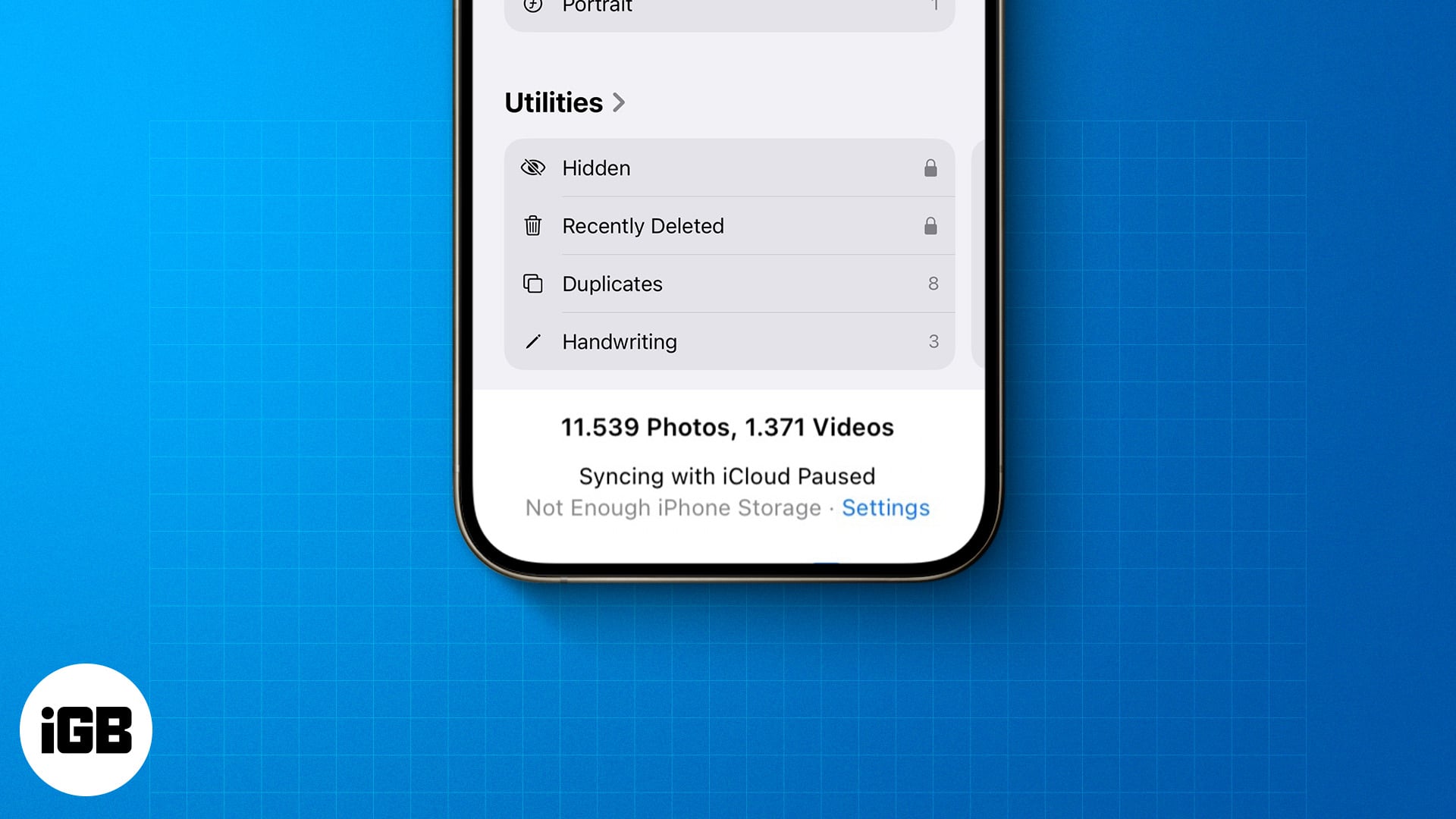
Seeing "Syncing with iCloud Paused"? Don't panic—quick fixes and smart tips will have your Apple devices back in sync in no time.
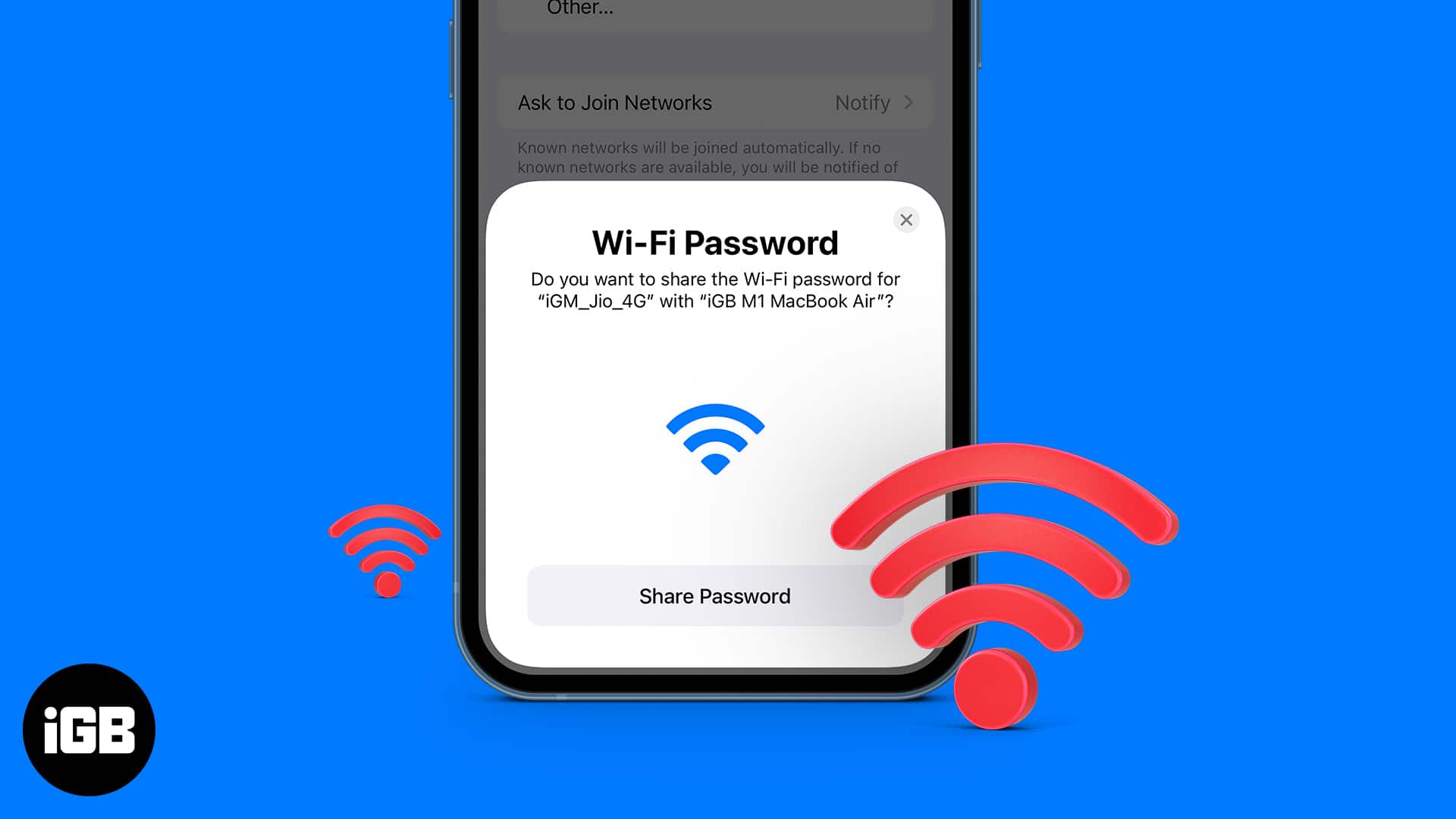
This post details how to share Wi-Fi password on iPhone, iPad, and Mac. Trust me, nothing is more frustrating than spelling out your complex Wi-Fi password to a friend visiting your home.
Wondering if someone blocked your number on iPhone? From calls going to voicemail to missing “Delivered” in iMessage, here are the top signs to confirm.
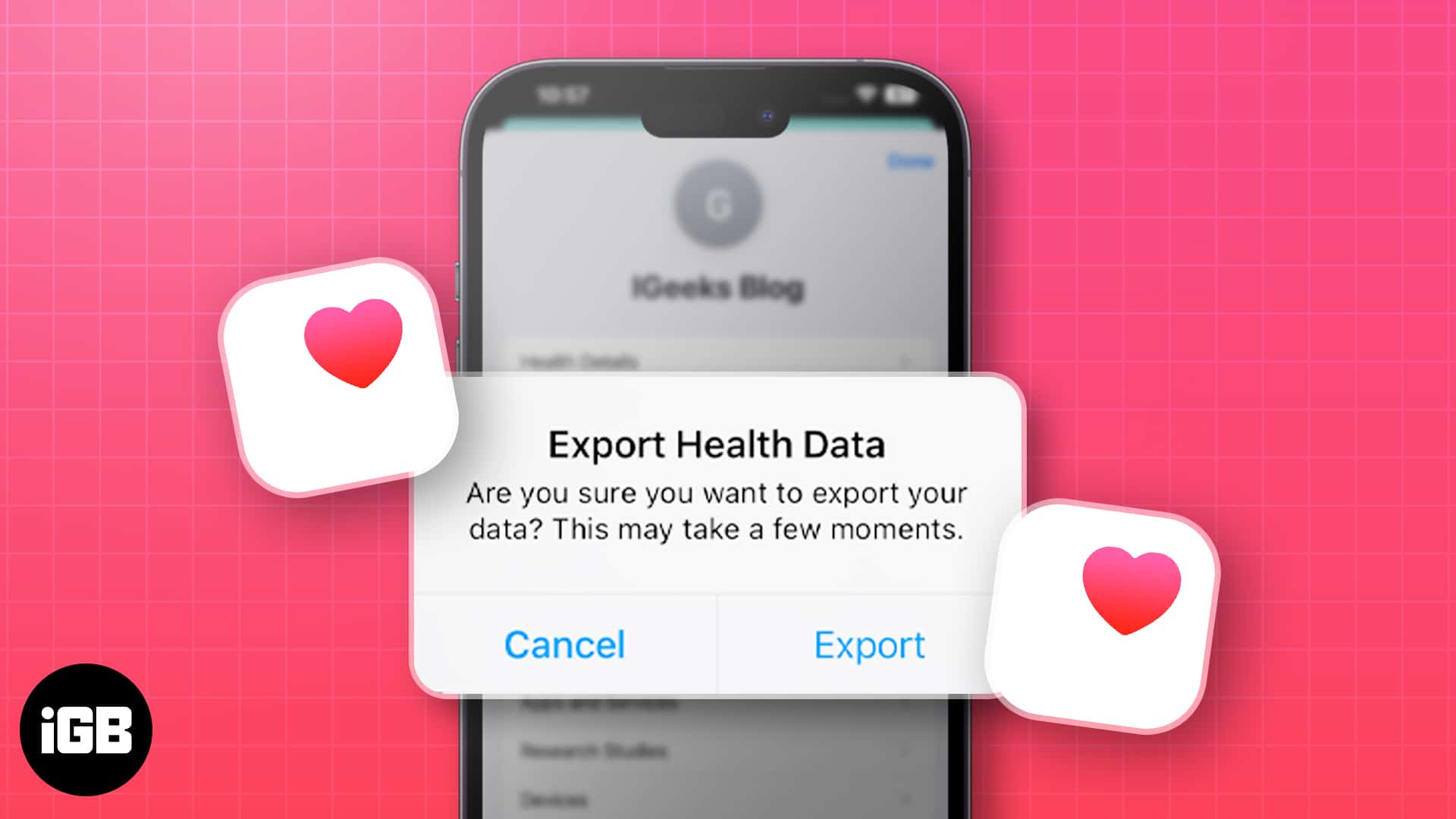
Learn how to export iPhone health data with 2 easy methods. Take control of your wellness info effortlessly!

Photos lets you drag the slo-mo markers to restore normal speed without re-recording. Here is the fast method, plus how to use iMovie when you want precise control over the slowed section.
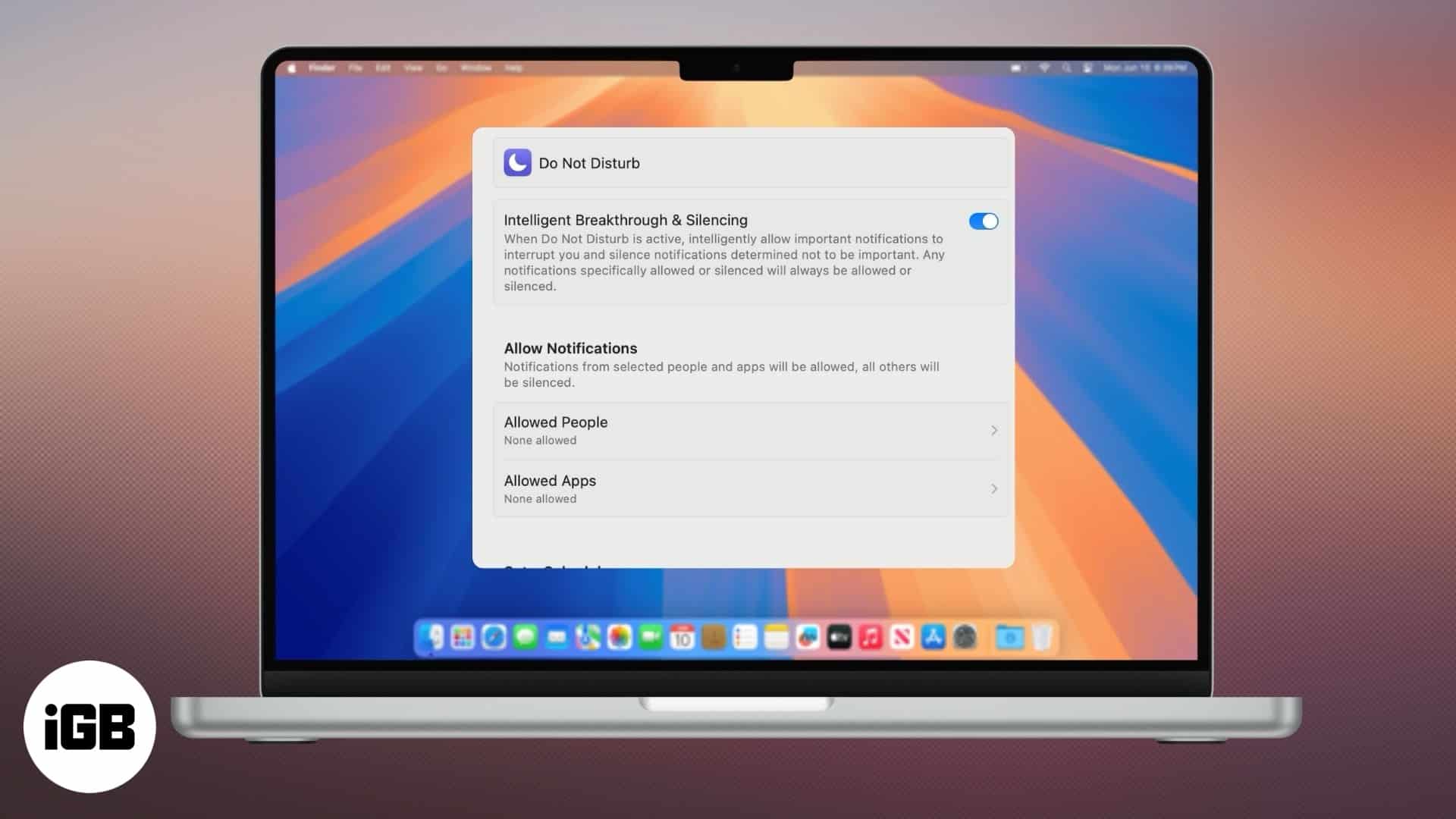
Stay productive and eliminate distractions.
Use iCloud email forwarding to share those messages with your other accounts.
Looking for a secure, fast, and private VPN for your iPhone or iPad? This guide highlights the best VPN apps to protect your data, access geo-restricted content, and browse safely.
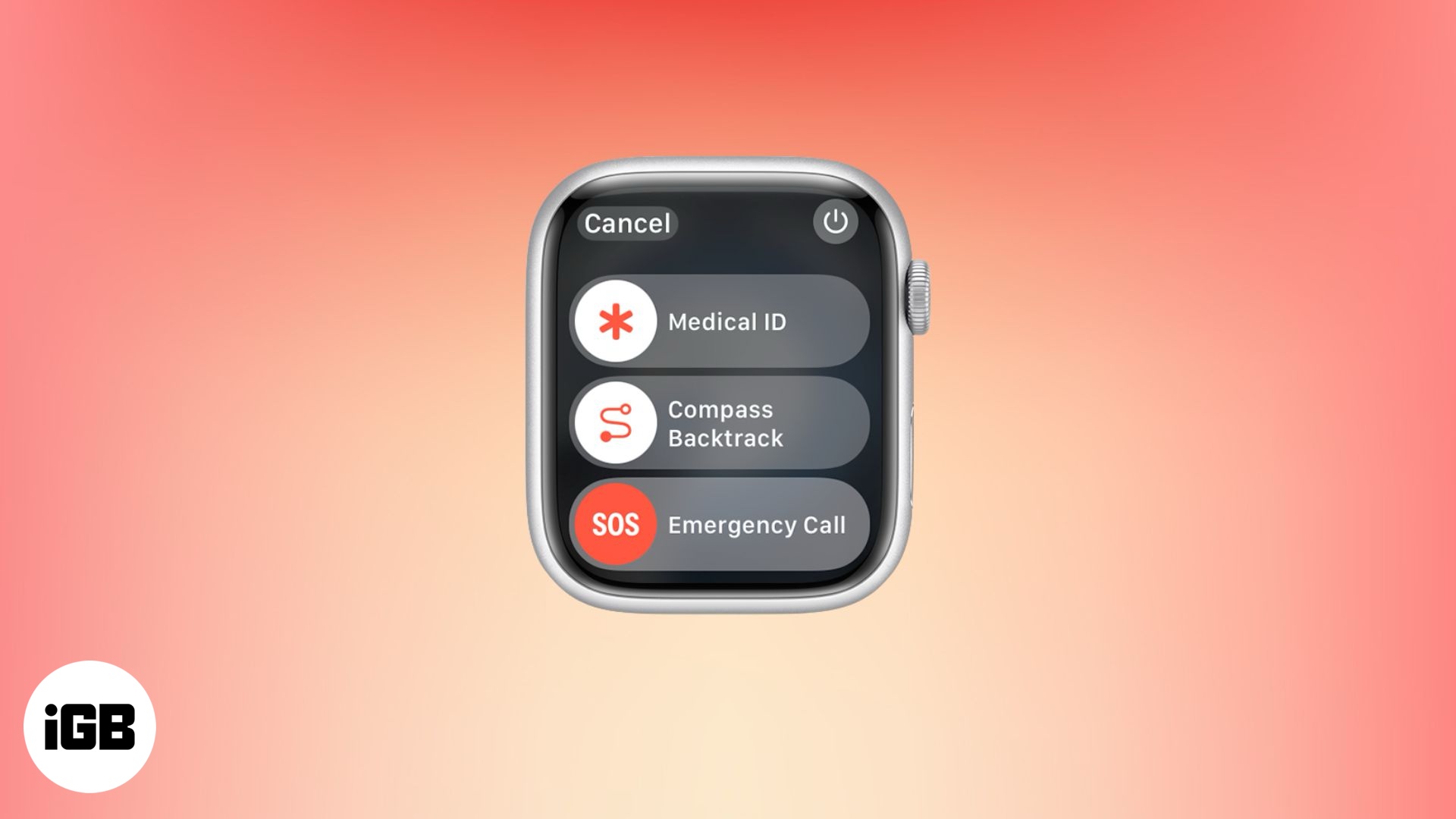
Your Apple Watch isn't just for fitness or messages—it could save your life.
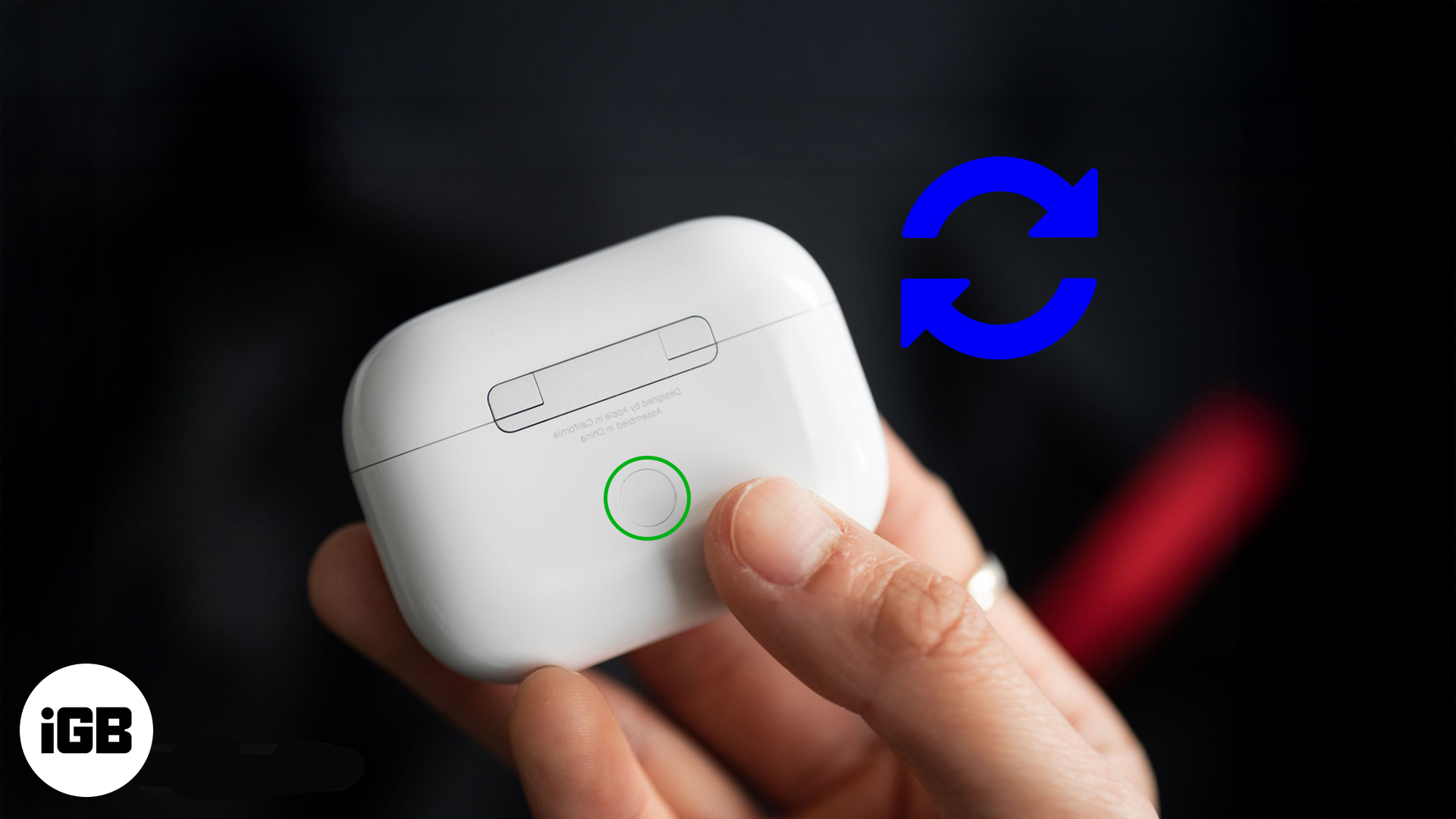
Trouble with your AirPods? This guide helps you reset and get back to seamless listening fast.
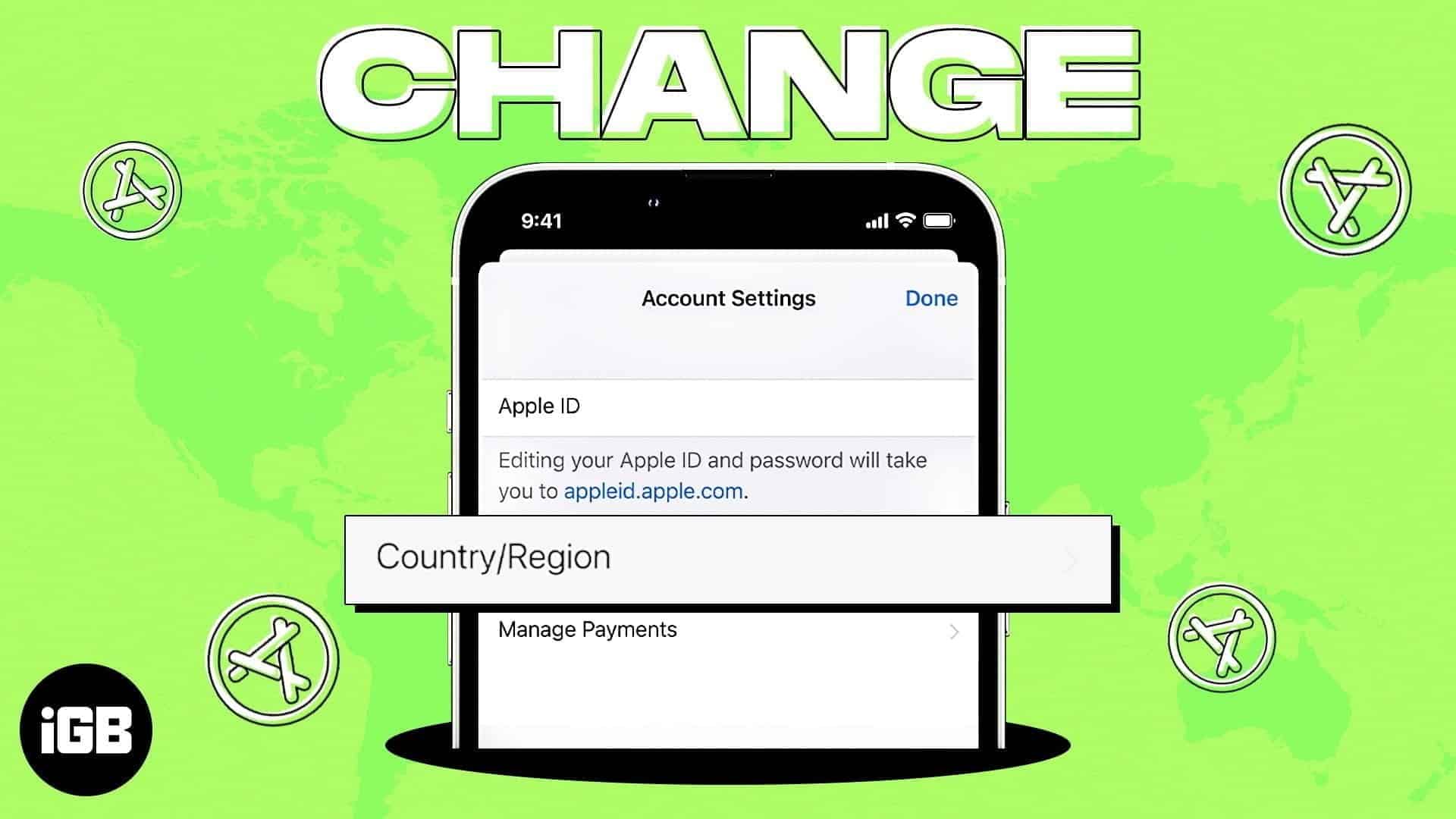
I will explain how to change your App Store country on iPhone, iPad, and Mac.
Left your iPhone flashlight on? Discover fast, clever ways to switch it off—no more glowing pockets or drained batteries!
Is one AirPod silent? Get both working again fast with these simple fixes—plus, know when to
call Apple for help.
Can you really use Apple Pay at Walmart? Find out the truth—and clever alternatives you can try instead.
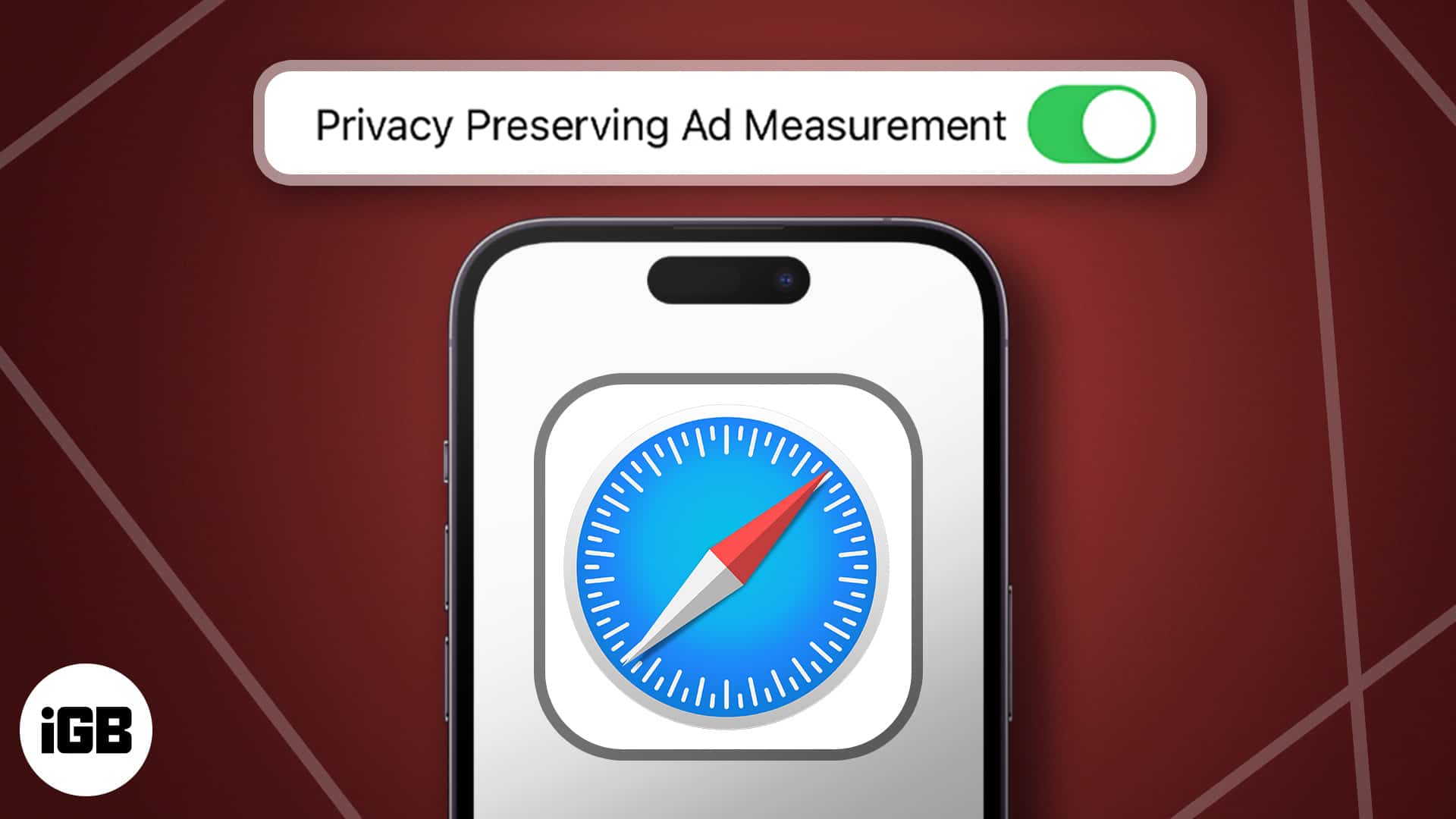
Browse smarter and stay private—discover how Apple’s Privacy Preserving Ad Measurement works on iPhone and Mac to keep your data safe and ads relevant.