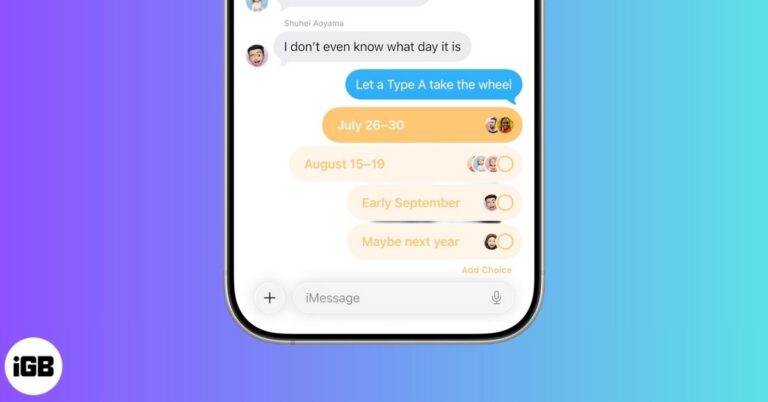
FaceTime Like a Pro
Get our exclusive Ultimate FaceTime Guide 📚 — absolutely FREE when you sign up for our newsletter below.

FaceTime Like a Pro
Get our exclusive Ultimate FaceTime Guide 📚 — absolutely FREE when you sign up for our newsletter below.


Are you frustrated by a ghost touch on your iPhone? Find out what causes ghost touch on iPhone and how to fix it quickly.

Learn how to sync your iPhone's photos, contacts, messages, and apps to your iPad.
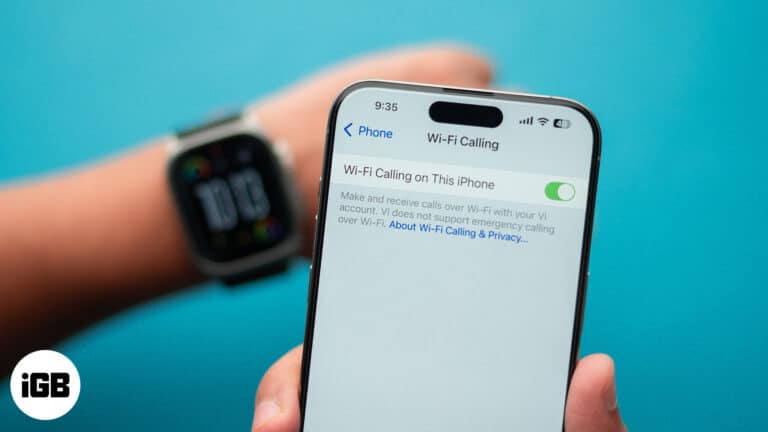
Struggling with call drops due to weak signals? Learn how to enable and use Wi-Fi Calling on your iPhone to maintain uninterrupted calls even in low reception areas.
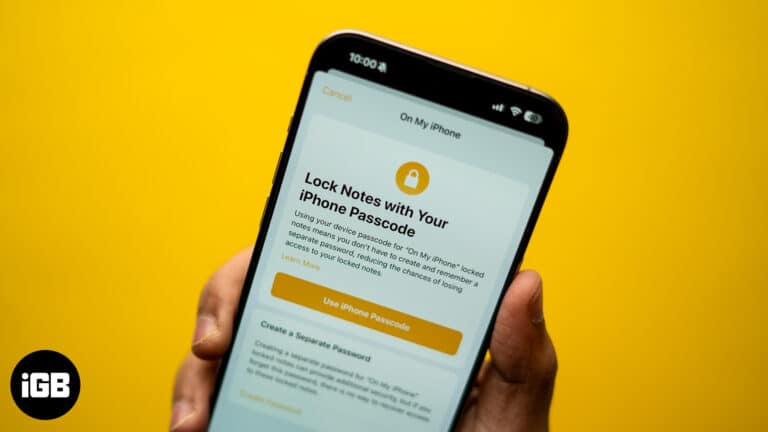
Do you use Apple Notes to store a lot of your personal information? Learn how to lock your notes on your iPhone or iPad to prevent others from accessing it.
Make sharing and saving photos easy by turning them into PDFs.
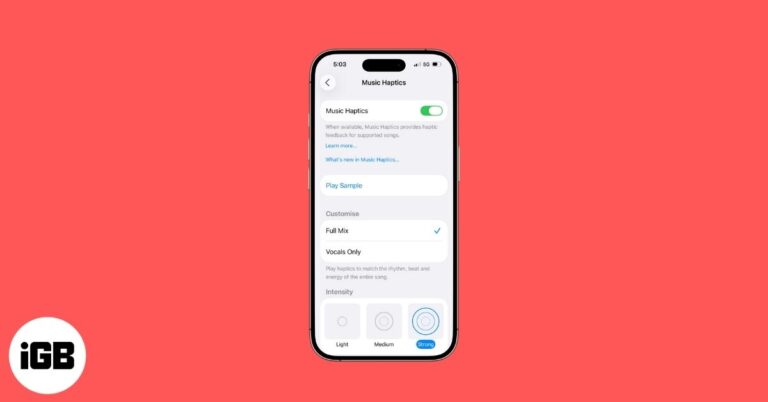
Music Haptics lets you experience songs through vibrations on your iPhone. Here’s how to turn it on, use it, and enjoy music in a whole new way.
Hearing static or crackling on your AirPods? Learn quick and effective ways to fix it and bring back crisp, clear audio in no time.

Discover fun, easy Safari tips and tricks in iOS 26 that make browsing faster, smarter, and way more enjoyable on your iPhone.
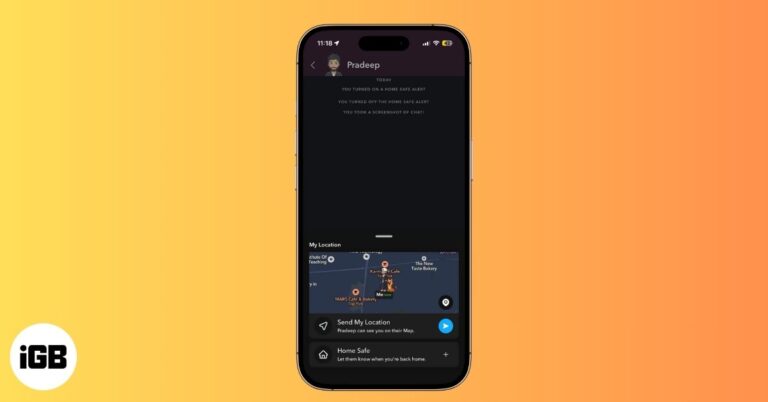
Snapchat’s new Home Safe feature automatically alerts a trusted friend when you reach home. It’s simple, private, and perfect for peace of mind.
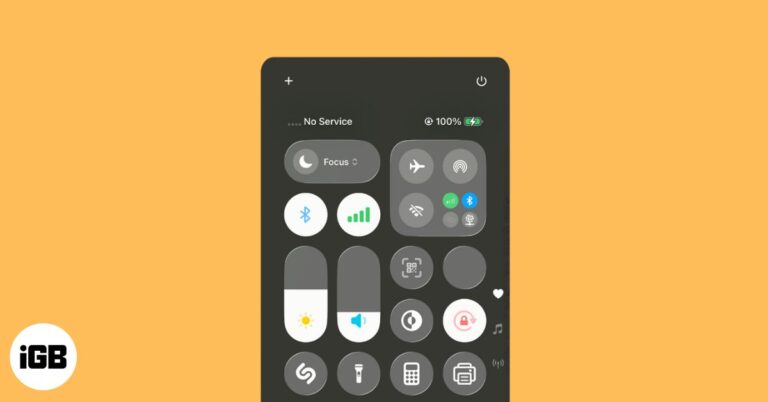
If your iPhone shows “No Service” or “Searching,” don’t panic. From toggling Airplane Mode to updating iOS, these quick fixes can help restore your signal.
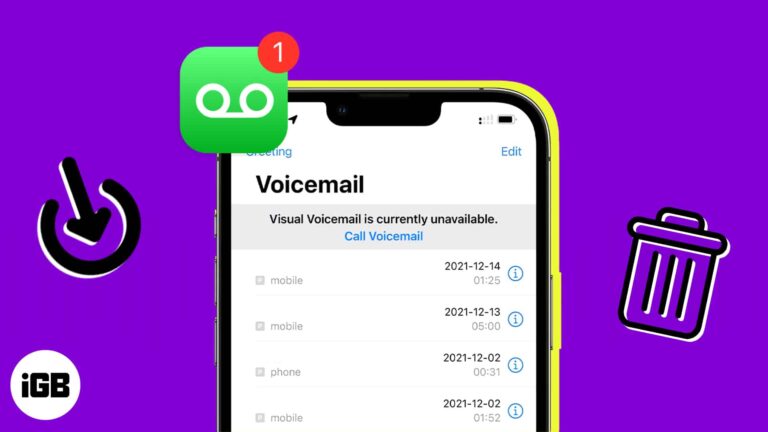
Learn how to delete voicemails on your iPhone, whether it’s one message, multiple, or all at once. Find out how to recover deleted messages and clear space quickly.
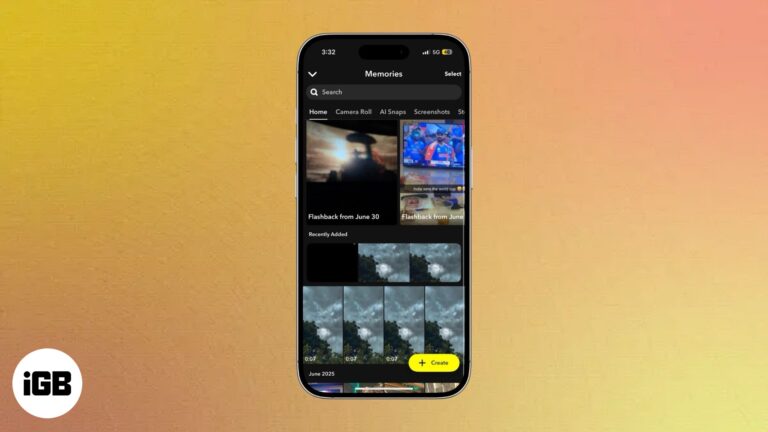
Snapchat Memories lets you save and revisit your favorite Snaps and Stories in a private gallery. Here’s how to use, edit, share, and protect them easily.

FaceTime hand gestures lets to send confetti and hearts reactions and make video calls more fun!
The Health app on your iPhone can help you monitor and control your physical, reproductive, and mental health wellbeing. Here’s a complete guide to using it.
Everything you need to know about using WhatsApp Status.
Locked out of your Apple ID? Here’s the fastest way back in with no stress, just a few simple steps.
Simple steps to remove water from your iPhone speaker by yourself.

Learn how to create and use Safari Profiles on your iPhone, iPad, and Mac to keep your browsing perfectly organized.
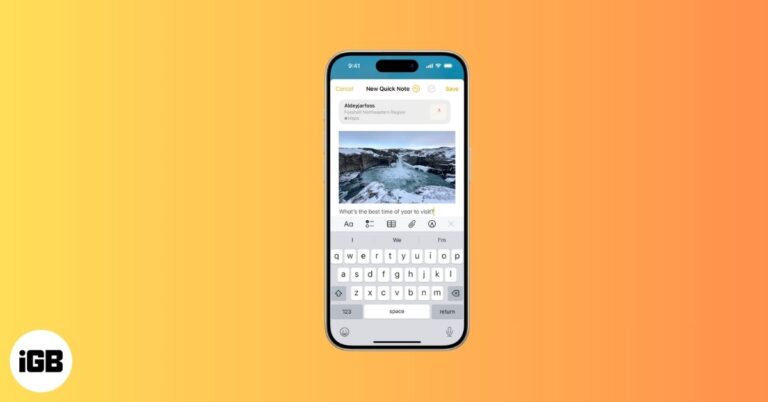
Quick Notes on iPhone let you capture ideas in seconds, from links and reminders to thoughts, without breaking your flow.
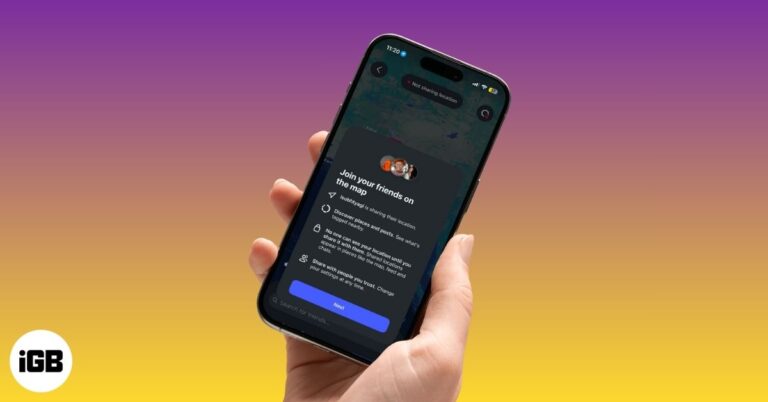
Instagram Map lets you share your location with friends, see where they’re hanging out, and explore Reels and Stories tagged with nearby places while keeping full control of your privacy.
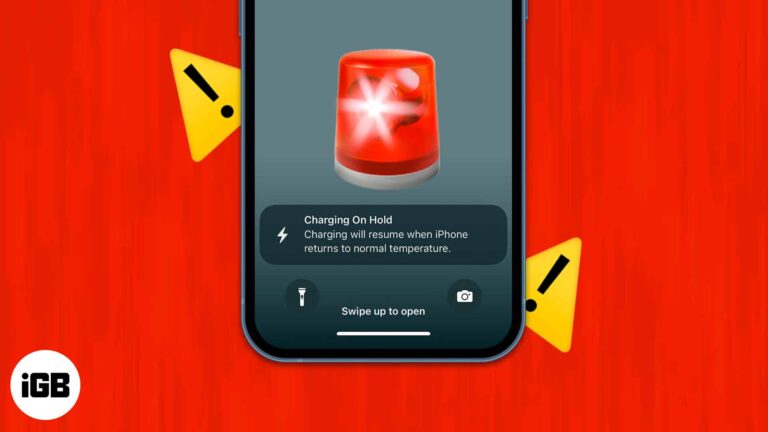
To fix "Charging On Hold" warning on iPhone, Unplug your iPhone from charging point and stop using it until it returns to normal temperature.

 Idowu Omisola and Vikhyat
Is your MacBook keyboard acting up? Here are some easy troubleshooting solutions that can help you fix a MacBook keyboard that isn't working.
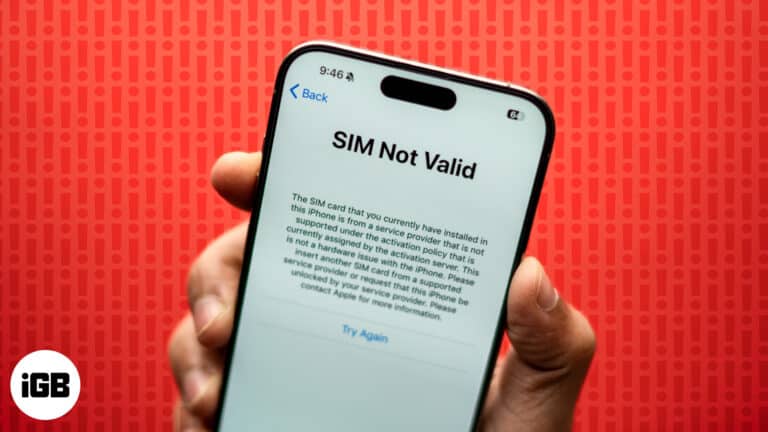
Does your iPhone say "No SIM" or "Invalid SIM?" We've got a few solutions you can try to fix the "No SIM" or "Invalid SIM" error on your iPhone.

Shop Amazon like a local—anywhere in the world. Here’s how to switch your country in a snap!
Learn how to use Facebook’s Lock Profile feature to control who can see your photos, posts, and personal info plus what to do if the option isn’t available on your account.

Learn how to save Instagram Reel audio using simple tools and methods for offline use or future editing.
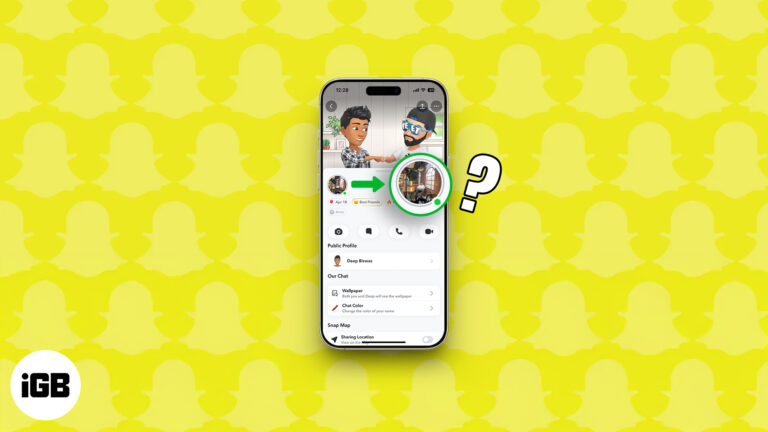
Snapchat's green dot decoded: see what it reveals and how to disappear when you want!
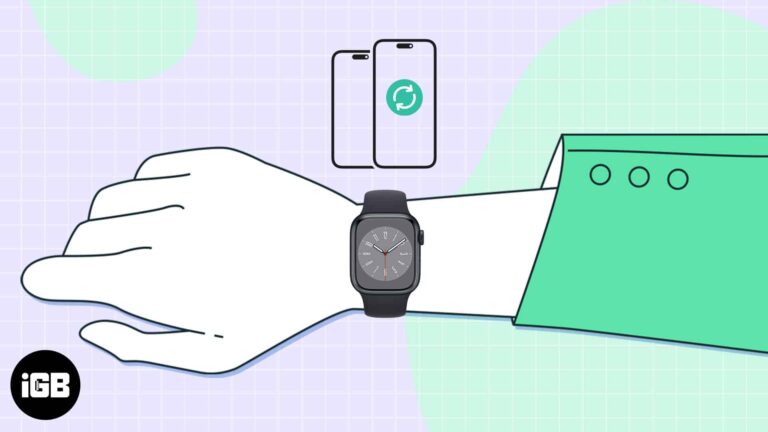
You don’t always need an iPhone to use Apple Watch. From music and fitness tracking to payments and calls, here are 16 things your Apple Watch can do completely on its own.