
FaceTime Like a Pro
Get our exclusive Ultimate FaceTime Guide 📚 — absolutely FREE when you sign up for our newsletter below.

FaceTime Like a Pro
Get our exclusive Ultimate FaceTime Guide 📚 — absolutely FREE when you sign up for our newsletter below.


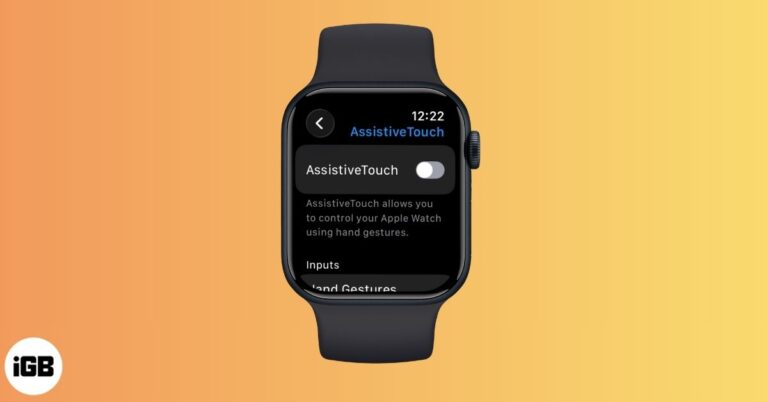
AssistiveTouch on Apple Watch lets you control your watch with hand gestures and wrist movements. Learn how to enable it, customize gestures, and make everyday navigation faster and easier.
Learn how to permanently delete your TikTok account on iPhone while keeping a backup of your videos and data.

Protect your Instagram account from hacks and misuse. Learn why and how to remove remembered Instagram accounts on your iPhone or computer to safeguard your login info.
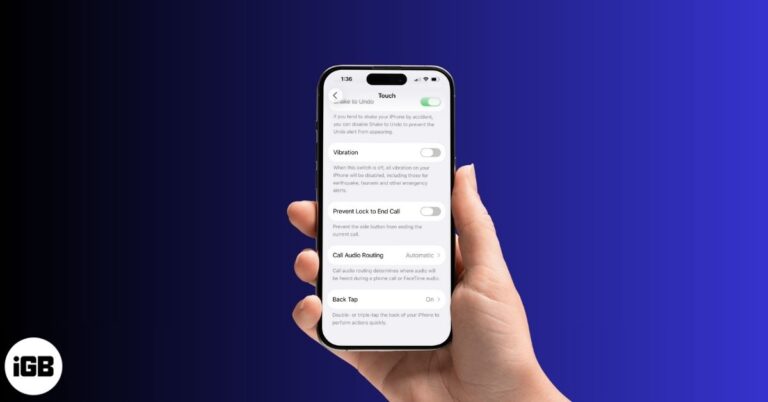
Tired of constant buzzing? This guide shows you how to turn off vibration on your iPhone, whether for calls, keyboard typing, or all system haptics.

Learn the simple steps to unpair an Apple Watch with or without the paired iPhone, whether selling an Apple Watch or gifting it to someone special.

Want to track sleep on your Apple Watch? This guide covers everything about sleep tracking using Apple Watch and iPhone.
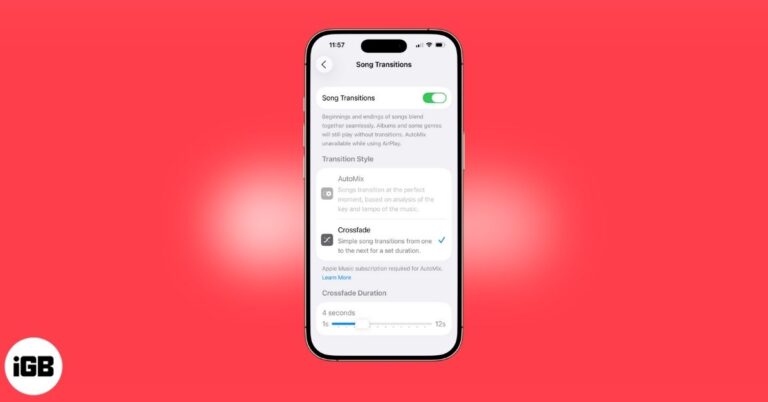
Apple Music’s Crossfade feature seamlessly blend songs for smoother transitions in your playlists. Here's how!
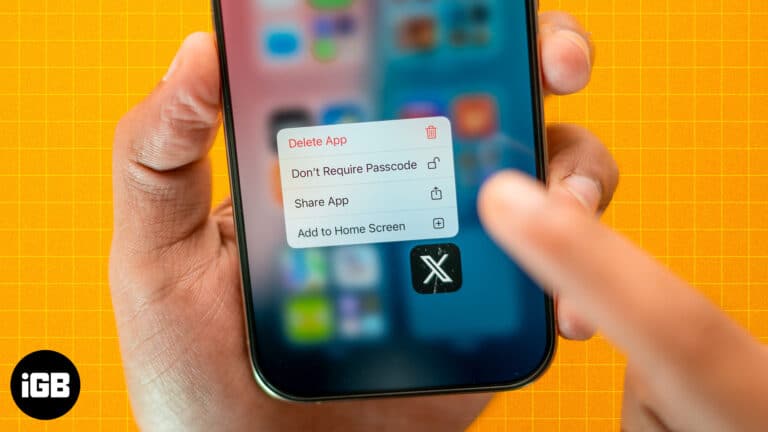
Struggling to find hidden apps? Learn how to unhide apps on your iPhone in seconds and get full control of your home screen.

No Apple Watch is fully waterproof. Here’s what each model can handle, from rain-only Series 1 to scuba-ready Ultra 4, plus the soap, sauna and band mistakes to avoid.

Want to prevent your apps from accessing your real location on your iPhone? Here are 4 ways to change your location on an iPhone for better privacy.
Annoyed by ads or other distracting elements on websites? Learn how to turn on and use Reader mode in Safari on your iPhone.
Don't want to be disturbed by government alerts? Check out this guide to learn how to turn off AMBER and Emergency alerts on your iPhone.
Do you want WhatsApp chats to disappear after a certain period of time? Learn how to turn on disappearing messages in WhatsApp on your iPhone or desktop.
Want to turn a Live Photo into a video for online sharing? Learn how to save a Live Photo as a video on an iPhone and create a sticker out of a Live Photo.
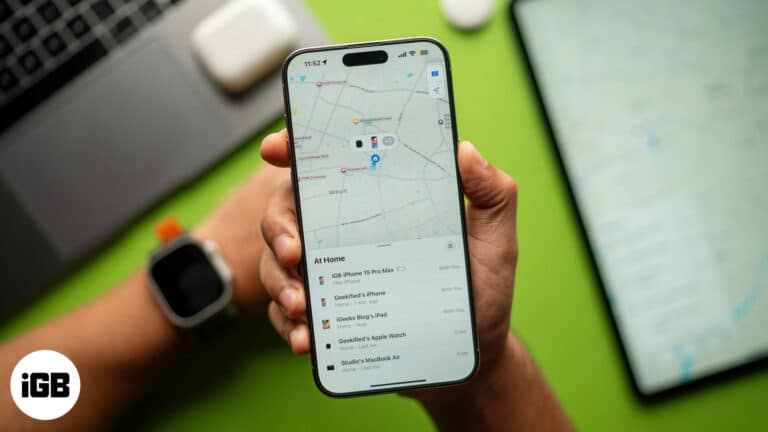
New to the Apple ecosystem and have questions about what Find My network? Read on to learn what Find My network is and how it works on Apple devices.

Instagram now lets you link reels together for seamless mini-series and tutorials. Here’s how to use the Link a Reel feature.

If SharePlay isn’t working on your iPhone, don’t worry. Here are quick and effective fixes to get FaceTime sharing back up and running.
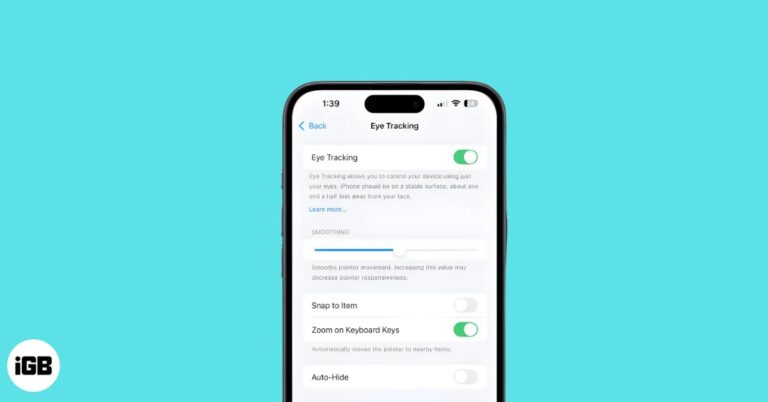
Eye Tracking on iPhone and iPad lets you control your device using only your eyes. Here’s how to set it up, use it, and customize dwell controls.

 Ayush Patel and Yash Wate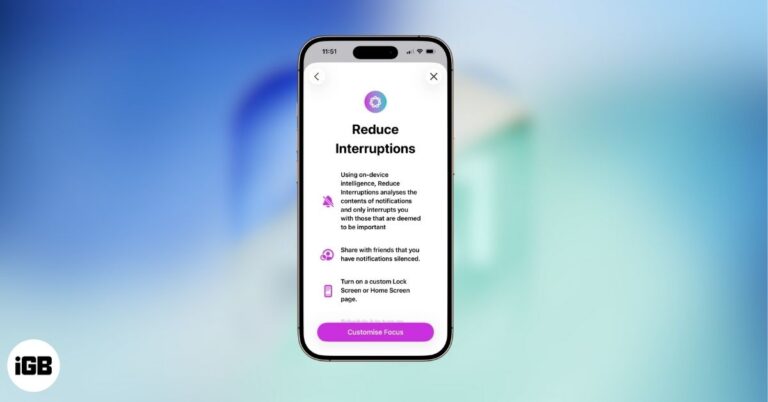
Stop notification overload on your iPhone. Set up and use Reduce Interruptions Focus to let Apple Intelligence handle the filtering.
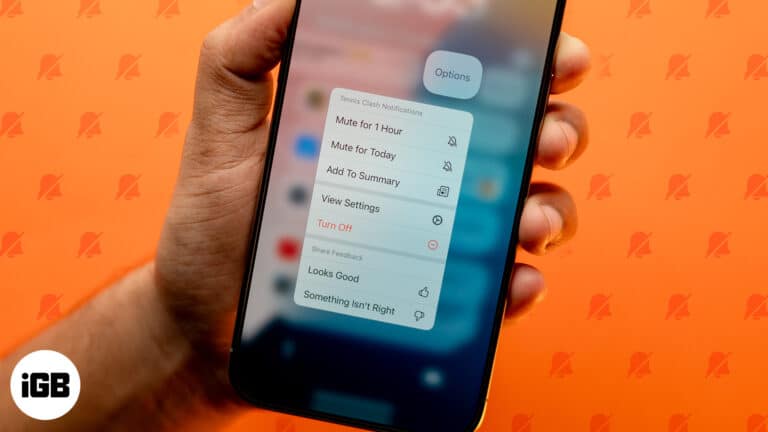
Constant iPhone notifications can be tiring, but you can always mute them. Here are some ways to silence notifications on your iPhone.
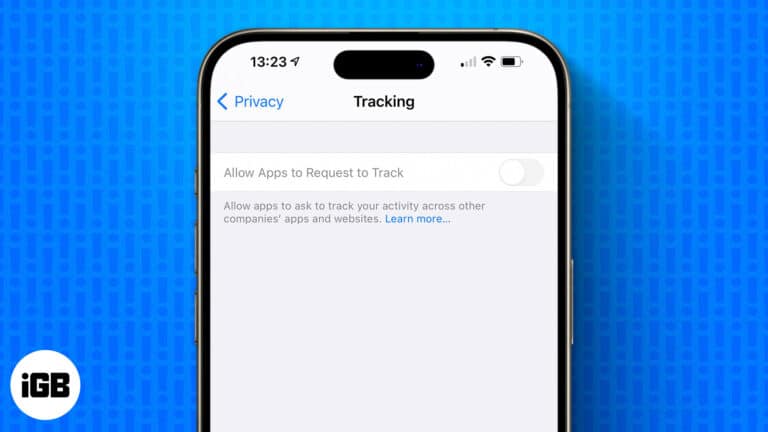
Allow Apps to Request to Track is greyed out? Learn how to restore the option to turn on app tracking on your iPhone.
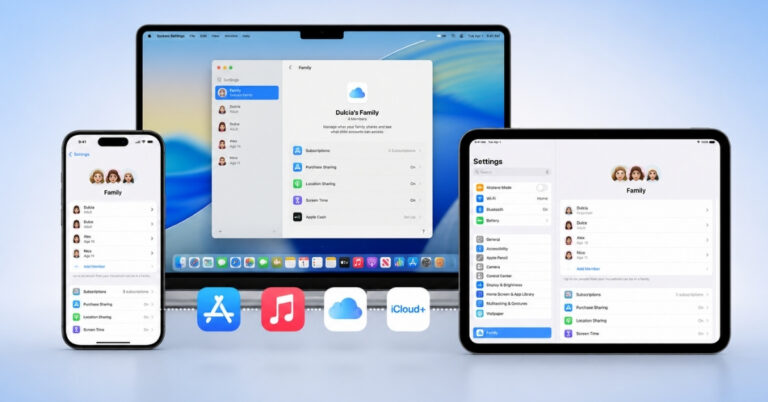
Apple's Family Sharing lets you share purchased apps, subscriptions, movies, and more with up to six people. Here's how to set up and manage Purchase Sharing.
Want to make conversations interesting using Memojis but don't know how to create one? Follow this guide to learn how to create and use Memoji on iPhone or iPad.
Have trouble printing double-sided on your Mac? Learn how to print your documents double-sided on a Mac with any printer and save paper.
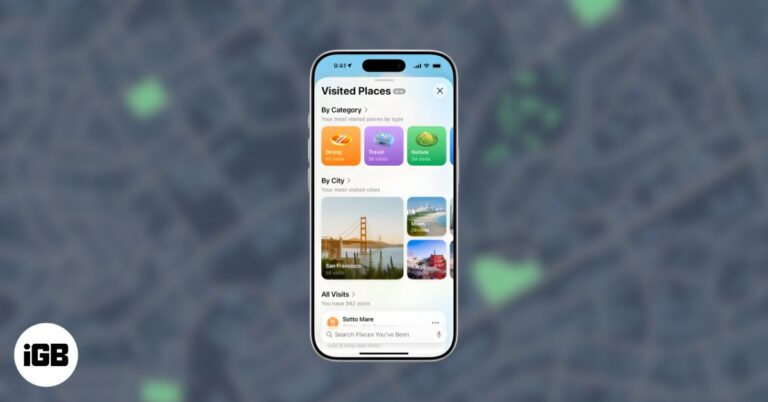
Apple Maps' Visited Places logs your trips, helps you revisit spots, and gives you privacy controls to turn it on or off anytime.
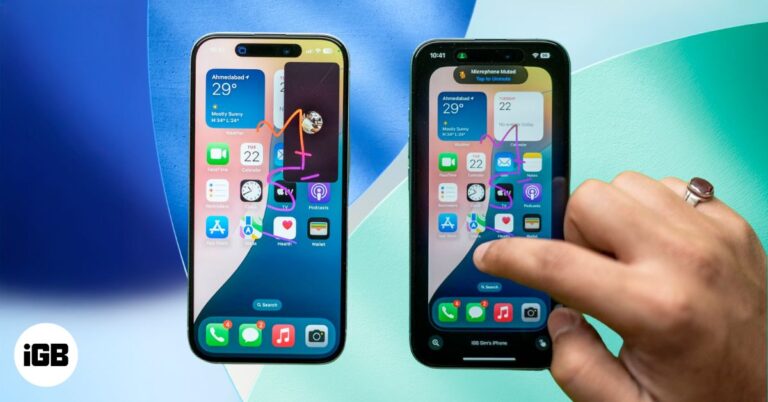
With SharePlay in FaceTime, you can remotely control someone’s iPhone screen to guide them through settings or troubleshoot issues. Here’s how it works.
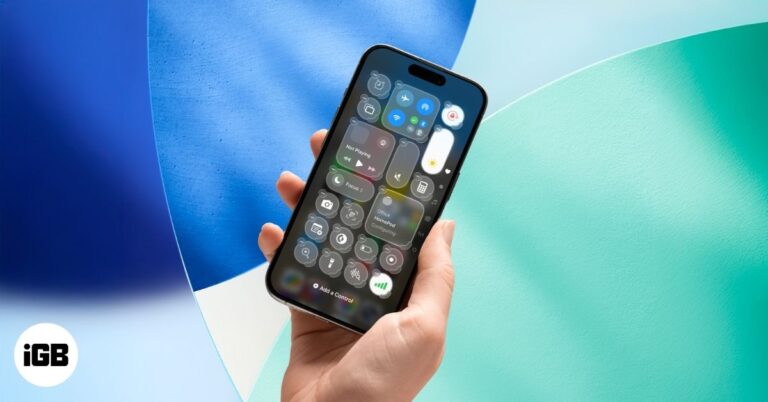
Tired of the same Control Center on iPhone? iOS 18 and later let you create new screens, resize tiles, and reset layouts. Learn how to customize today!
Want to save photos from WhatsApp on your iPhone? Read on to find out how to save WhatsApp photos to iPhone manually and automatically.
Want to engage with multiple contacts on iMessage? Follow this guide to learn how to create and use an iMessage group chat on an iPhone and iPad.
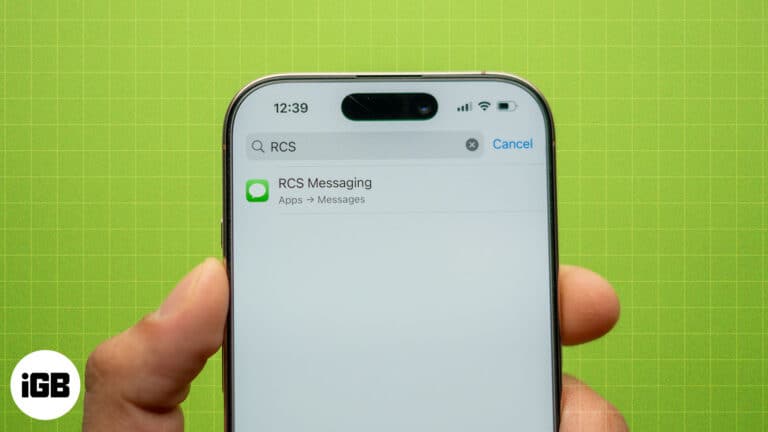
Learn how to fix RCS not working on your iPhone with these simple yet effective solutions.


