FaceTime Like a Pro
Get our exclusive Ultimate FaceTime Guide 📚 — absolutely FREE when you sign up for our newsletter below.

FaceTime Like a Pro
Get our exclusive Ultimate FaceTime Guide 📚 — absolutely FREE when you sign up for our newsletter below.


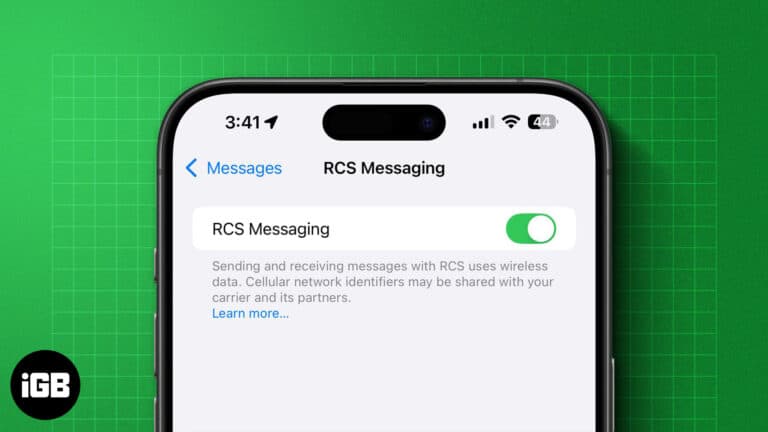
Apple brings RCS messaging to the iPhone for a better messaging experience with Android users! Here is how to enable RCS messaging on your iPhone.

You can replace Apple's Translate with Google Translate system-wide. Here's how it works and why it's a big deal.
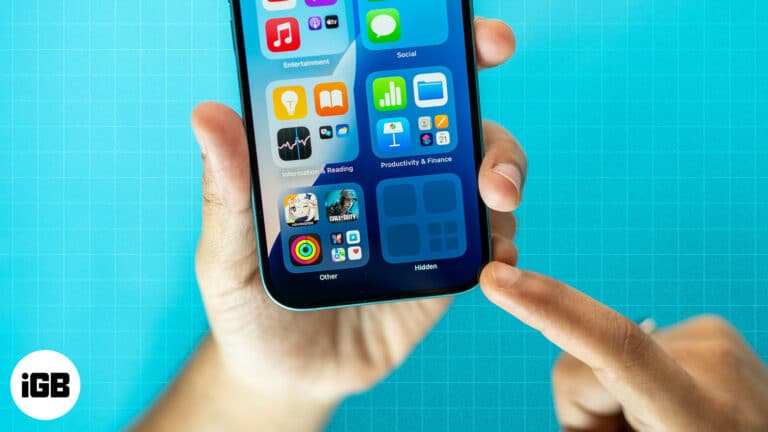
Apple now lets you lock and hide apps on iPhone with just a tap. Whether you want to secure banking apps, block kids from games, or keep personal apps out of sight, here’s how to do it.
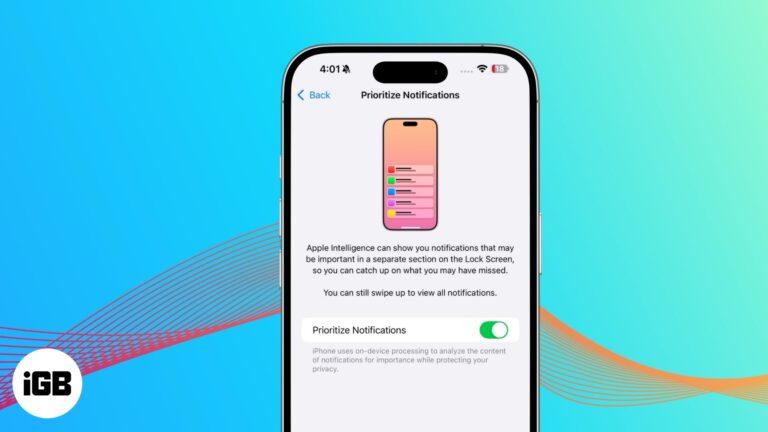
Reduce notification overload with Priority Notifications. This Apple Intelligence feature ensures you never miss important alerts.

WhatsApp’s new “Remind Me” feature helps you stay on top of conversations by letting you set reminders for messages. Here’s how you can use it to never forget replying again.
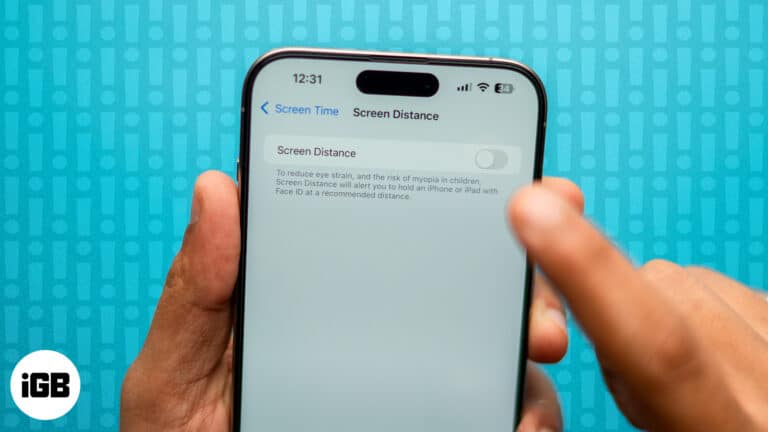
Are you experiencing an error with Screen Distance not working on your iPhone after updating iOS? Here are a few fixes to the issue.
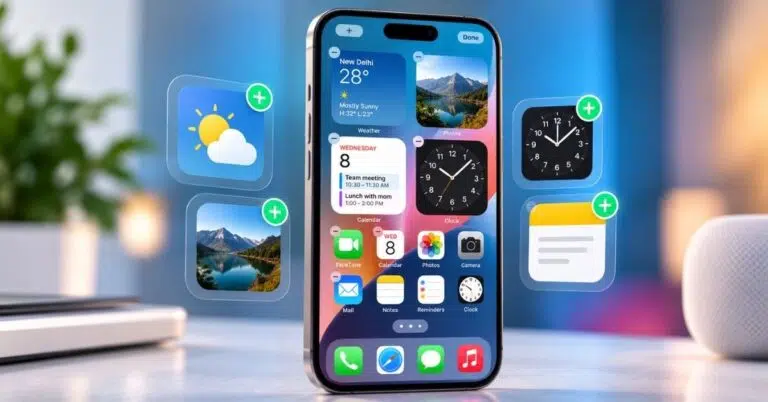
Widgets surface live app information without opening anything. Here is how to add them on iPhone, resize and edit them, and use a Smart Stack that rotates through them automatically.
Is iOS StandBy mode not working? Here are nine ways to get the StandBy feature to work for you again.
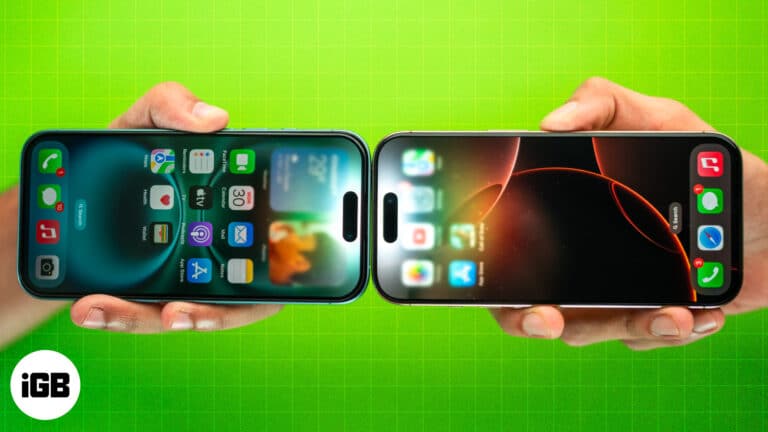
NameDrop lets you share contact information with just a tap of two iPhones. This article explains how NameDrop works on iPhone and how to use it.
Learn how to clear Safari cache, cookies, and history on Mac for faster browsing and better privacy, with step by step methods, shortcuts, and fixes.

Master video editing on your iPhone with the Photos app and iMovie.
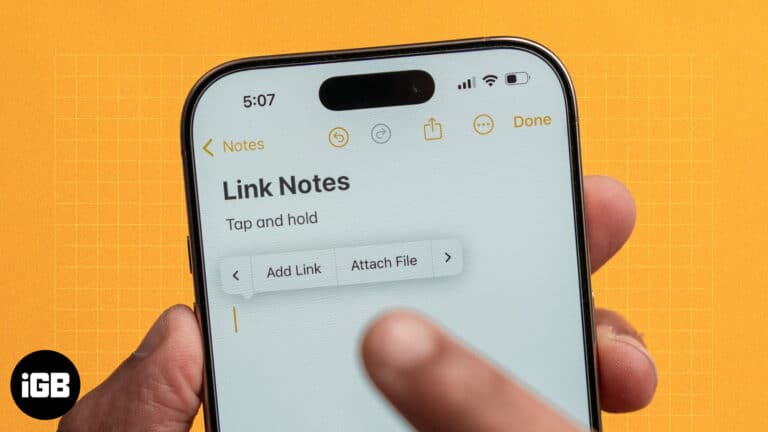
Apple's Notes app allows you to create links between notes. Learn how to link notes in Apple Notes on iPhone and Mac, and explore the benefits of linking notes.
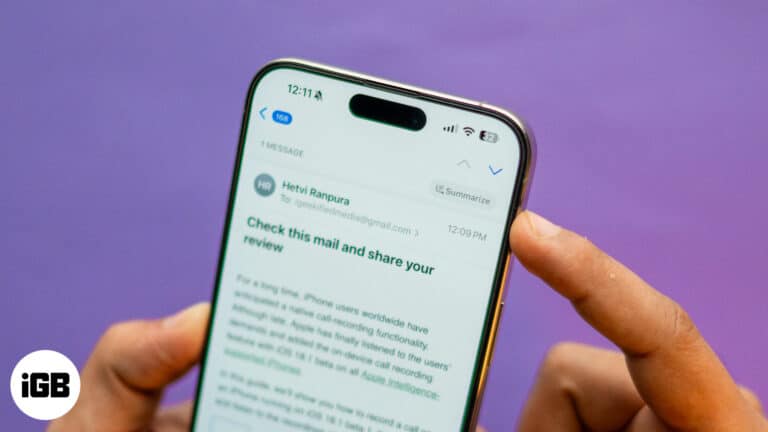
With Apple Intelligence, you can summarize emails, priority sort inbox, proofread and rewrite emails in the Mail app on iPhone.
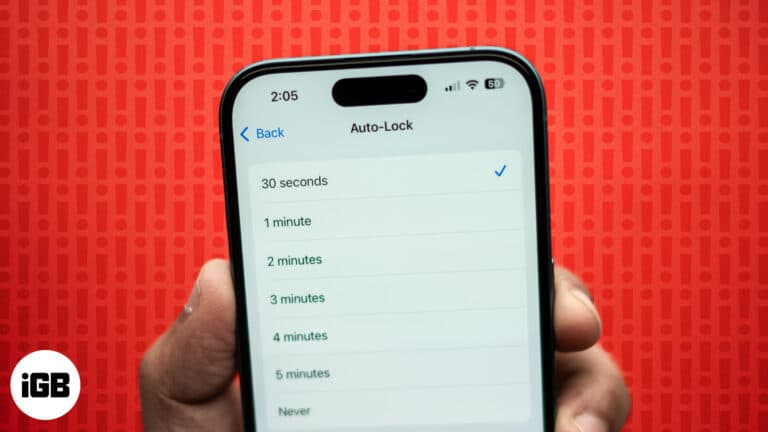
Learn how to fix iPhone Auto-Lock not working with this troubleshooting guide. Easily resolve the issue with some quick steps.
Can’t connect to Wi-Fi on your iPhone or iPad after a software update? Try these easy troubleshooting steps to fix WiFi issues.
Unable to make or receive FaceTime calls? Try these proven methods to fix FaceTime issue on your iPhone.
Get back accidentally deleted apps on your iPhone, even if you can’t remember the app name.
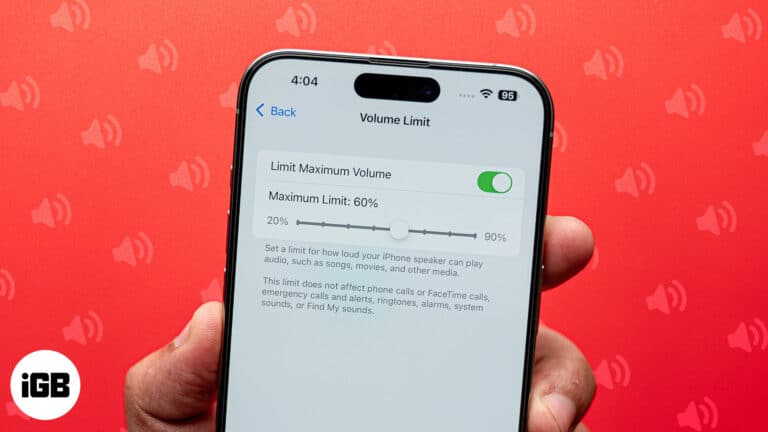
Want to save the embarrassment of having your iPhone play loud audio in public? The Volume Limit feature lets you set your iPhone's speaker volume.
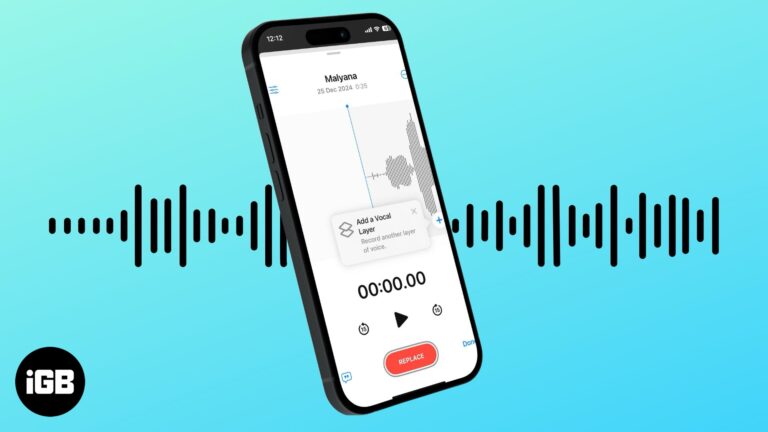
With iOS 18.2 Apple introduced layered Voice Memos recordings on iPhone, enabling musicians to create dual-layered tracks easily.
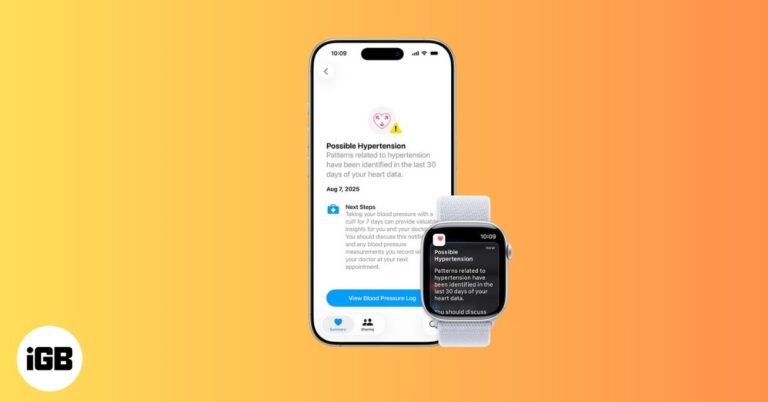
Apple Watch now warns you about possible high blood pressure with Hypertension Notifications. Here’s how it works, who it’s for, and what alerts mean.
Stuck in login loops that refuse to clear, pages half loading, spinner just sitting there? The fix is simple, clear Safari browsing data on your iPhone today.
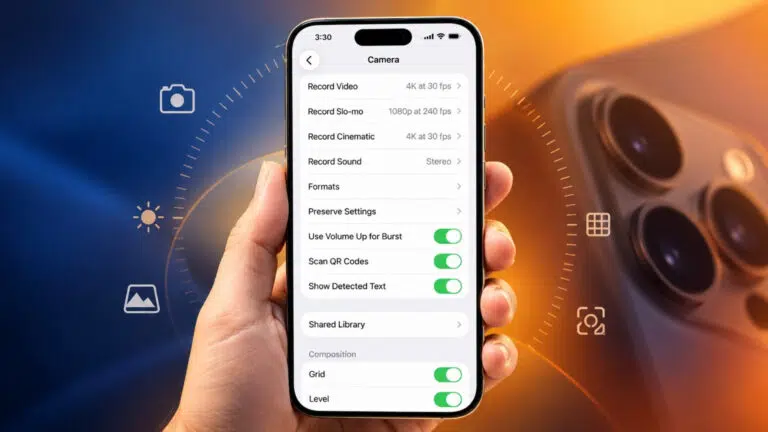
iOS 27 lets you pin your most-used camera tools above the frame. Here are the settings, from 48 MP ProRAW to Night mode, that make the biggest difference.

Snapchat crashes are usually caused by an outdated app, a corrupted cache, or unofficial add-ons. Here is why it happens and the fixes that stop the app quitting on you.
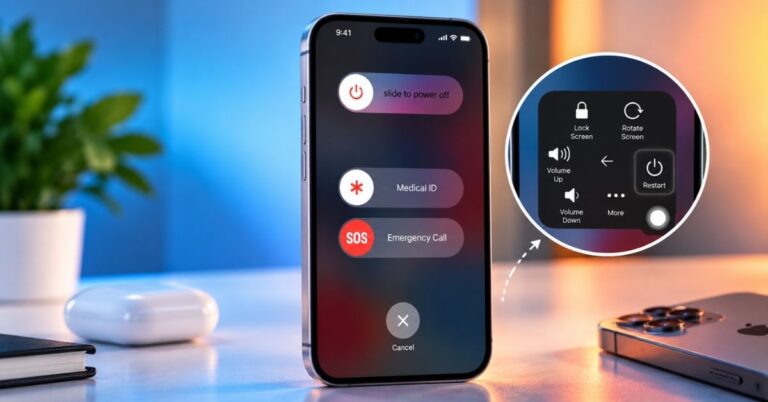
A broken power button need not stop you shutting down. Here is how to power off an iPhone from Control Center in iOS 18, the Settings method for older versions, and how to switch it back on.
Can’t find an app on your iPhone? Here’s a simple guide to find hidden apps on iPhone and iPad across recent iOS updates.
Quickly resolve app problems by force quitting apps.
Make the most of the Action Button to enhance the functionality of your iPhone.

 Ava Biswas and Yash Wate
Troubleshoot your Camera Control button and start capturing your moments again.
Ava Biswas and Yash Wate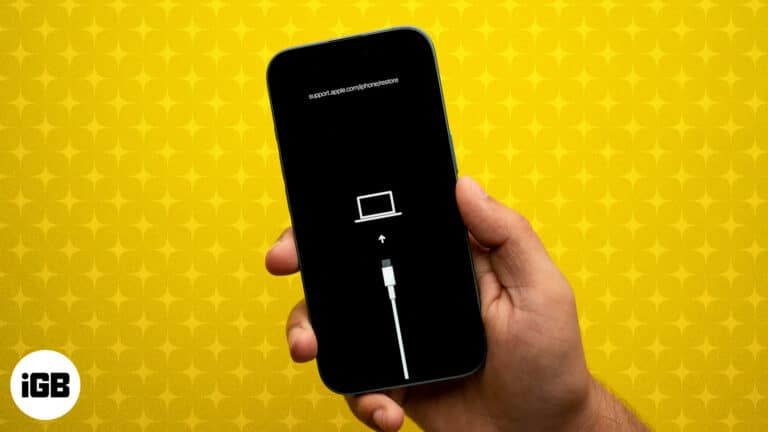
DFU mode is the deepest restore your iPhone or iPad offers. Here are the exact button steps for every model, including iPhone 18 Pro, plus how to restore and exit.