FaceTime Like a Pro
Get our exclusive Ultimate FaceTime Guide 📚 — absolutely FREE when you sign up for our newsletter below.

FaceTime Like a Pro
Get our exclusive Ultimate FaceTime Guide 📚 — absolutely FREE when you sign up for our newsletter below.


Out with the old, in with the secure! Learn how to factory reset your device and send it off worry-free.
Is your iPhone stuck on a blank screen and wants to restart? Check out this guide on how to force restart iPhone and iPad models.
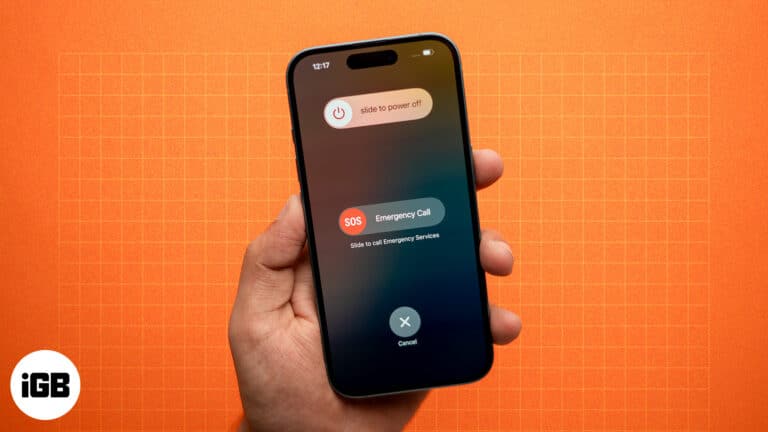
Restarting our iPhones is the first thought that comes to our mind whenever we encounter any issue. This is because simply restarting your iPhone can often fix issues like app crashes, sluggish performance, or connectivity problems. While restarting an iPhone…
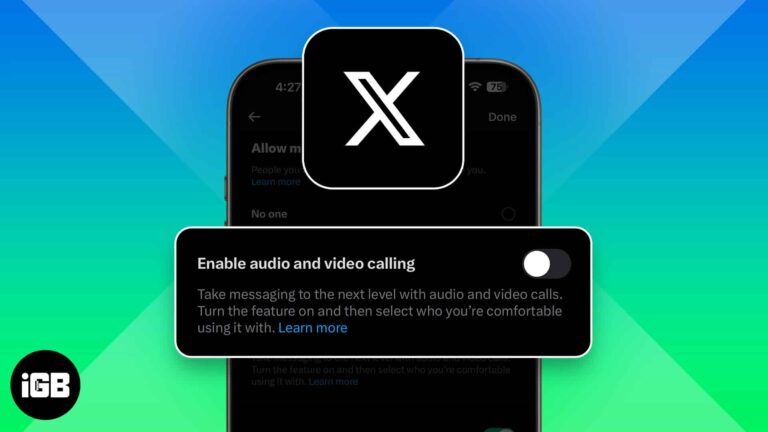
X (formerly Twitter) now lets anyone call you by default, raising privacy concerns. Luckily, you can turn off audio and video calls or limit who can reach you in just a few taps.
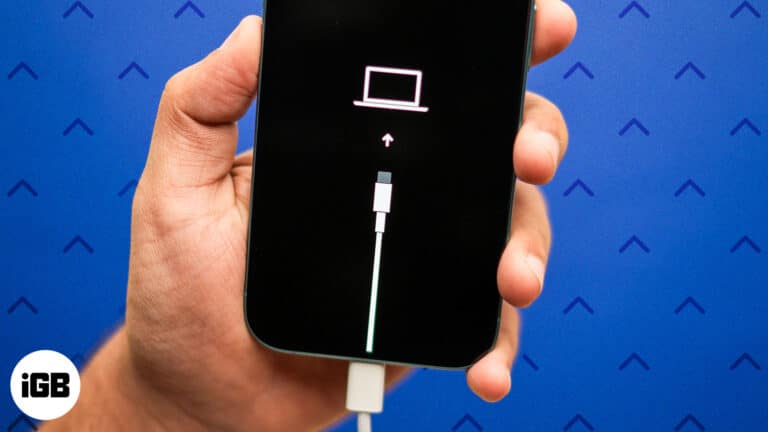
Step-by-step guide to enter Recovery Mode on your iPhone.
Free up memory and improve performance by clearing RAM on your iPhone.
Shoot Spatial photos and videos for Apple Vision Pro using your iPhone camera.

 Jibin Joseph and Vikhyat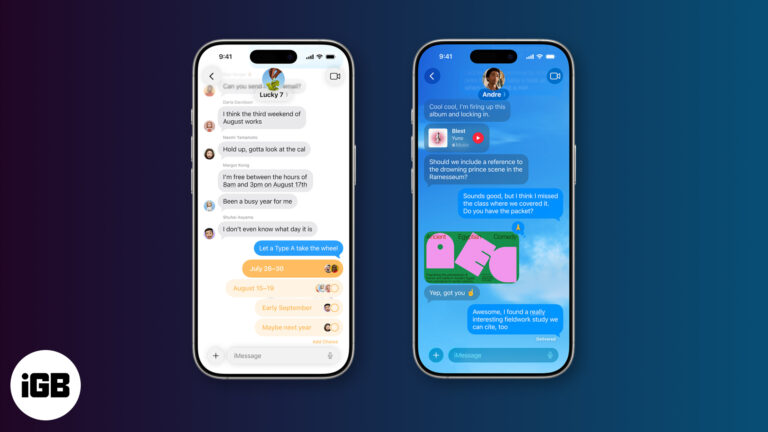
iOS 26 revamps the Messages app with Backgrounds, Live Translation, Polls, and more. Here’s everything you should know!
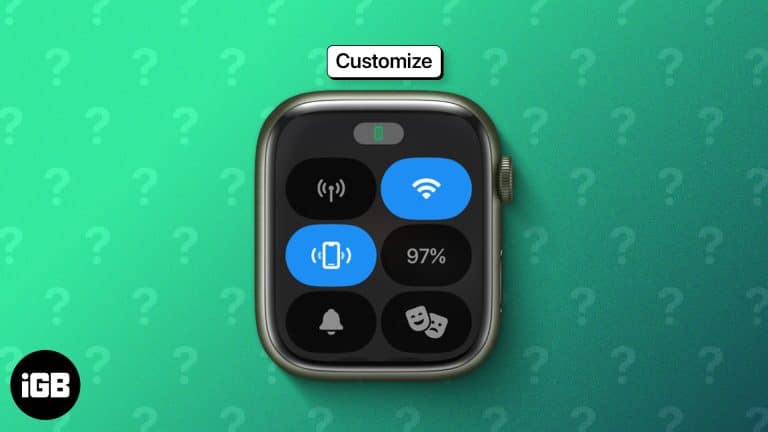
Control Center moved to the Side button in watchOS 10, and the toggle order is fully editable. Here is how to open it, rearrange the controls, and use the ones worth keeping close.
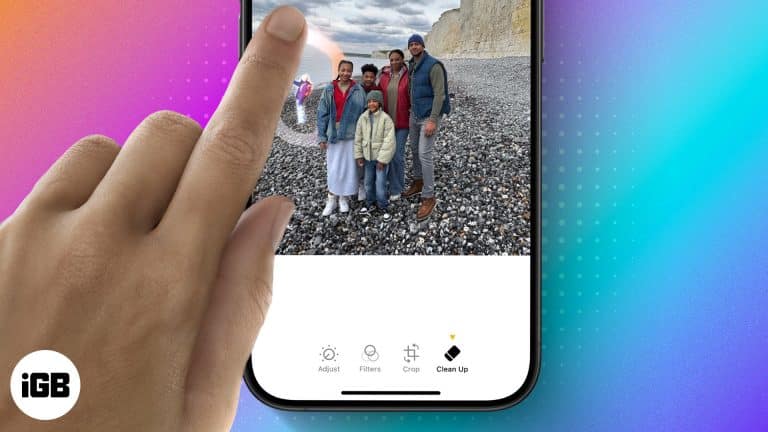
Clean Up uses Apple Intelligence to erase distractions from a photo and fill the gap convincingly. Here is what hardware it requires, when it works well, and how to use it step by step.
iOS 18 finally added a calculation history to Calculator, complete with a running tape you can review and clear. Here is where to find it, and the workaround for older iOS versions.
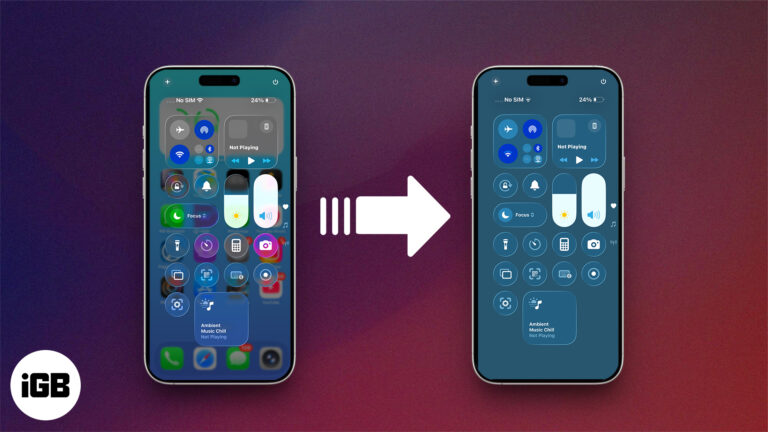
Don’t like the new Liquid Glass effect in iOS 26? Here’s how to disable or reduce the visual intensity for a cleaner, distraction-free iPhone experience.
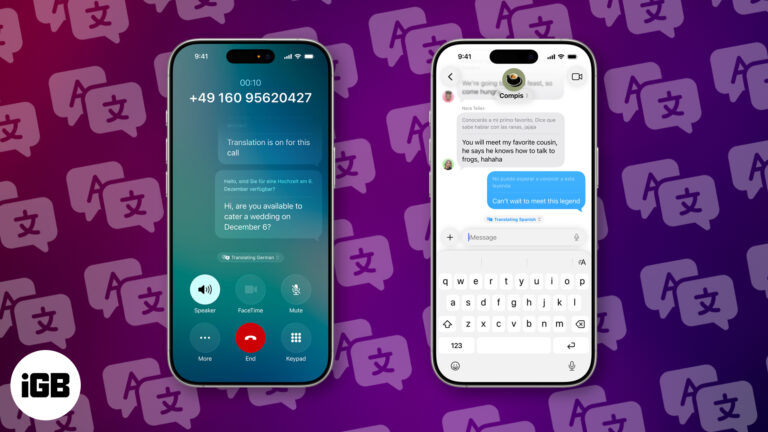
With iOS 26 Live Translation, you can translate calls and messages in real time—breaking language barriers instantly and privately, right from your iPhone.

Apple revamps CarPlay in iOS 26 with a sleek Liquid Glass design, widgets, Live Activities, and deeper vehicle control perfect for smarter, safer drives.
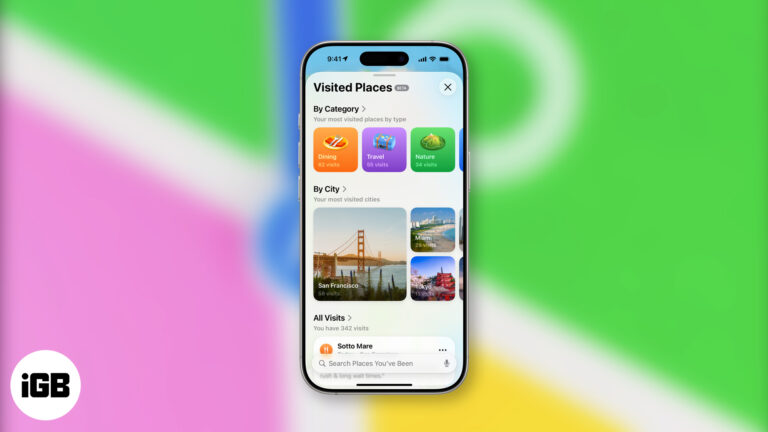
Apple Maps just got smarter in iOS 26 learning your routines, logging visited places, and keeping it all private. No setup, no fuss, just quietly helpful.
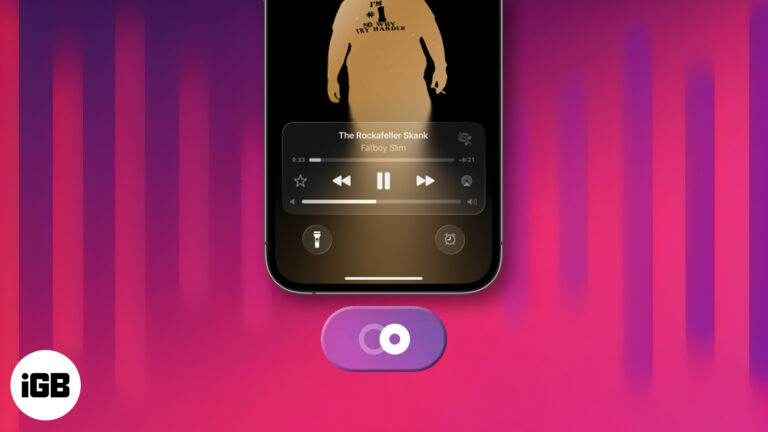
Learn how to use AutoMix in iOS 26 to create seamless, DJ-style transitions in Apple Music—no interruptions, just nonstop music.
iOS 26 finally brings customizable snooze times to iPhone alarms. Here's how to set it up—and what to try if you're still using an older version.
On supported iOS versions, you can change Siri’s name on your iPhone using the Vocal Shortcuts accessibility feature. Here’s how to do it.
X Premium (formerly Twitter Blue) offers features like editing posts, fewer ads, and monetization tools. Plans start at $3/month across three tiers.
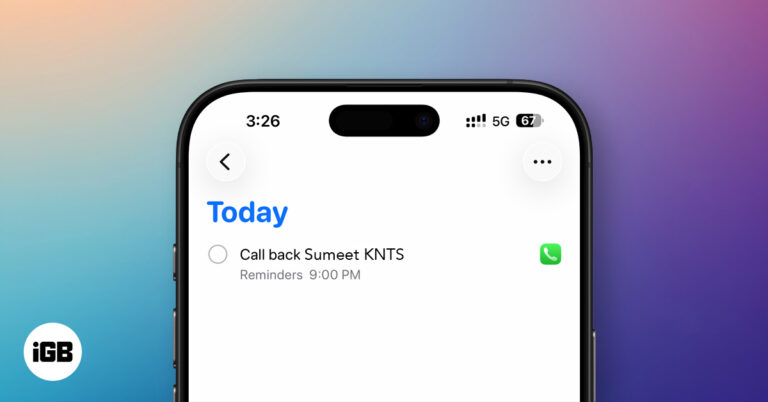
iOS 26 introduces Callback Reminders in the Phone app, letting you set follow-up alerts for missed calls so you never forget to return important calls again.
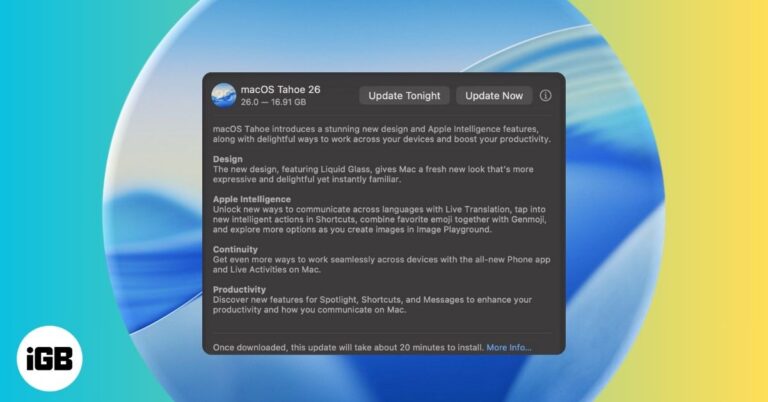
Apple’s macOS 26 Tahoe is here with Liquid Glass UI, Apple Intelligence, and more. Learn which Macs support it and how to install the update safely.
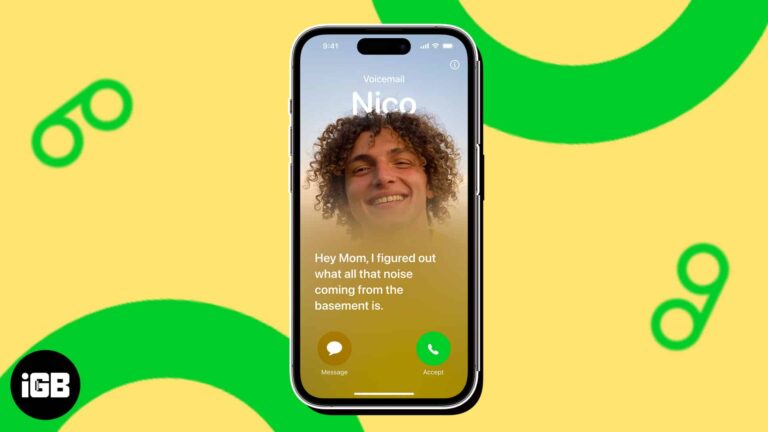
Live Voicemail on iPhone lets you read a real-time transcription of a caller's message. Here is how to turn on and use Live Voicemail on your iPhone.
Photo Shuffle cycles your Lock Screen through people, pets, nature, or an album you pick. Here is how to set it up on iPhone and choose whether it changes hourly, daily, or on each tap.
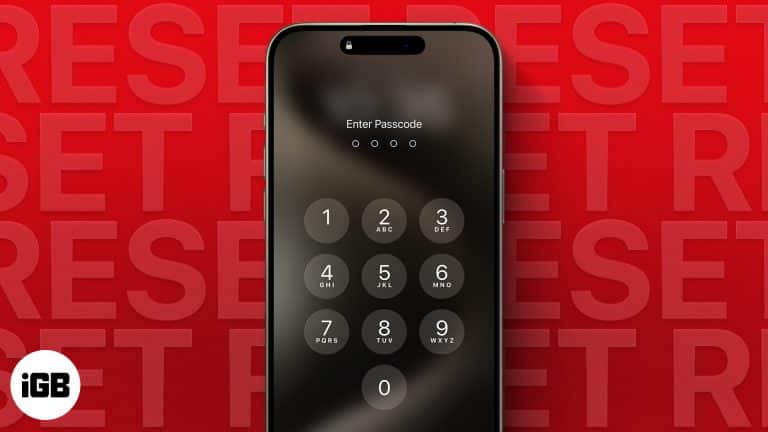
Repeated wrong entries lock an iPhone entirely, and there is no way to recover the passcode itself. These four tested methods erase and restore the device, plus what to do once you are back in.
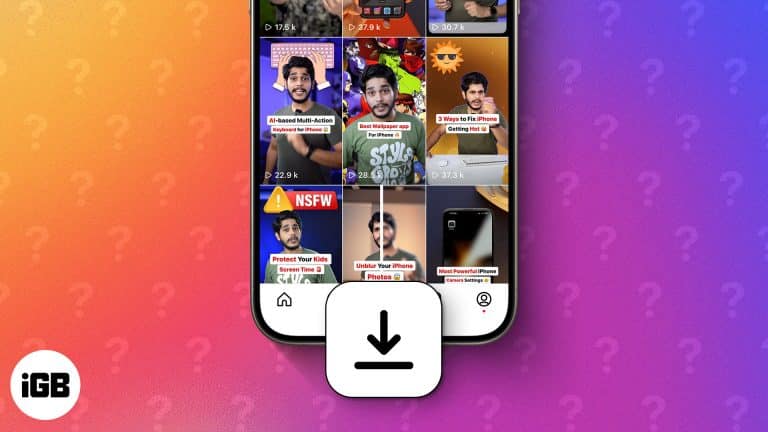
Learn how to download Instagram reels on your iPhone. Discover safe, easy methods with and without third-party apps. Step-by-step guide inside!
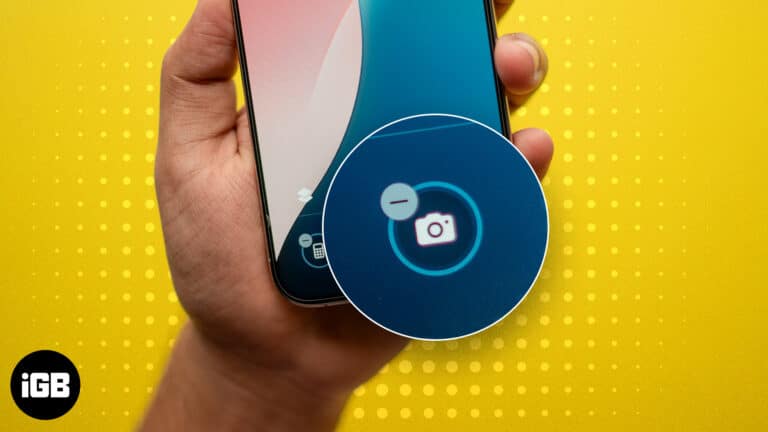
A Lock Screen camera means pocket photos and a privacy gap. Here is how to remove the control in iOS 18 and later, and how to disable the camera entirely using Screen Time.
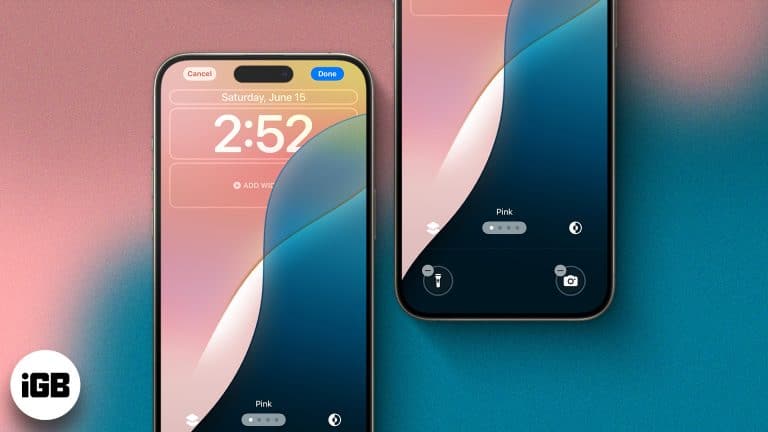
The Lock Screen became genuinely customizable in iOS 16 and has expanded since. Here is how to build multiple Lock Screens, add widgets, change the controls, and tie each one to a Focus.
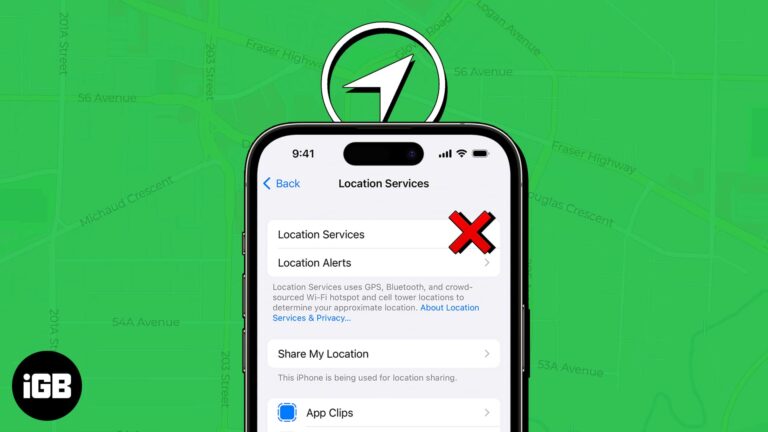
Broken location breaks Maps, Find My, and weather at once. Here is why Location Services fail, especially after an iOS update, and ten fixes that restore accurate positioning.
Apps lock up most often after an iOS update or when storage runs low. Here is why it happens and how to fix frozen apps on current iOS and iPadOS versions.