
FaceTime Like a Pro
Get our exclusive Ultimate FaceTime Guide 📚 — absolutely FREE when you sign up for our newsletter below.

FaceTime Like a Pro
Get our exclusive Ultimate FaceTime Guide 📚 — absolutely FREE when you sign up for our newsletter below.


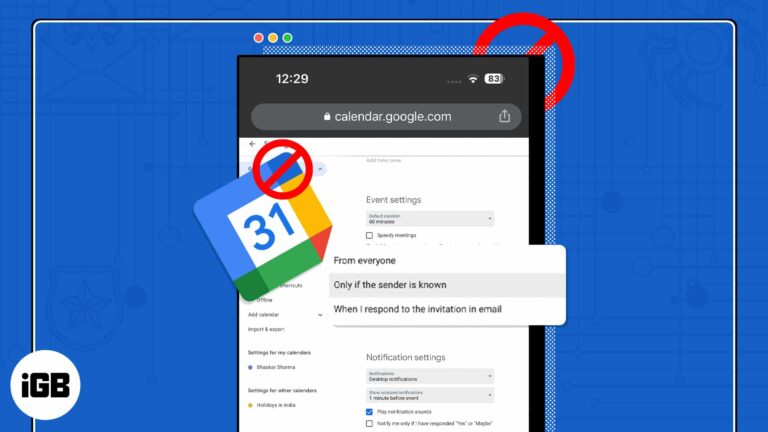
With the advancement in technology, spammers have discovered new methods to infiltrate your device and disrupt your daily routine. However, to have a healthy work-life, you must maintain your Google Calendar clean and spam-free. In this post, I’ve demonstrated how to stop and…

Nowadays, Google Drive is among the most reliable and popular cloud storage options. It lets you store and access your files from any device, including your iPhone or iPad. If you’re wondering how you can download Google Drive files to…

Thanks to the Grayscale mode, you can turn your iPhone or iPad screen into black & white. Some visually impaired and colorblind users aren’t comfortable with vivid color schemes. They instead prefer looking at a grayscaled screen as they are…

One of the best features of the Books app is the ability to start reading on one Apple device and finish on another. To keep up to date with your novels, short stories, and other reading materials, here’s how to…
Developers make it possible for users to access millions of apps from the App Store that are integral to Apple’s success. To help developers create these great apps, Apple offers a handful of advanced dev tools like Xcode, TestFlight, and…
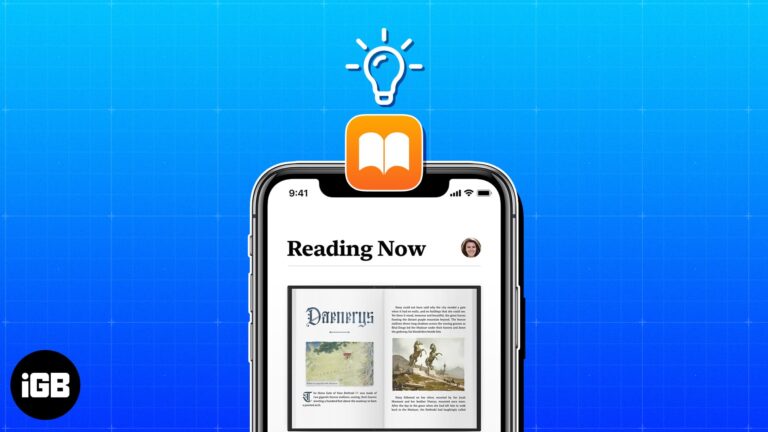
Maybe you’re new to the Apple Books app or just haven’t had the time to explore its various features. To make the most out of this handy reading tool, check out these tips that’ll turn you into an Apple Books…

If you love jotting down ideas in the Notes app but wish to share them on a universal platform, then you’re in luck. With iOS 17 and macOS Sonoma, users can now effectively share Apple Notes to the Pages app.…
Whether it’s the ability to send your tabs over to other Apple devices using Handoff or protect your privacy with Intelligent Tracking Prevention, Safari is full of useful features. However, this doesn’t mean it’s perfect. There’s a possibility that you…
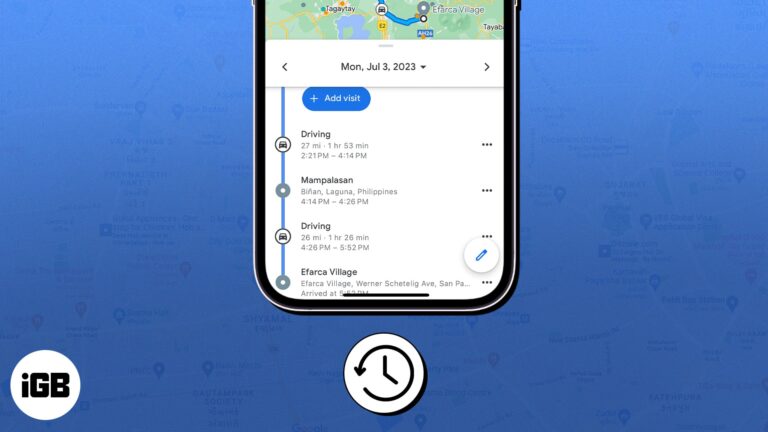
Devices like iPhones and Macs have woven themselves so seamlessly into our routines that stepping out without them seems unthinkable. Given these devices are constantly with you, you’d most probably leverage its Location Services for things like food delivery or…

Did you know that you can drop a pin on any location in Apple Maps and come back to it later? Oh yes, mark it up to use it as you see fit, from saving the location for a future…

Things to remember: The Notes folder must be synced to iCloud and shared with the person you want to tag. All participants must have iPhones running iOS 16 or later or Macs running Ventura or later The Notes app is…
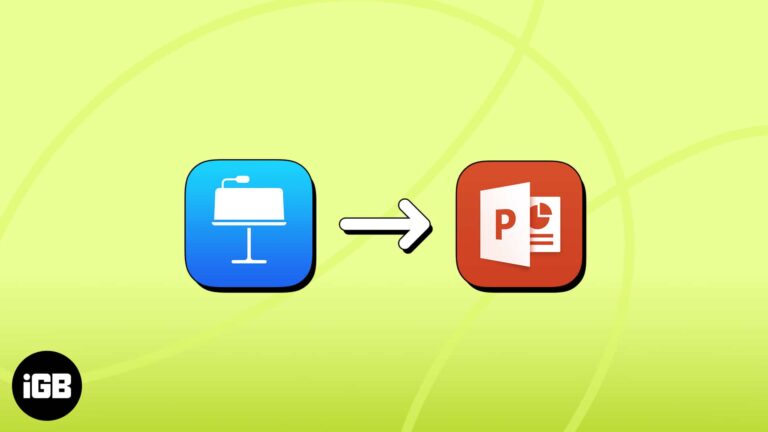
As a university instructor in the past, being able to create Keynote presentations from scratch or make quick changes directly from my iPhone — usually while traveling — is pretty convenient. But one of Apple’s known downsides is its exclusive ecosystem,…
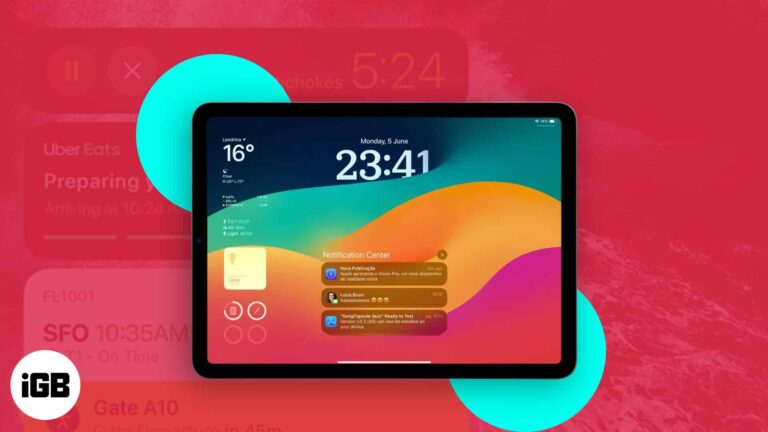
iPadOS 17 comes with a number of new features, and everyone’s attention was drawn to the revamped Lock Screen. The Lock Screen on your iPad can now be uniquely customized like never before. And if that’s not enough, you can…
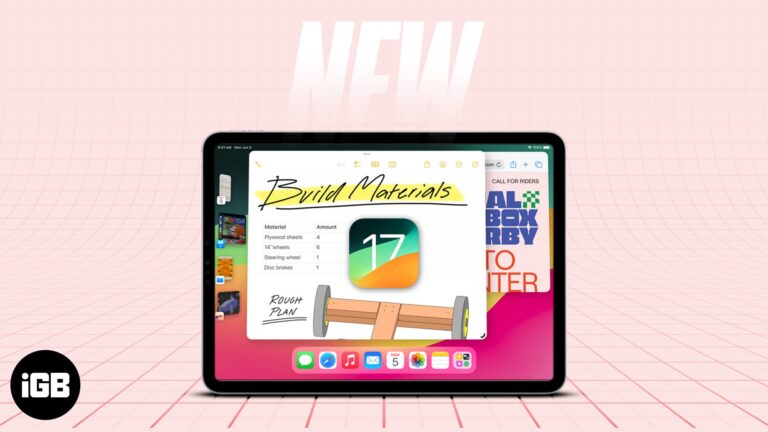
The iPad remains a favorite because of its portability, function, and versatility. In the WWDC 2023 last June 5, 2023, Apple introduced the new iPadOS 17, showcasing numerous enhancements and novel features available to iPad users in the latest software…
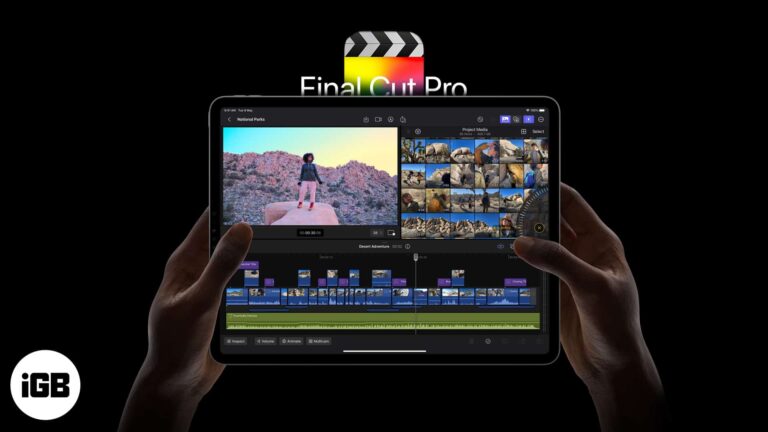
Apple has finally made Final Cut Pro – the gold standard of video editing – available for iPad and iPad Pro. In this article, I’ll take you through the complete guide to using Final Cut Pro on iPad with its…
IP address, aka Internet Protocol address, can be a window to your location, browsing history, and more. Unfortunately, malicious parties or advertising companies can misuse this information. But thanks to Apple, you can now hide your IP address in Safari…

In today’s digital age, ensuring the security of your iPhone is crucial. Although using Face ID is fast, safe, and convenient, it’s not enough. So, you must set a good alphanumeric password rather than a traditional 4-digit passcode so that…

Almost all of us at some point have been stuck with poor Wi-Fi connectivity. Above that, the most frustrating part is when your iPhone or iPad is struggling to get hold of poor Wi-Fi. We had to go all the…
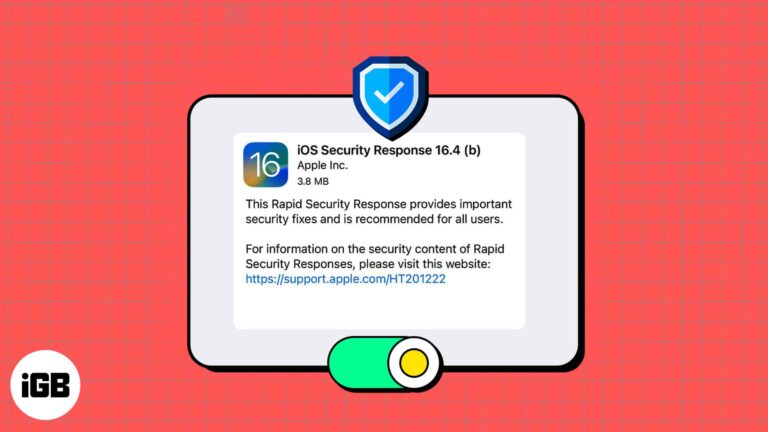
Have you heard rumblings about a new Apple feature for security updates on iPhone, iPad, and Mac? Called Rapid Security Response, this feature can keep your devices up to date when a defect is found in a recent system upgrade.…

Want to go online on Facebook but don’t want your friends to know it? Well, it’s simple. All you have to do is turn off the Active Status in the Facebook or Messenger app of your iPhone. Keep reading to…
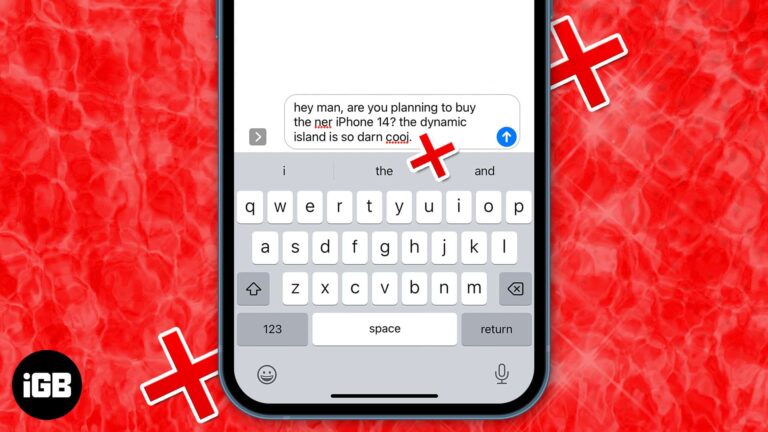
When messaging anyone on your iPhone, the best way to type out the words is by utilizing the Auto-Correction and predictive text features. Auto-Correction uses the dictionary on your iPhone to check for spellings you type and corrects them if…
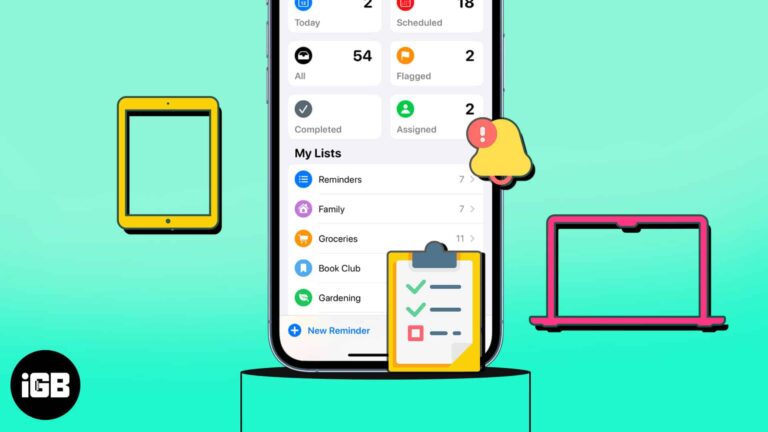
Do you find yourself reusing the same lists in the Reminders app? Maybe it’s a grocery, packing, or back-to-school list. You can avoid creating the same list repeatedly by using a template. In this article, I’ll show how you can create…

Google is the default account to save your contacts to the cloud on most Android smartphones. So, you can access your contacts by logging in to your Google account. Therefore, if you’ve switched from Android to iOS, you can import…
Whether you’re planning a weekend getaway or a lengthy vacation, you likely want to find places to visit while you’re there. Using Guides in Apple Maps, you can not only collect the locations you want to see but also have…

Game Center is Apple’s way of making games social, more fun, and entertaining. Many titles that you find on the App Store link to the Game Center so you can have a common leaderboard. But the real beauty of Game…
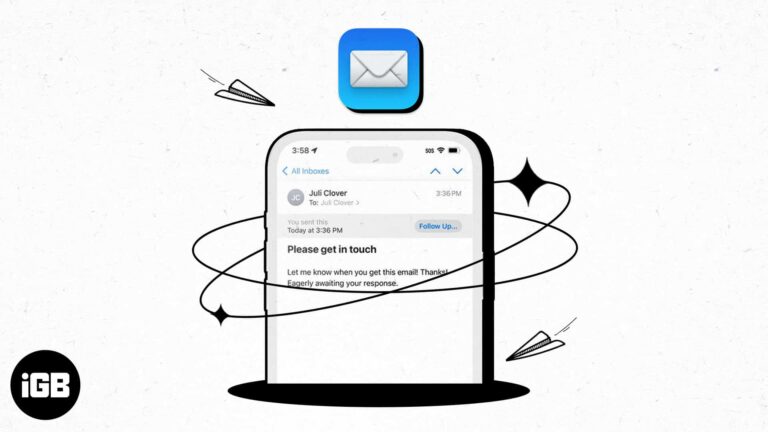
With the number of emails we send these days, it can be hard to keep up with whether or not we receive responses to them all. As a reminder, you can use the Follow Up feature in Apple Mail for…
Having trouble organizing or finding the notes you need? With Smart Folders in Apple Notes, you can set up folders that automatically include specific notes. This gives you a great way to stay organized and on top of the notes…
Things to know about iCloud Private Relay: The feature is available with iCloud+ and only works with Safari. You can easily turn off iCloud Private Relay on iPhone, iPad, and Mac. If a website or network doesn’t work with Private…
Before iOS 14, Apple only allowed Safari to be the default browser. However, now you can change the default browser on your iPhone. If you want to use a different web browser, like Chrome, Opera, Brave, etc., as the default…
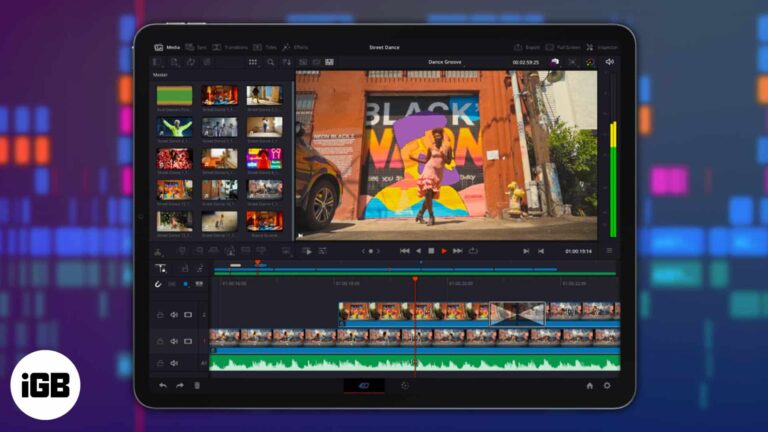
DaVinci Resolve is a color correction, audio post-production, and high-quality video editing software that has been used for years by Mac, Windows, and Linux users. Well, DaVinci Resolve is now available to iPad users as well. Explore our complete guide…


