
FaceTime Like a Pro
Get our exclusive Ultimate FaceTime Guide 📚 — absolutely FREE when you sign up for our newsletter below.

FaceTime Like a Pro
Get our exclusive Ultimate FaceTime Guide 📚 — absolutely FREE when you sign up for our newsletter below.



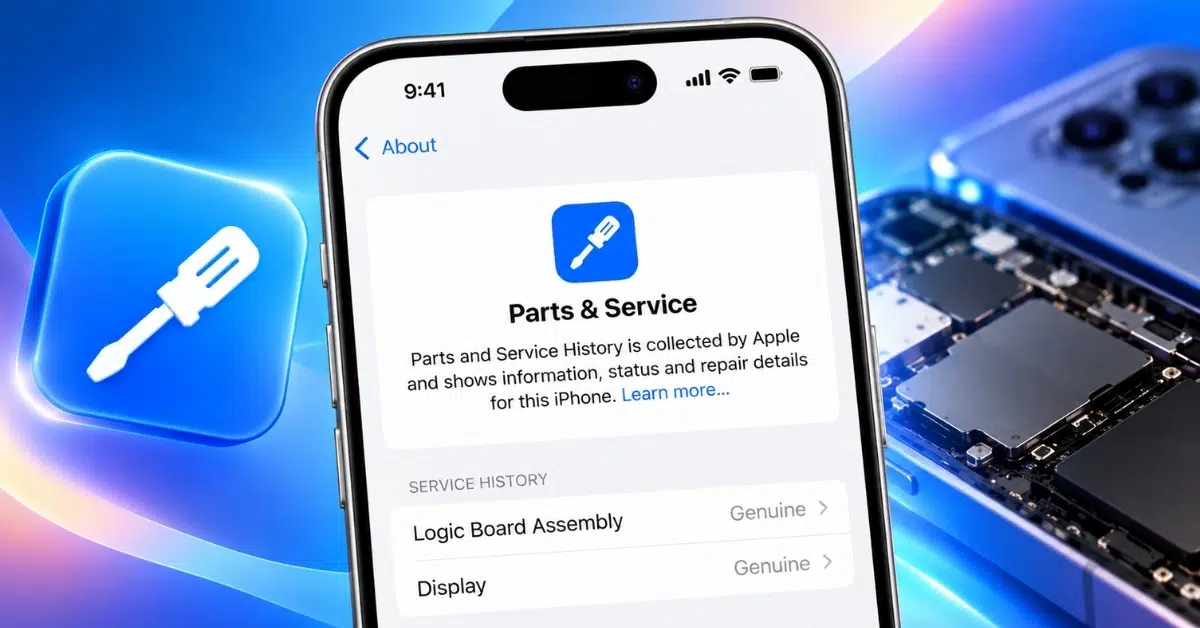
Parts and Service History helps you see which iPhone components have been replaced and whether Apple can verify them. Here’s how to check the history and understand each label.
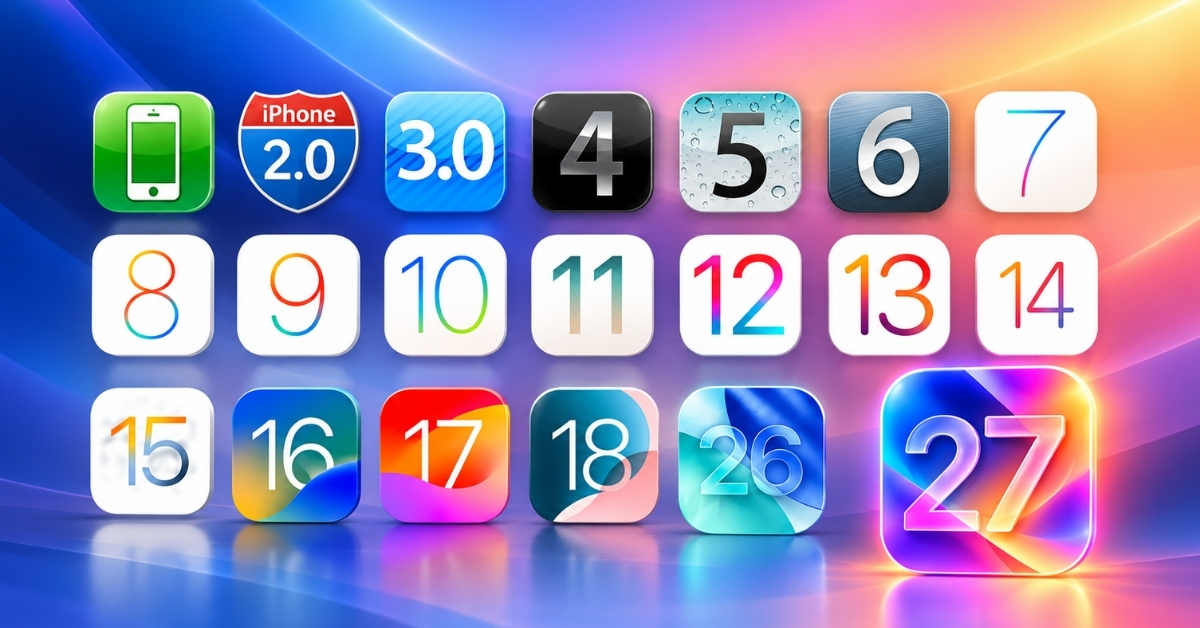
The complete history of iOS, from the original iPhone OS 1 to iOS 27—key features, design changes, and Apple’s biggest software milestones.
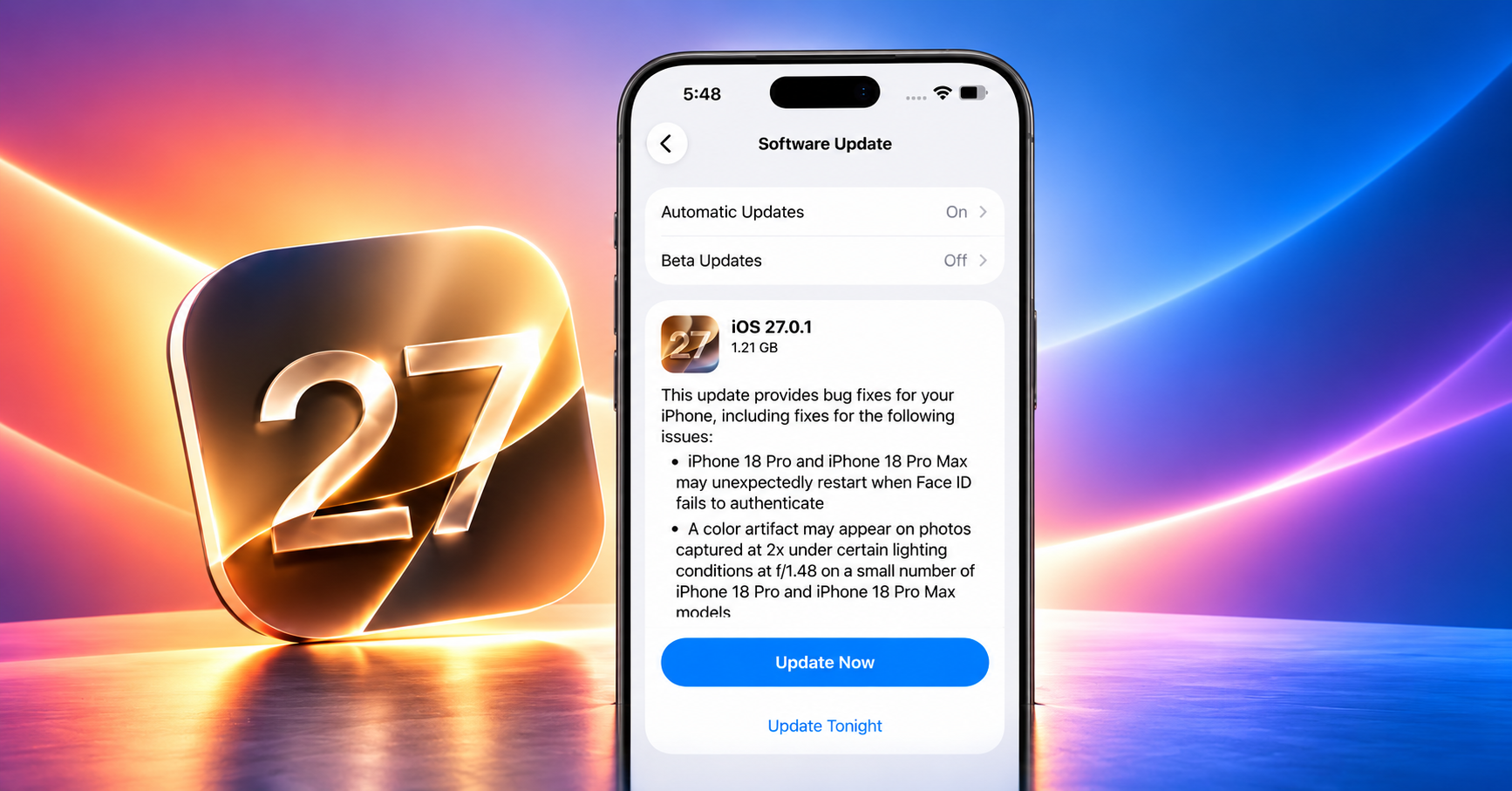
Running iOS 27 beta on your iPhone? Now that Apple has released the stable iOS 27 update, it’s time to switch. Here’s how to remove the beta and install the official version without losing your data.
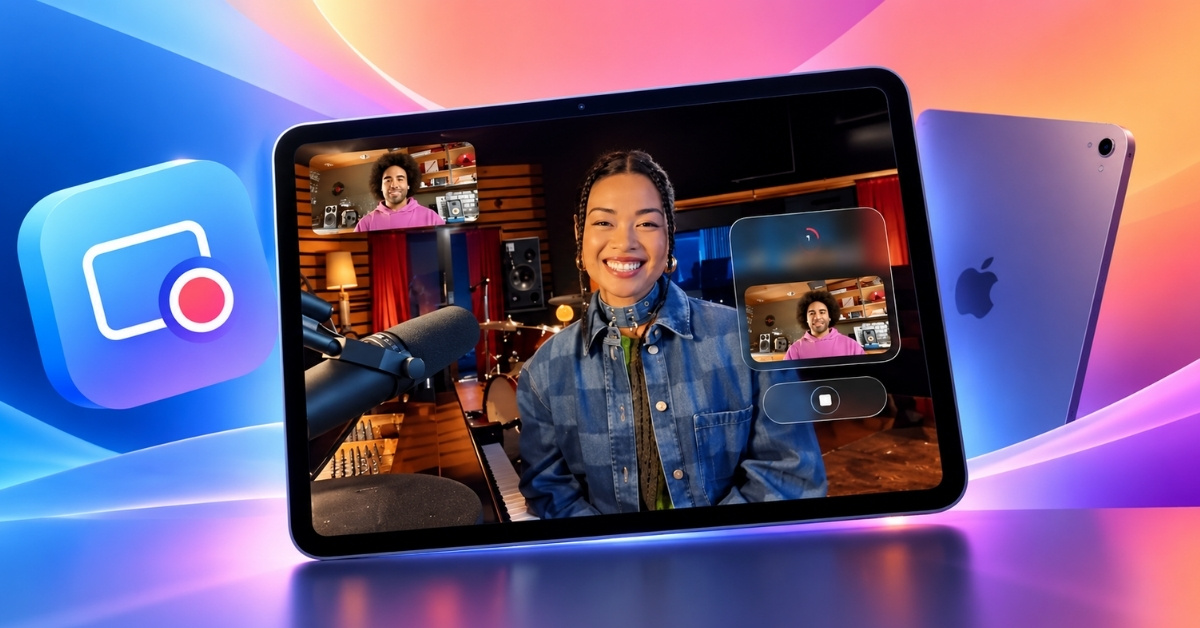
Local Capture on iPad makes it easier to record high-quality audio and video directly on your device. Here’s what it does, how it works, and how to set it up.
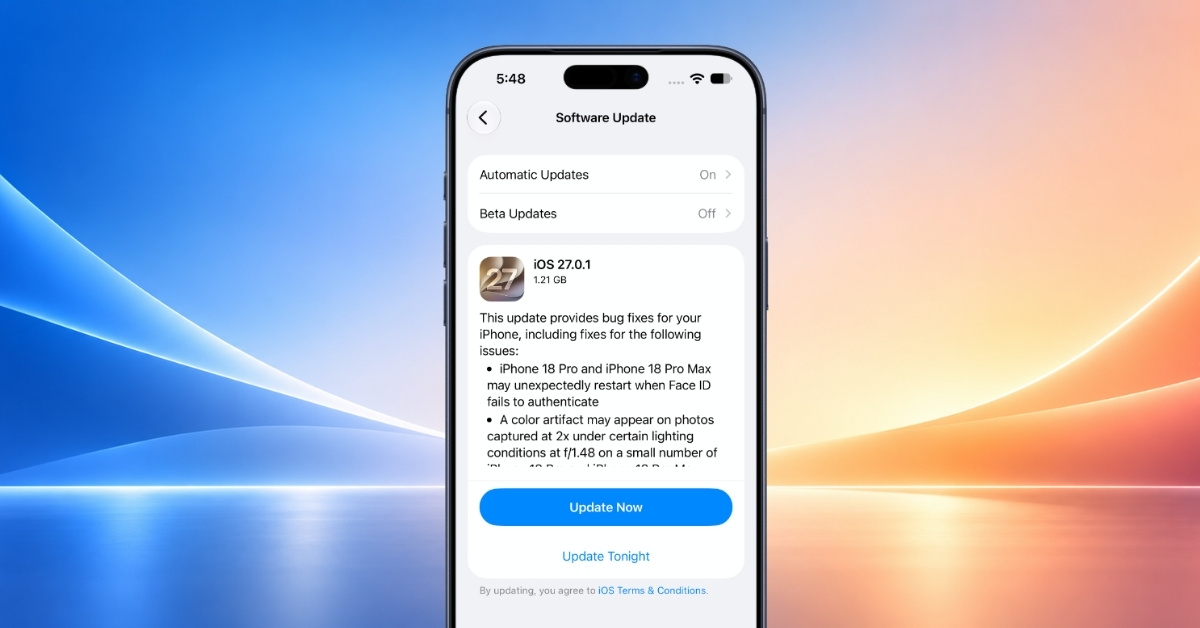
Is your iPhone stuck while preparing iOS 27 update? Here are some tested solutions to resolve the iOS Update Requested stuck problem.
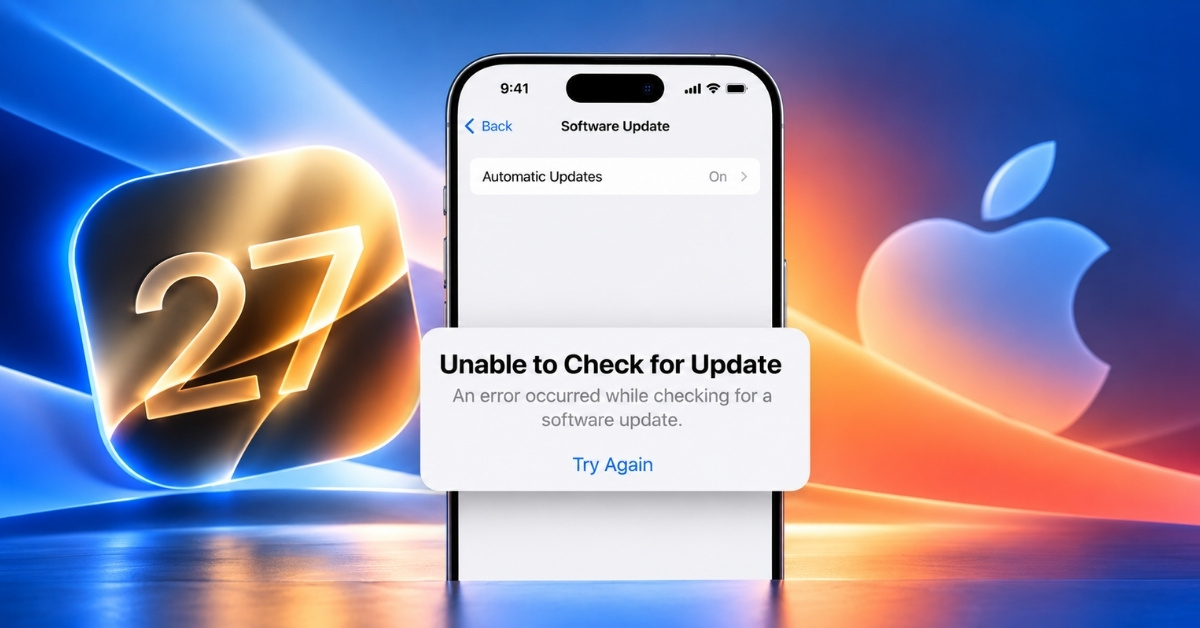
If your iPhone shows "Unable to Check for Update" while trying to install iOS 27.2 follow these easy steps to fix it.
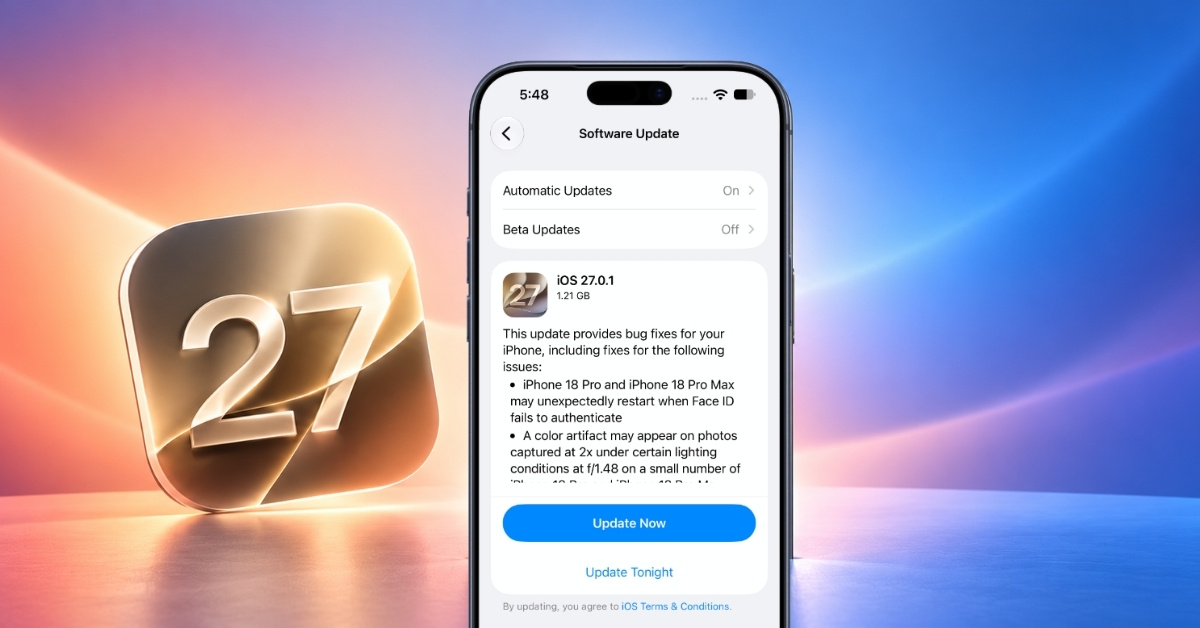
This guide covers quick checks and proven fixes for iOS 27 when the download stalls, or you see "Unable to Install Update."
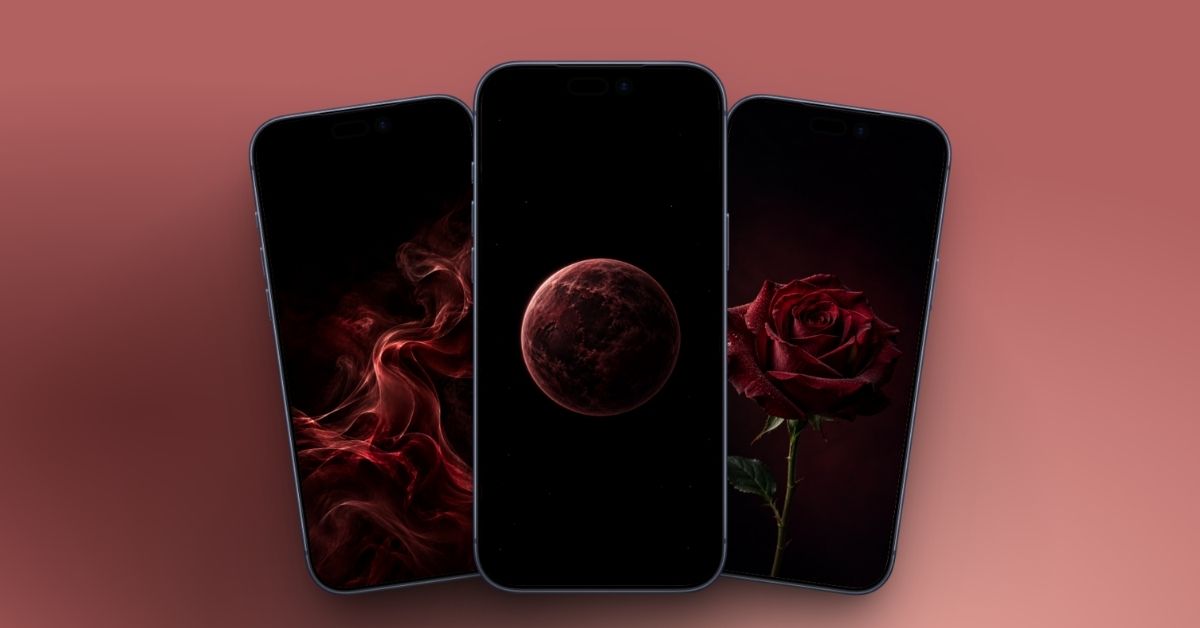
Give your iPhone a darker, more luxurious look with these 10 Burgundy wallpapers. From glossy Liquid Glass and marble to roses, planets, and smoky designs, there’s a style for every mood.
Is your iPhone stuck on “Update Requested” while installing iOS 27? I’ll walk you through the fixes that can help, from restarting your iPhone to deleting the update and trying again.
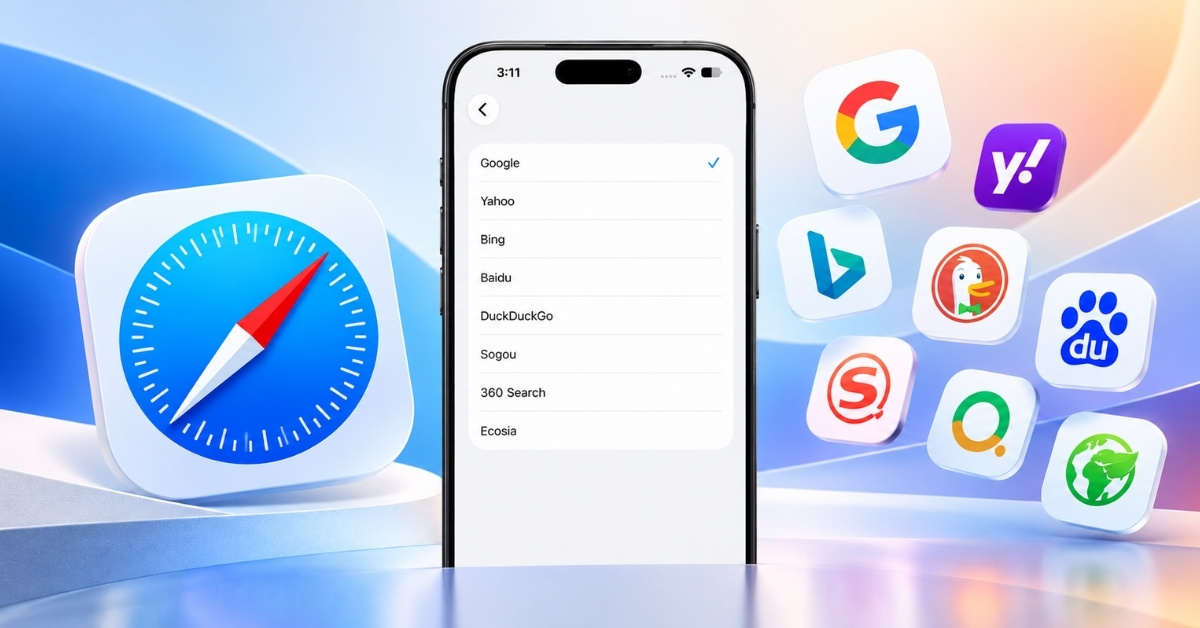
Safari lets you choose the search engine that fits your browsing habits. Here’s how to change it on iPhone, iPad, and Mac, including Private Browsing and troubleshooting tips.
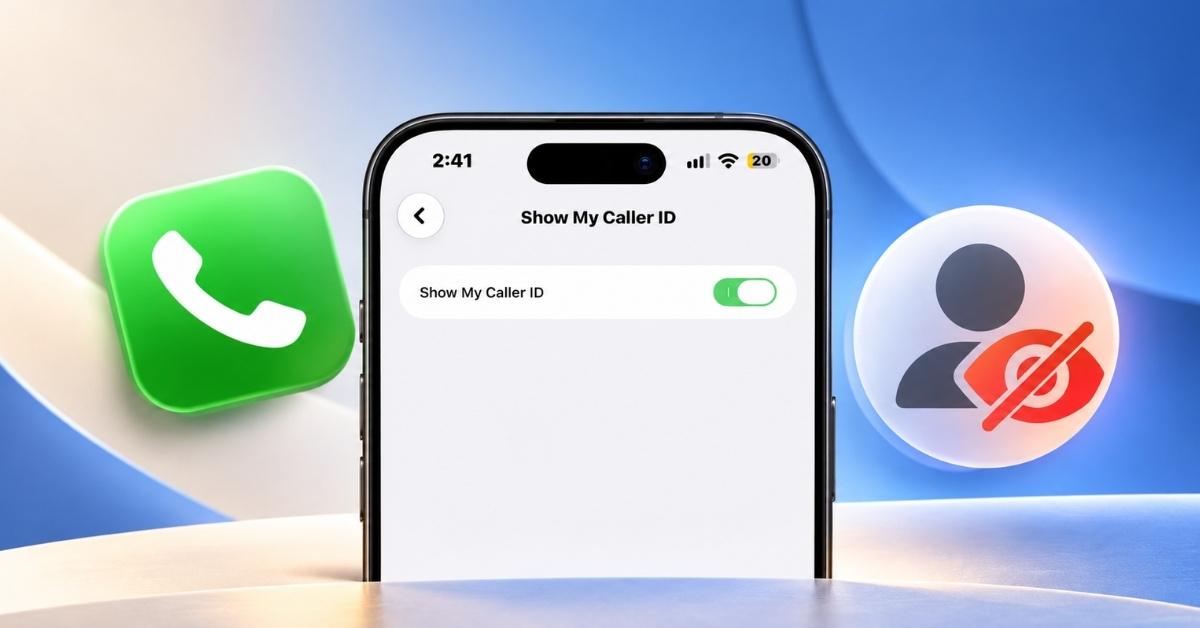
Want to keep your phone number private when making calls? Here’s how to hide Caller ID on iPhone, including options for all calls, single calls, and different carriers.
Not sure when to upgrade? Here’s the real lifespan of an iPhone, from iOS updates to end-of-support.
Want to stop iOS 27 update from downloading on your iPhone? Here’s how to pause the download, delete the file, and turn off automatic updates so you stay in control.
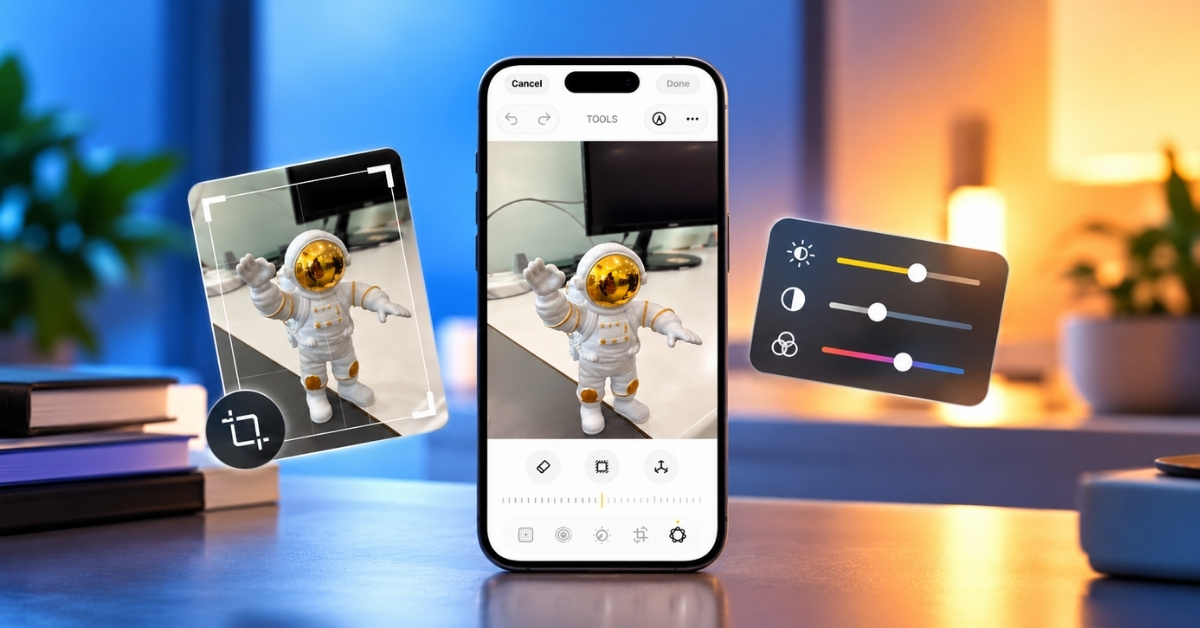
iOS 27 brings powerful new photo-editing tools to the iPhone. Here’s how I use Clean Up, Extend, Reframe, Photographic Styles, and more to edit photos.
Hidden features, clever shortcuts, and watchOS 27 tricks that can make your Apple Watch even more useful.
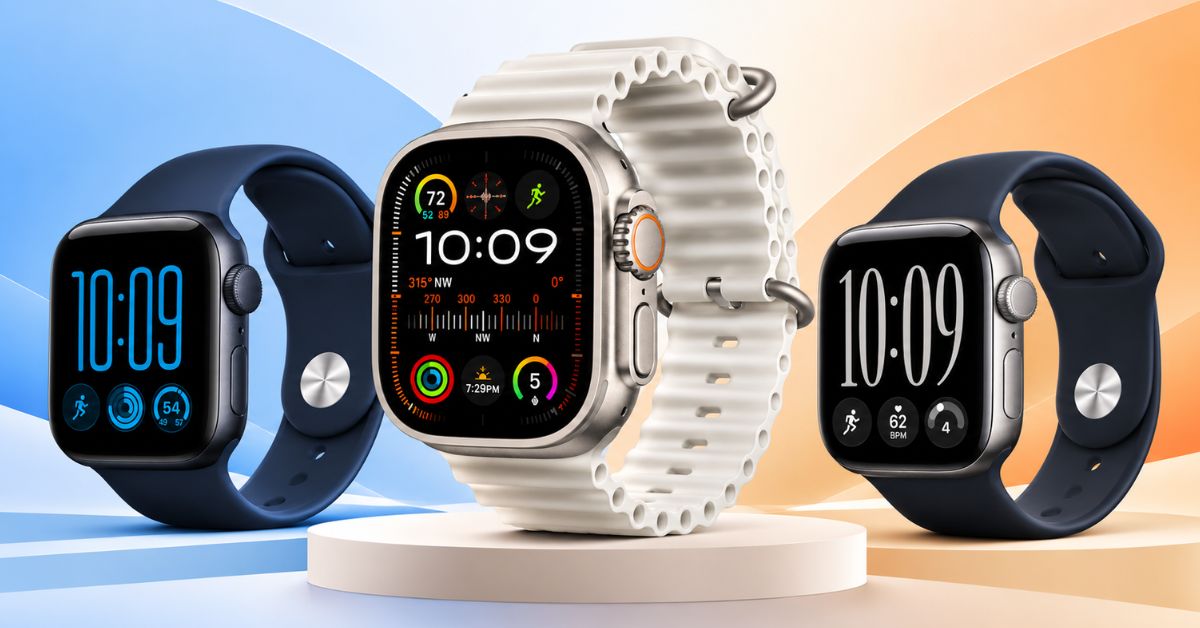
I compared the powerful Apple Watch Ultra 4 to all rounder Series 12 and entry-level SE 3. Here's the best watch for you.
From new original movies to returning series, Apple TV has plenty of fresh content arriving in November 2026. Here’s the complete lineup and release schedule.
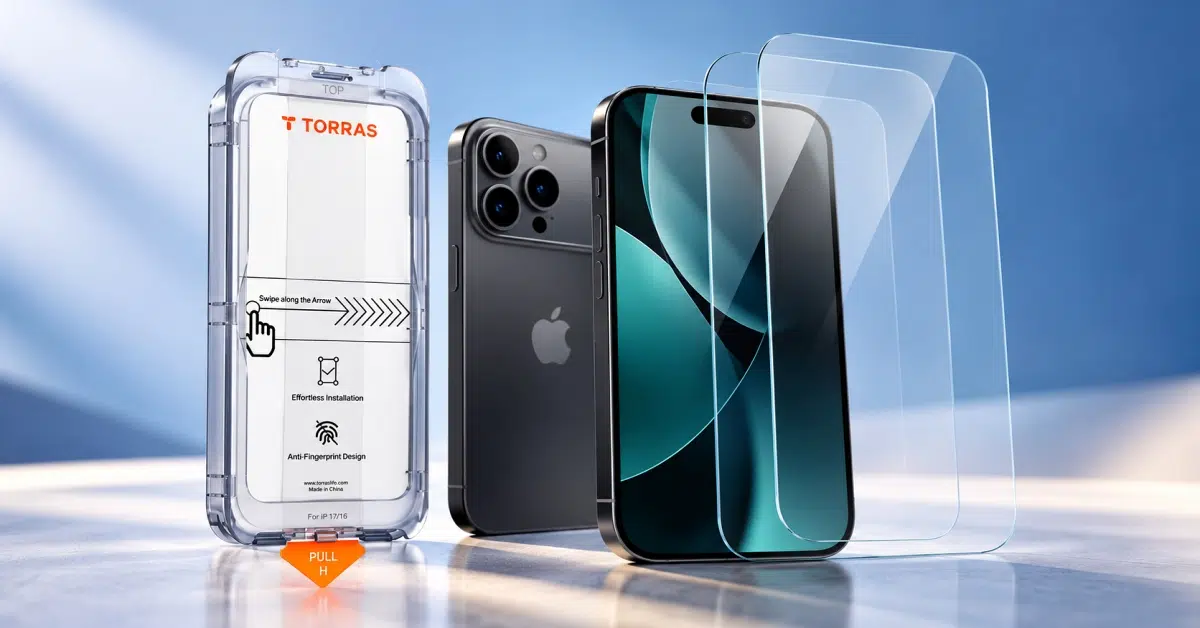
Looking for the best iPhone 18 Pro or 18 Pro Max screen protector? I compare different options to find the best ones for protection, privacy and clarity.
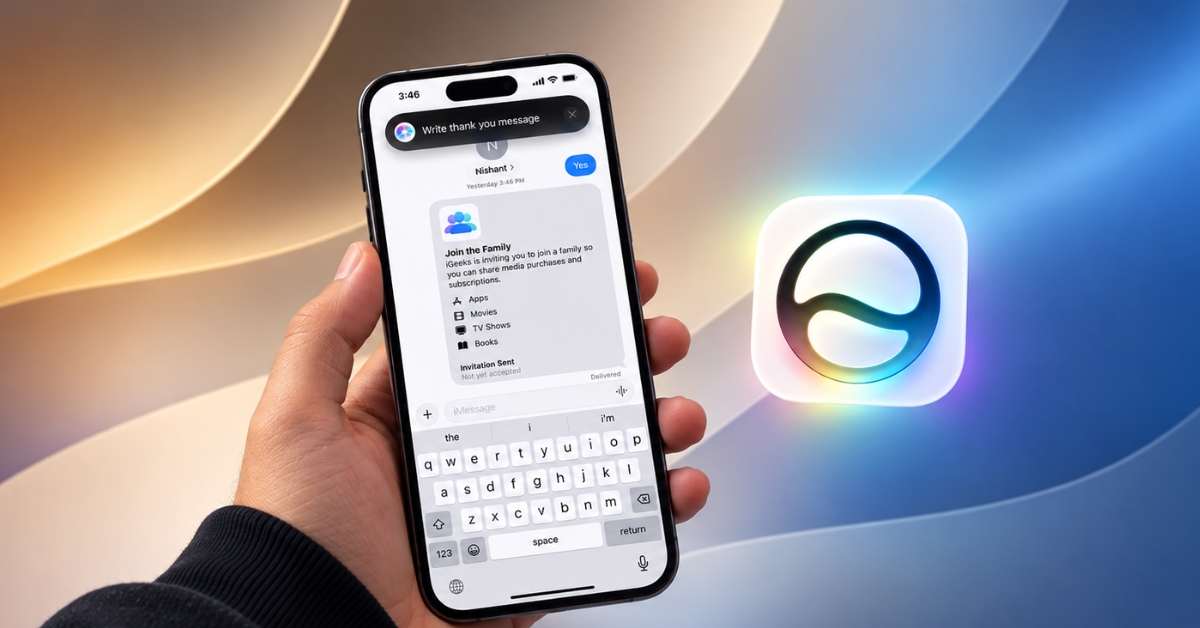
I tested Write With Siri in iOS 27 to see how well it rewrites messages, improves wording, and keeps your original voice and tone.
Find out if your iPhone is original, refurbished, or fake with these checks for the serial number, model number, parts, Activation Lock, software, and hardware.
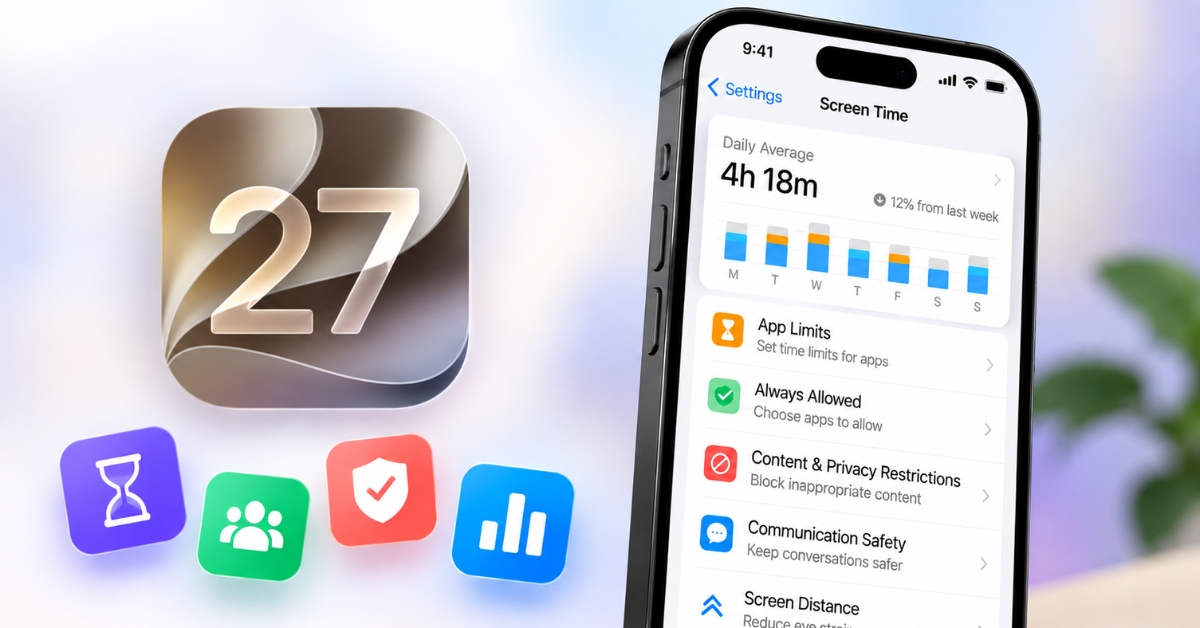
Want to spend less time scrolling? Here’s how iOS 27’s redesigned Screen Time can help you take back control with Schedules, Time Allowances, and smarter usage tools.
Don't downgrade just yet! Fix rapid battery drain, overheating, and sleep-mode issues after the macOS 27 update.
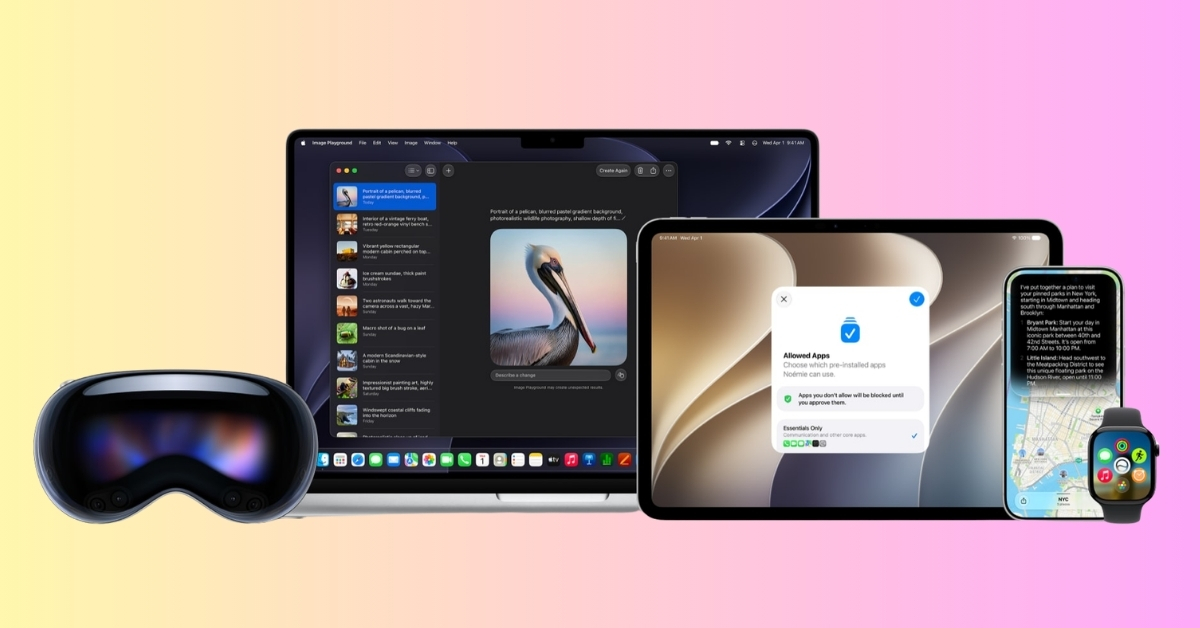
The Siri users have wanted for years is finally here and Apple is reserving it for a surprisingly short list of iPhones.
The in-app search button removes a few annoying steps from finding your old WhatsApp chats.
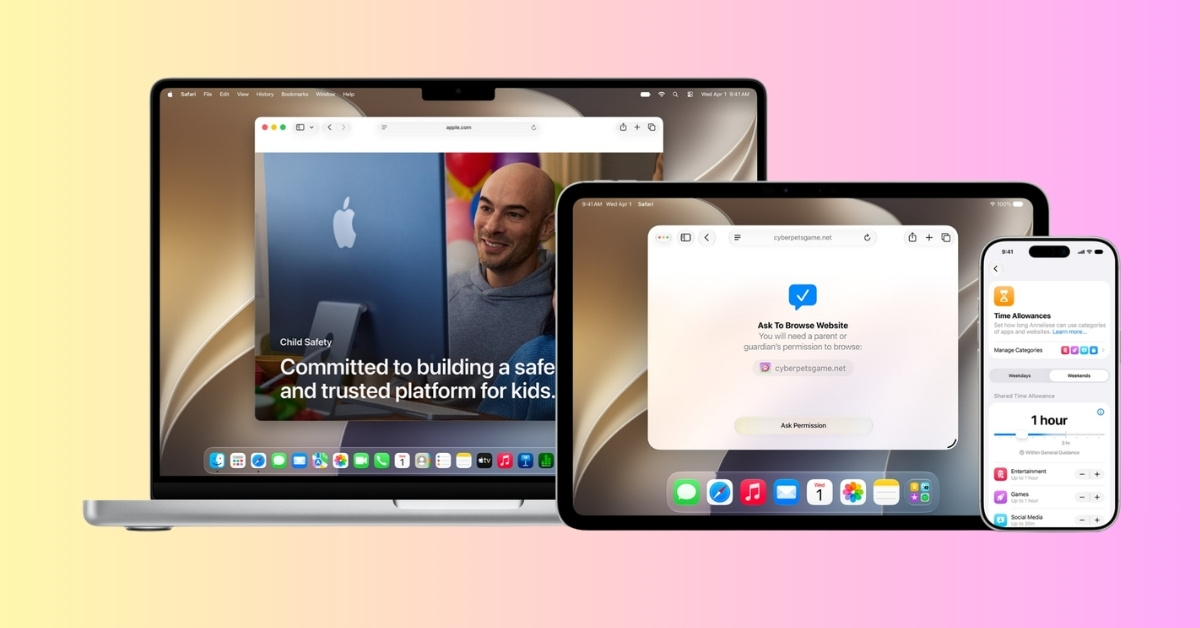
The new iOS 27 child safety features go beyond Screen Time, introducing smarter protections, parental controls, and safer experiences for kids online.
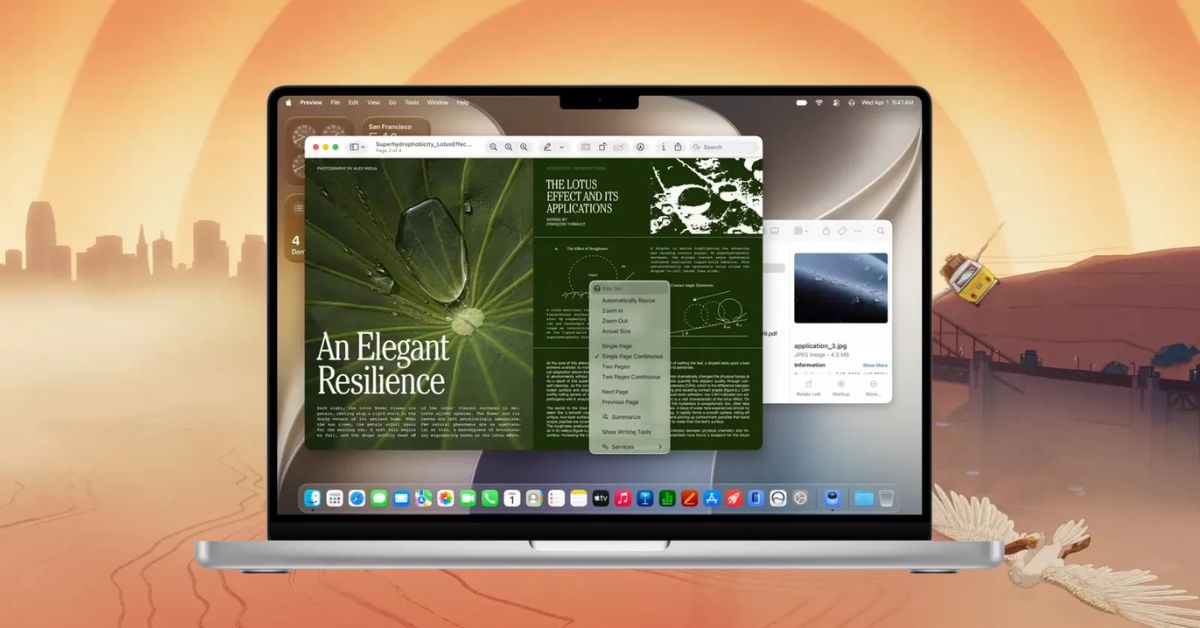
macOS Golden Gate 27 brings Siri AI, deeper Apple Intelligence integration, smarter Spotlight, Safari upgrades, design refinements, and performance improvements across the Mac.
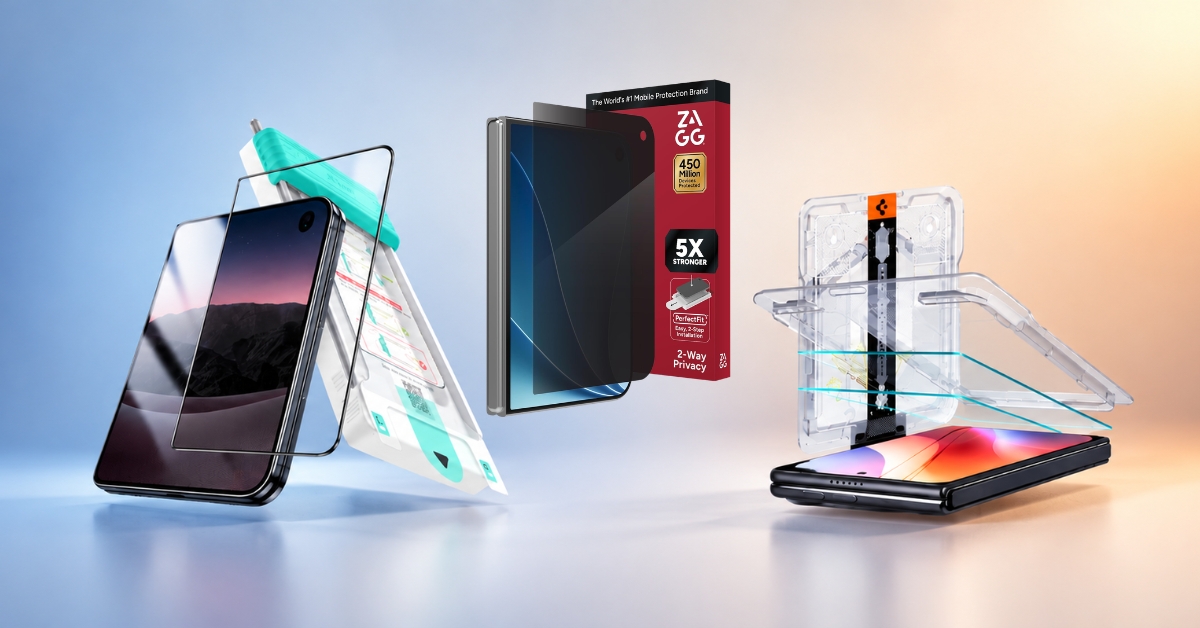
The iPhone Duo has two very different displays, making screen protection more complicated. These five protectors cover everything from premium glass to privacy and budget options.
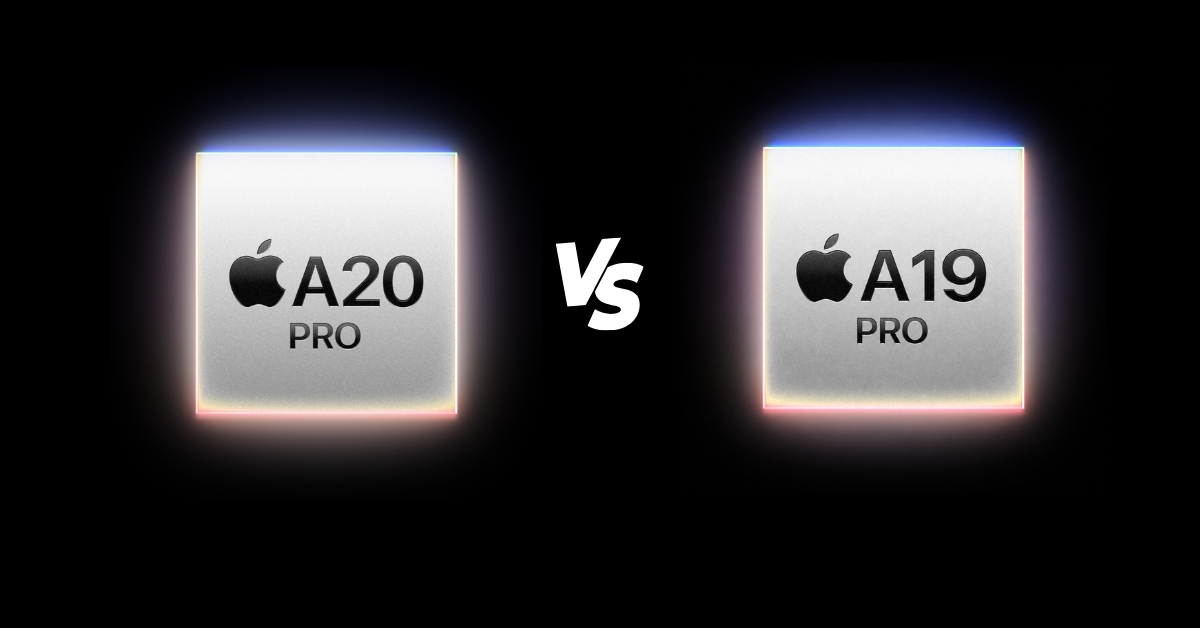
Apple’s A20 Pro brings 2nm power, faster performance, better AI, and improved thermals. But is it a big enough leap over the A19 Pro?
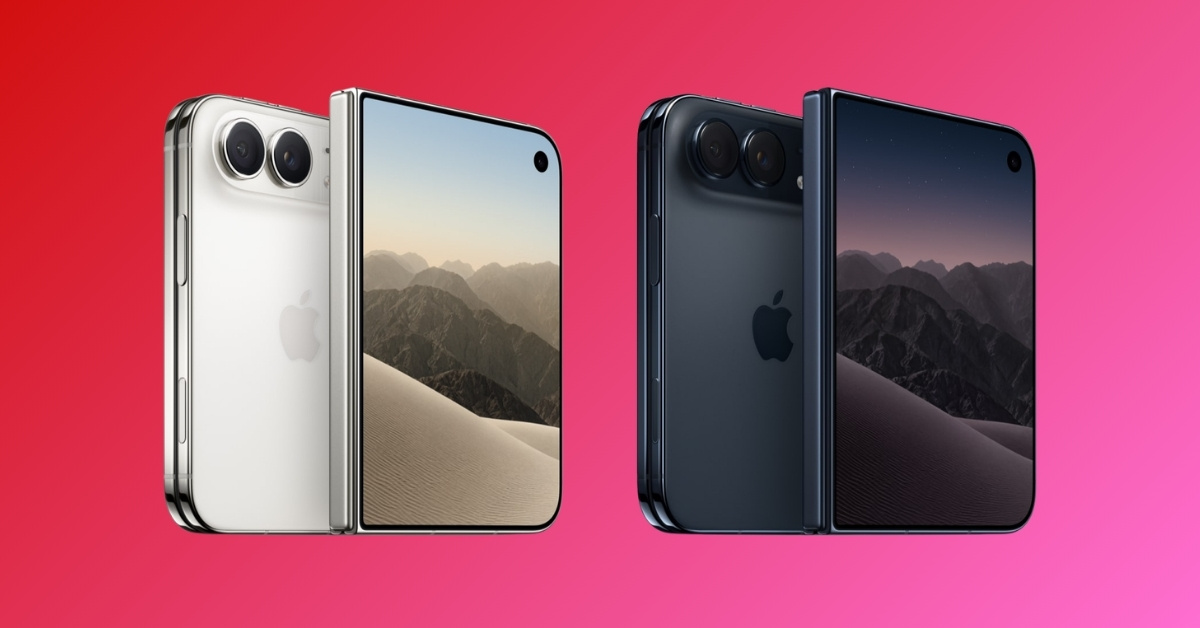
The iPhone Duo supports 25W MagSafe, but your favorite magnetic accessories may not all make the foldable leap.
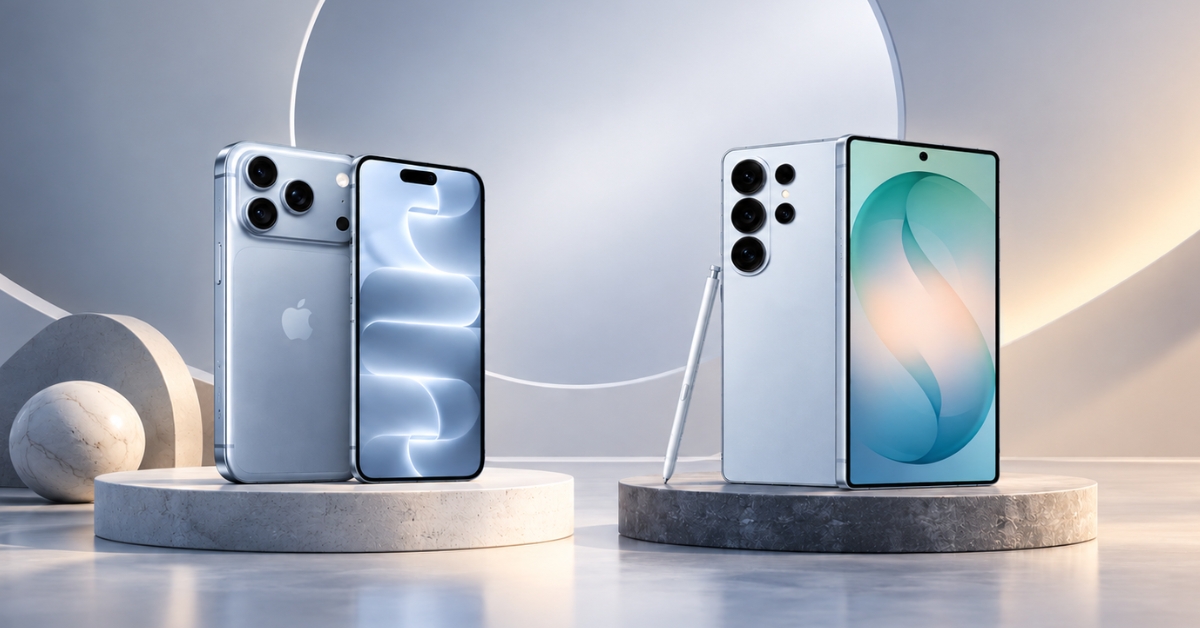
Compact and polished or big and feature-packed? I compare Apple’s latest Pro iPhone with Samsung’s Ultra flagship.