
FaceTime Like a Pro
Get our exclusive Ultimate FaceTime Guide 📚 — absolutely FREE when you sign up for our newsletter below.

FaceTime Like a Pro
Get our exclusive Ultimate FaceTime Guide 📚 — absolutely FREE when you sign up for our newsletter below.


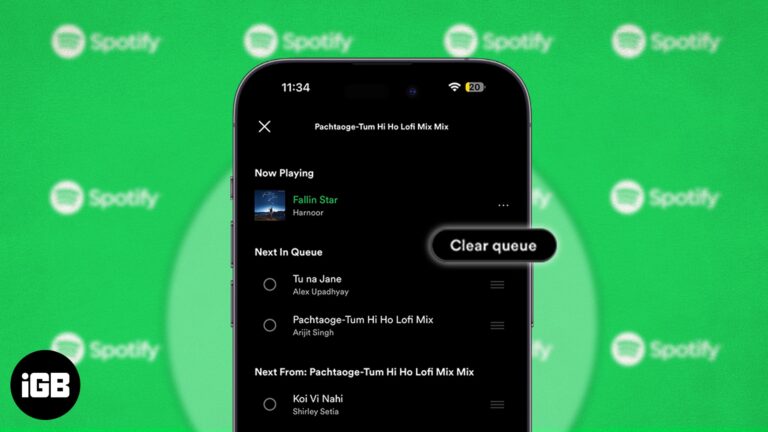
Spotify is a popular music platform with simple tools for organizing songs or podcasts. Many of us also use the queue feature of the platform to build our personalized playlists. But what if you queued a song by accident that…
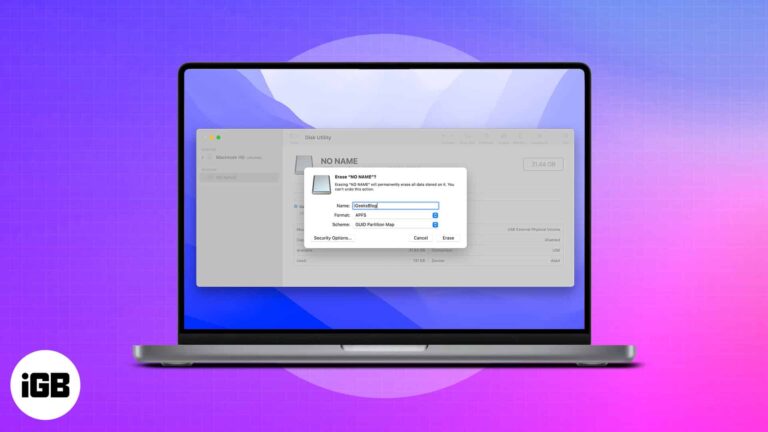
What to know: There are a substantial number of Mac users worldwide. Despite this fact, not all accessories or peripherals are Mac-compatible. A USB flash drive is one of the goods that work flawlessly with macOS Ventura or earlier; however, it…
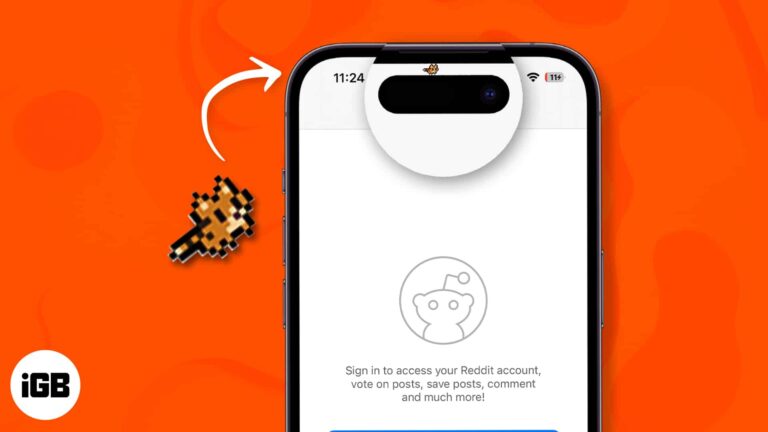
Despite some mixed reactions when Apple unveiled the Dynamic Island in their iPhone 14 Pro and Max, many users have found this feature extremely useful. Aside from practical uses, like real-time updates and alerts, this feature can also be used…
Just recently, I faced my Instagram’s iOS app kept crashing immediately upon opening, logging in, refreshing the feed, or when posting something. So, if you’re in same situation, I know how frustrating it is. But worry not! I have fixed…
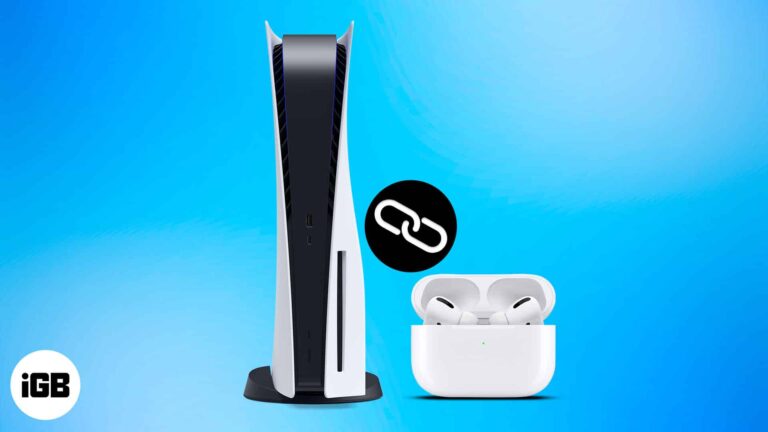
Guess what? We can’t directly connect the AirPods and the Sony PS5, two of the most hyped products in tech. As the gaming console lacks built-in Bluetooth capability one must employ unconventional ways to use the two products together. In this article,…

Are you tired of the loud camera shutter sound drawing unwanted attention all the time? Or perhaps you were trying to take a discreet photo in a quiet place, and the shutter sound ruined the moment. Whatever the reason, you…

Most of us prefer the QWERTY keyboard layout, as it’s more popular. But that doesn’t mean this input source can fit into the needs of everyone. This is where customization becomes the need of the hour. macOS has support for…

Do you like falling asleep listening to your favorite songs? Sadly, the official iOS or macOS Music app has no sleep timer functionality! Don’t worry. Let me show you straightforward ways to automatically stop Apple Music at the chosen time…

Things to know: Is your App store credit running a little low on cash? You can add money to your Apple Account balance in multiple ways. The easiest way to get it done is by using the iOS or macOS…
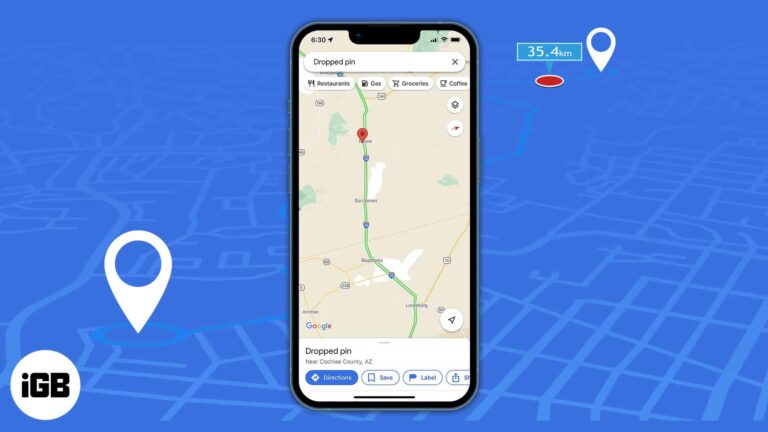
We all use Google Maps to get directions and the distance between our starting point and destination. Furthermore, Google Maps allows you to measure the real-world distance between two points as the crow flies. You can drop a pin at the starting…
Before iOS 14, Apple only allowed Safari to be the default browser. However, now you can change the default browser on your iPhone. If you want to use a different web browser, like Chrome, Opera, Brave, etc., as the default…
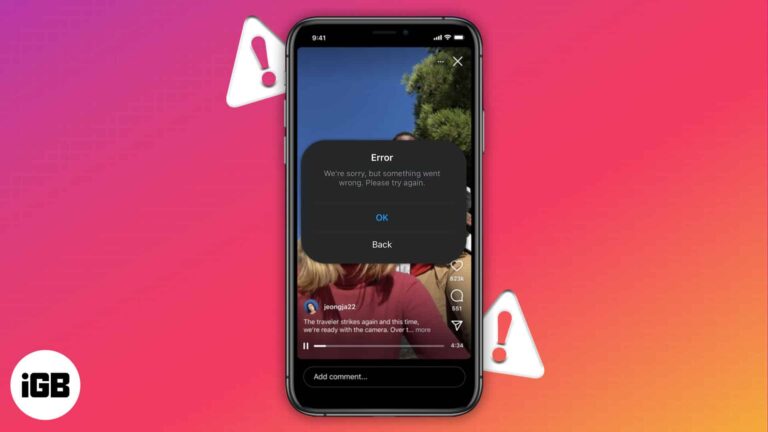
We all love watching reels on Instagram in our leisure time. But what if these videos are not auto-played? It obviously gets frustrating. So, let’s explore 10 ways to fix Instagram not playing videos automatically on iPhone. 1. Fix the…
WhatsApp is one of the most popular messaging platforms, and it lets you send multimedia messages and stay connected with your dear ones. If you’re wondering why WhatsApp media is not downloading on iPhone, there are many reasons. I have…
The main purpose of using Snapchat is to click beautiful images and videos. So, if the camera stops working, the app becomes worthless. There can be reasons why your Snapchat camera is not working or showing a black screen. Therefore,…
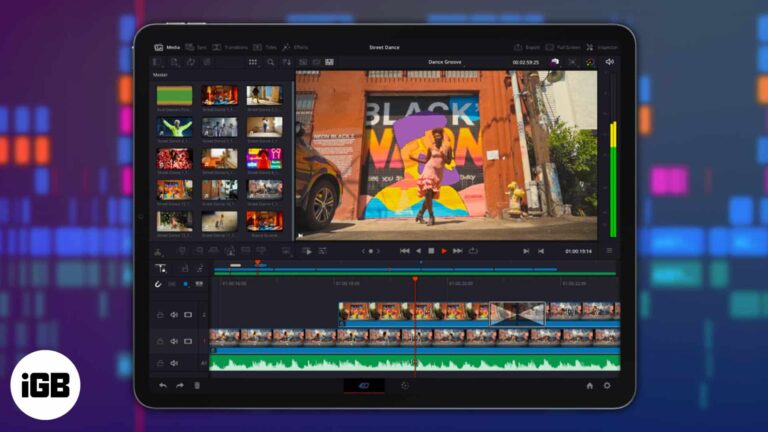
DaVinci Resolve is a color correction, audio post-production, and high-quality video editing software that has been used for years by Mac, Windows, and Linux users. Well, DaVinci Resolve is now available to iPad users as well. Explore our complete guide…
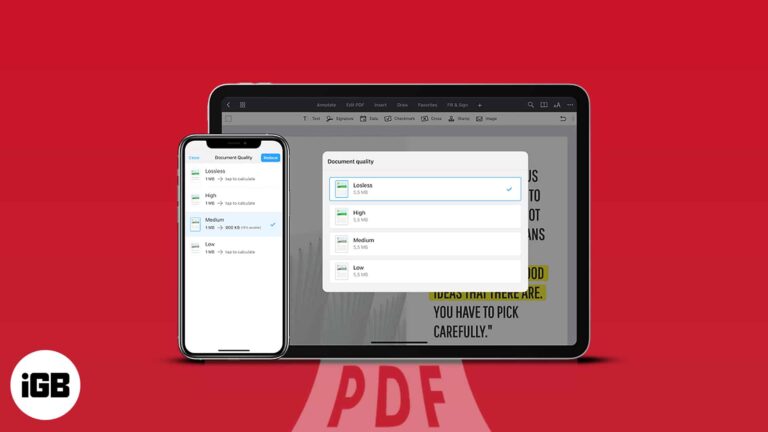
Compressing huge PDF files is one of the greatest ways to save space on your iPhone. However, in most methods, there is a high chance that the quality of the file may get hampered in the compressed version. So in this…

Your Apple ID is your key to accessing Apple services such as the App Store, Apple Music, iCloud, etc. Besides, it contains your contact, payment, and security information you use across these services. Therefore, you need to keep your Apple…
Talk about a nightmare, and nothing can be worst than getting the ‘SIM not supported’ error on your newly purchased iPhone. Though it’s not as common a concern as getting the ‘iPhone SIM locked’ or ‘invalid SIM error’, it could…
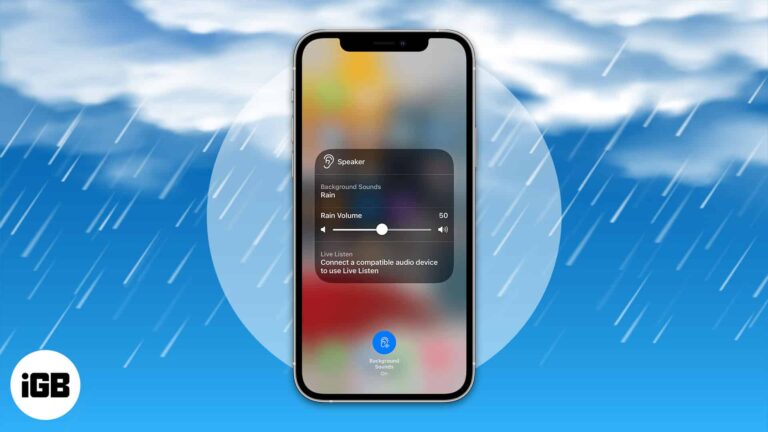
It is easy to get distracted by the noises around you while doing something or even trying to sleep. So what is the best solution? The answer is white noise! Did you know that now, you can enable white noise…
We may all have deleted files without intention. If you have deleted any critical documents by accident, you should look through the trash to see if there is any chance to recover trash on Mac. However, you shouldn’t be concerned…
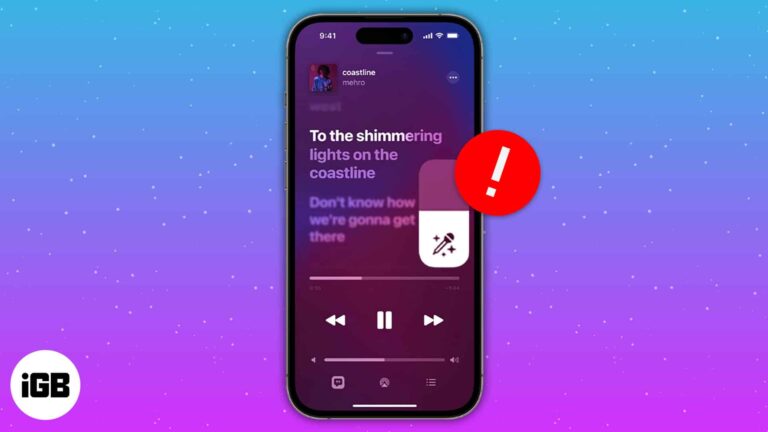
Love listening to music? Then it’s pretty evident that you may have hummed your favorite song at least once. Folks at Apple Music know about your love for music and have introduced Apple Music Sing. Unfortunately, many users have faced…
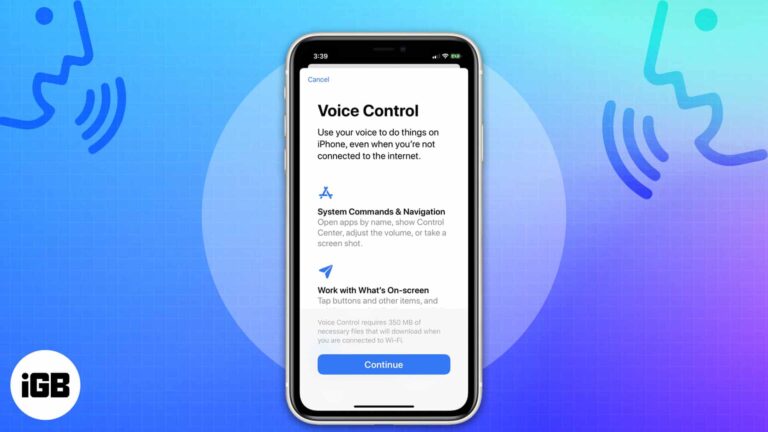
Things to know before you use Voice Control on iPhone: Connect your iPhone to the internet when using Voice Control for the first time, as it needs to download a file. After that, Voice Control doesn’t need the internet. Not…
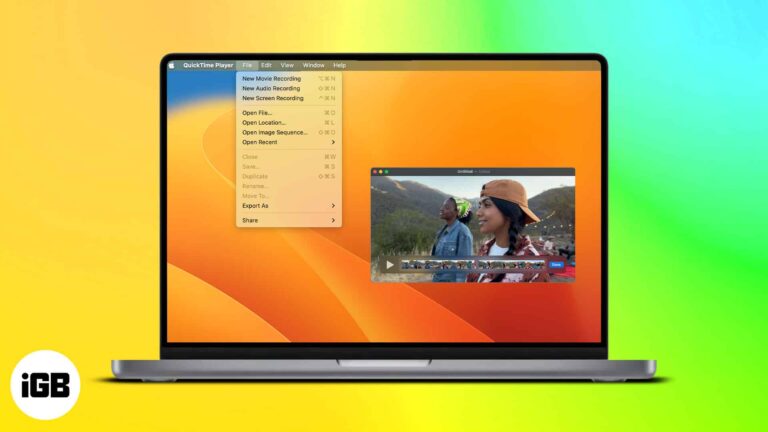
QuickTime Player is a multimedia player introduced back in 1991. Since then, it has been holding up as the go-to media player for many Mac users. Every new macOS update adds new features to the application, which is consistent with…
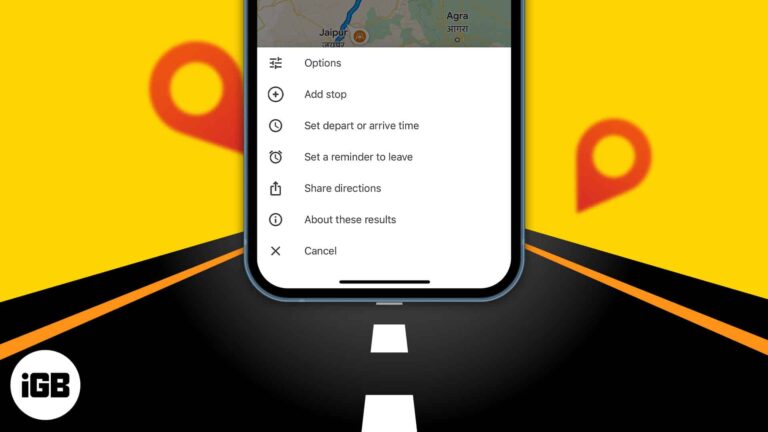
How about planning your long drive beforehand and choosing places to explore.? Now you can set future travel time and make a route plan with multiple stops using Google Maps trip planner. It shows the traffic conditions for the day…
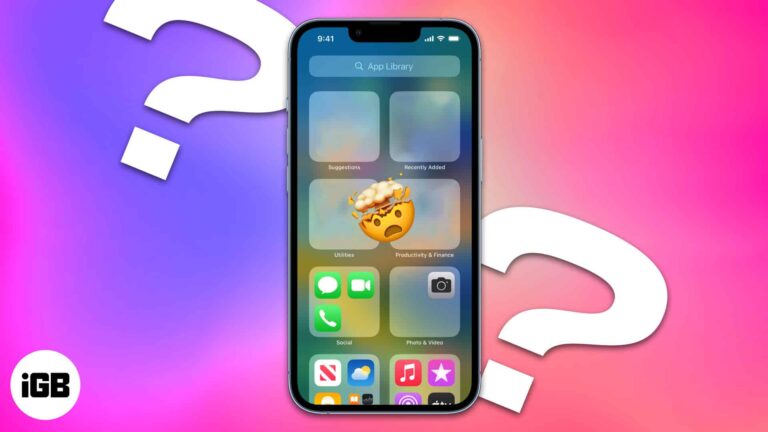
After downloading an app, you might discover that it has disappeared from your iPhone home screen when it is time to open it. It can be frustrating to have apps seemingly disappear on your device, but fear not. In this…
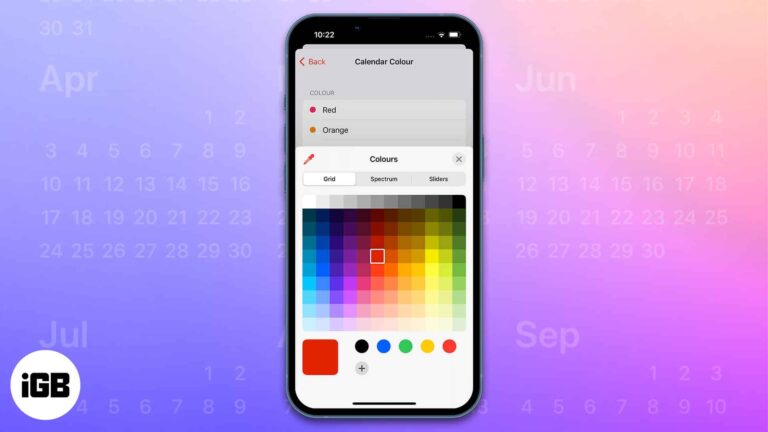
The Calendar app on Apple devices has several beneficial features like sharing the calendar with other users, creating and editing events, sending or replying to invitations, and much more. My favorite feature among them all is the ability to color…
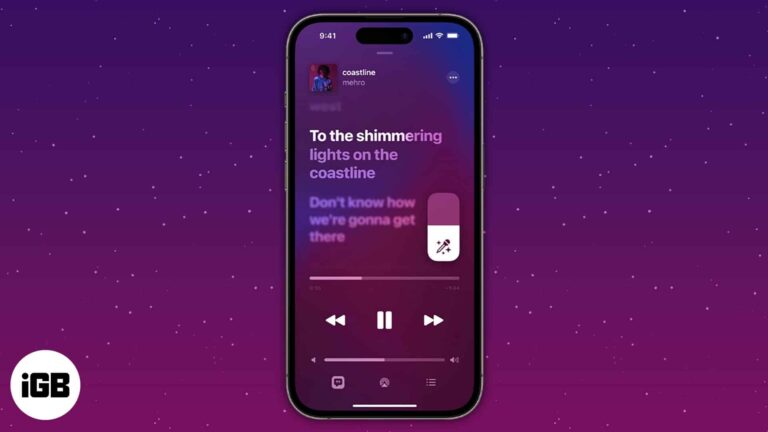
Things to know: Apple Music subscription is a must. It’s available on iOS 16.2 or later. Apple Music Sing is a new function that offers karaoke for many of your favorite tracks. However, because the function is currently available only on…
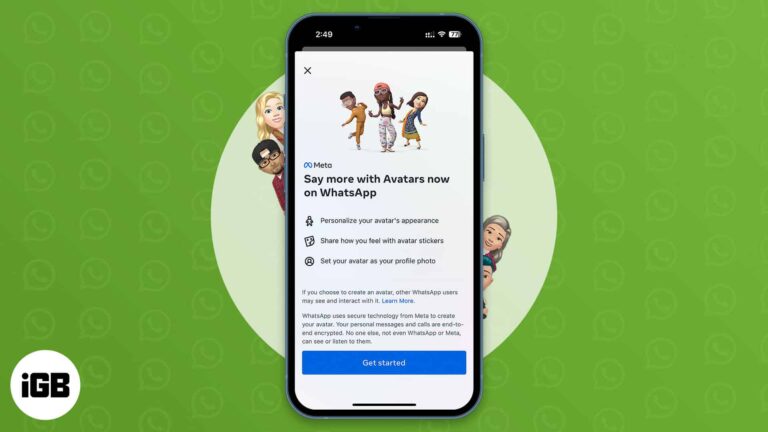
We all have experienced Avatars on Facebook, Instagram, and Messenger for quite a long time. Now, WhatsApp has rolled out the same feature. So, you can create a WhatsApp Avatar on your iPhone by choosing various outfits, hairstyles, and facial…

Apple Watch comes with activity and health sensors whose results get affected by how you put it on. The company has given clear instructions on how the smartwatch band should be put on. As the article progresses, I’ll teach you how…
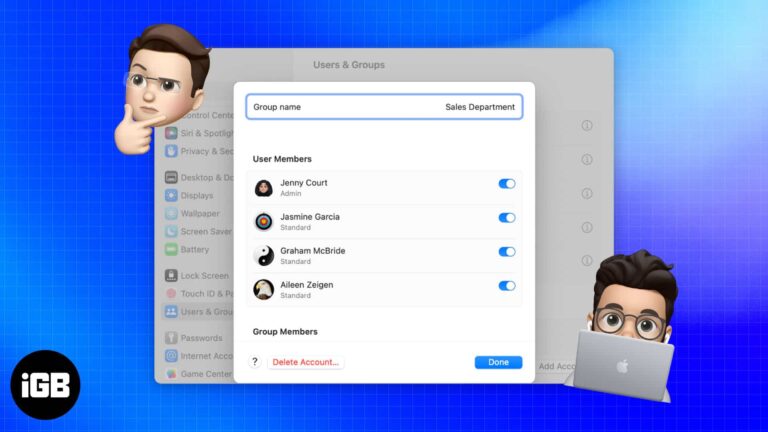
Concerned about privacy on your Mac, which your family also uses? Why not give them some breathing room? You may accomplish this by creating a new user profile on your Mac for them. Stay tuned to learn how to add…


