
FaceTime Like a Pro
Get our exclusive Ultimate FaceTime Guide 📚 — absolutely FREE when you sign up for our newsletter below.

FaceTime Like a Pro
Get our exclusive Ultimate FaceTime Guide 📚 — absolutely FREE when you sign up for our newsletter below.


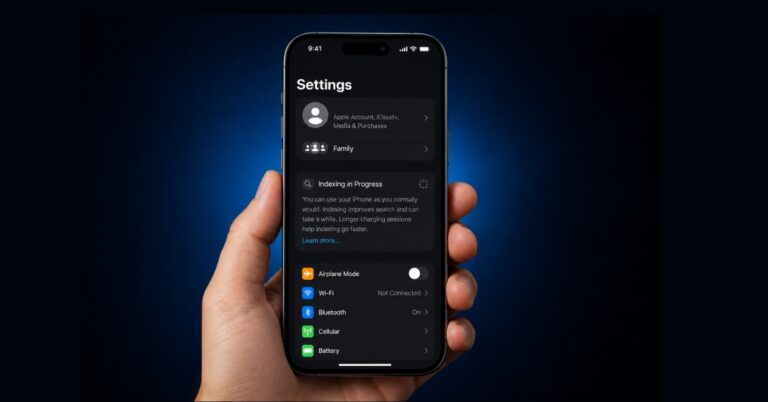
Seeing “Indexing in Progress” on your iPhone after updating to iOS 27? I ran into the same issue and found the fastest fixes that actually worked to restore Spotlight and app search.
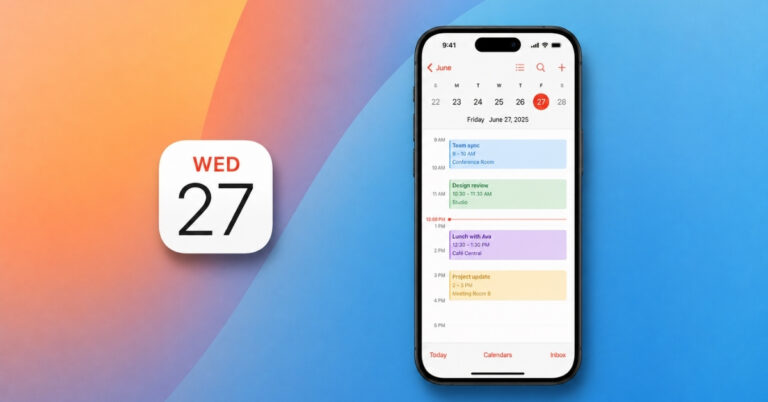
The Calendar app in iOS 27 gets smarter with Apple Intelligence, making it easier to create, manage, and organize events using natural language, Siri, and camera-based timetable import.
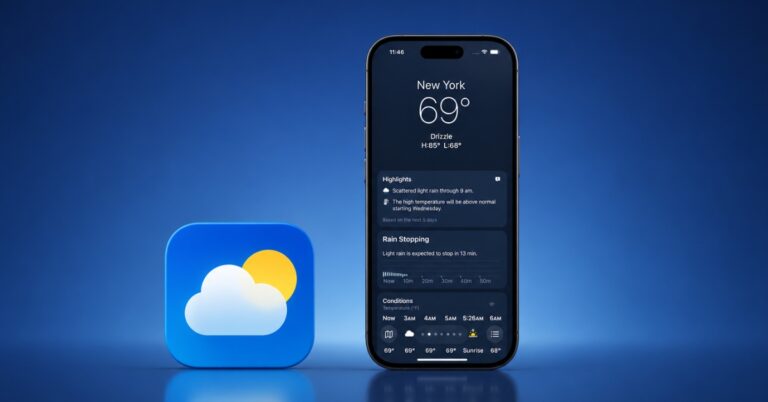
The Weather app in iOS 27 gets smarter with dedicated rain and wind forecasts, a new Highlights section, and more useful widgets. Here’s everything new after testing the update.

Google Search can now save photos and audio files you upload while using certain search features. Here’s how to disable the setting and keep future uploads from being stored.
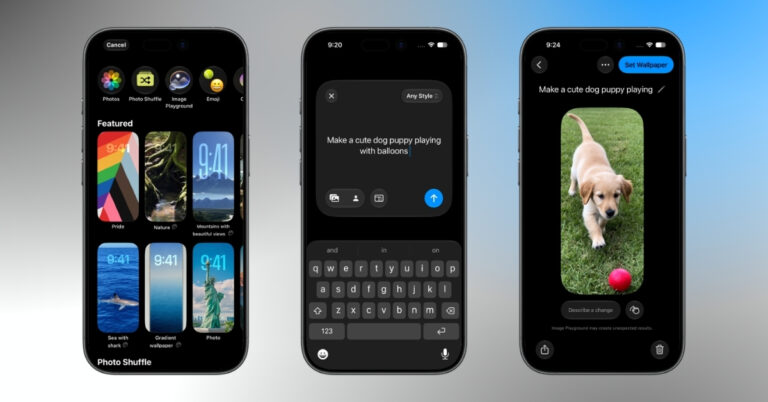
iOS 27 lets you create AI-generated wallpapers on your iPhone using Apple Intelligence and Image Playground. Here’s how it works and the best prompts to try.
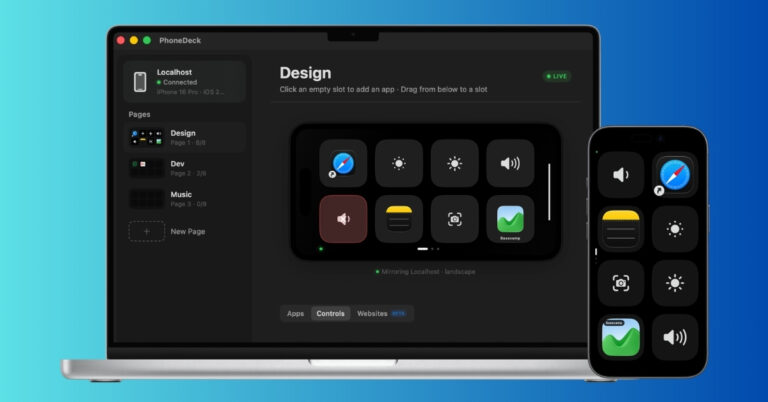
I wanted a Stream Deck for my Mac but didn’t want another gadget on my desk. So I turned an old iPhone into a customizable control panel using PhoneDeck. Here’s how it worked and whether it can replace a real Stream Deck.
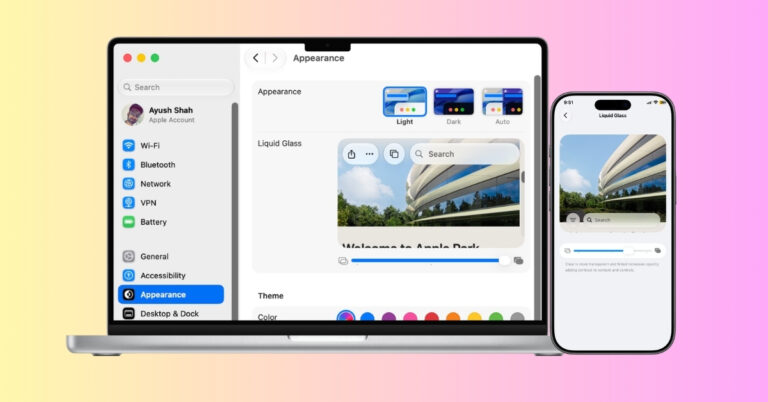
iOS 27 and macOS 27 finally let users adjust Liquid Glass transparency. Here’s how to customize the effect on iPhone, iPad, and Mac, and why Apple made the change.
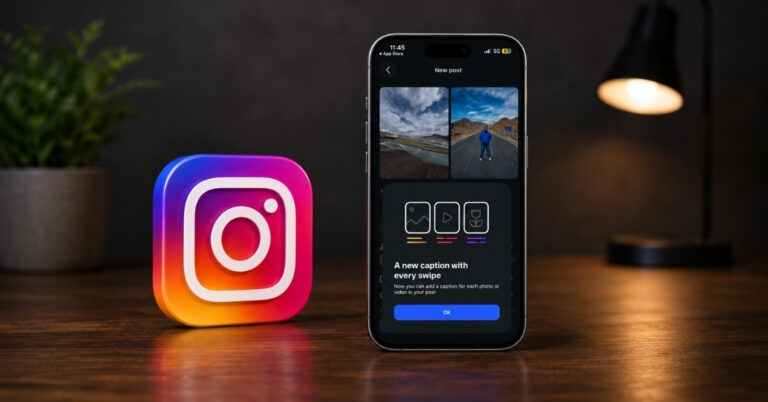
Instagram now lets creators add different captions to individual carousel slides. Here's how the Multiple Captions feature works and how to use it in your posts.
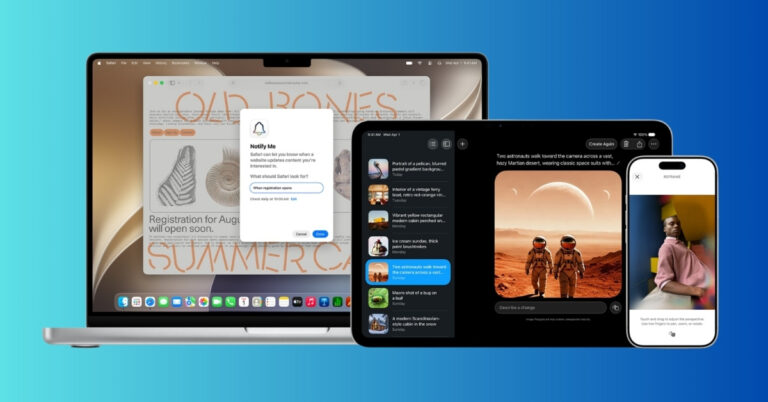
From AI-powered Clean Up to Spatial Reframe and improved iCloud Shared Album, here’s everything new in the iOS 27 Photos app.
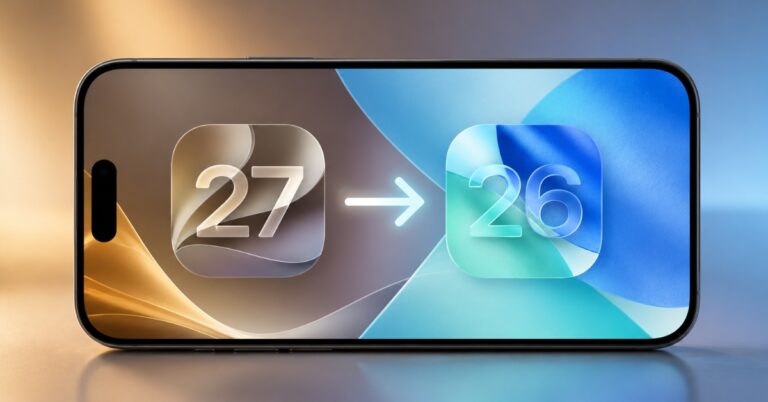
Want to leave iOS 27 beta? Here is how to restore your iPhone to iOS 26, avoid backup mistakes, and stop future beta updates.

Getting Fortnite on your iPhone or iPad is easier than ever. From the App Store to cloud gaming platforms, here are the four best ways to start playing today.
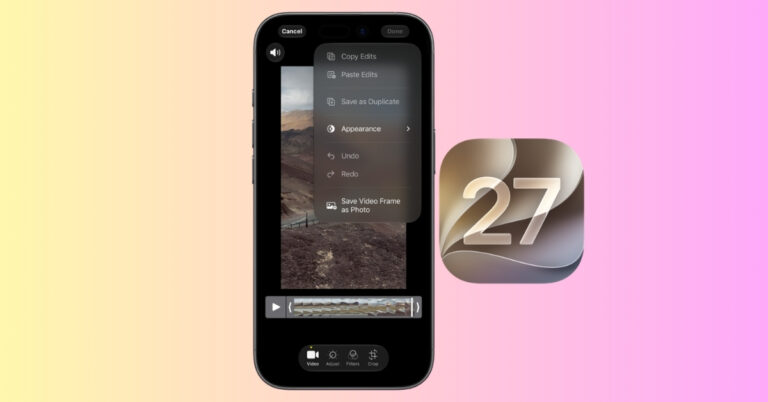
No more scrubbing through videos for screenshots. With iOS 27, you can instantly save high-quality photos from any video frame with just a few taps.
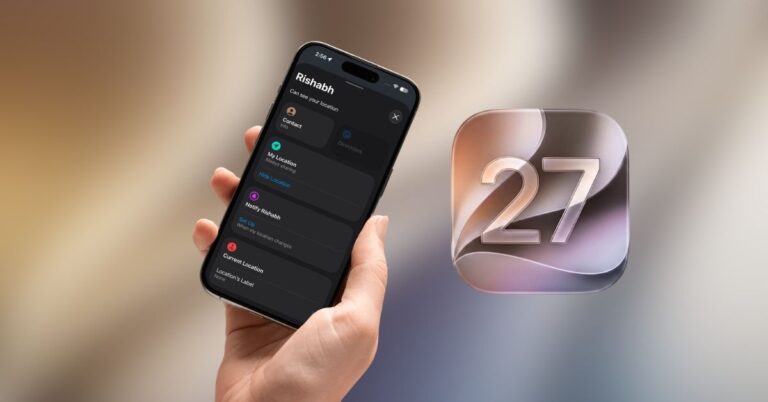
iOS 27 introduces a new Hide Location feature in Find My, letting users temporarily stop sharing their live location without disabling the service or turning off Location Services.
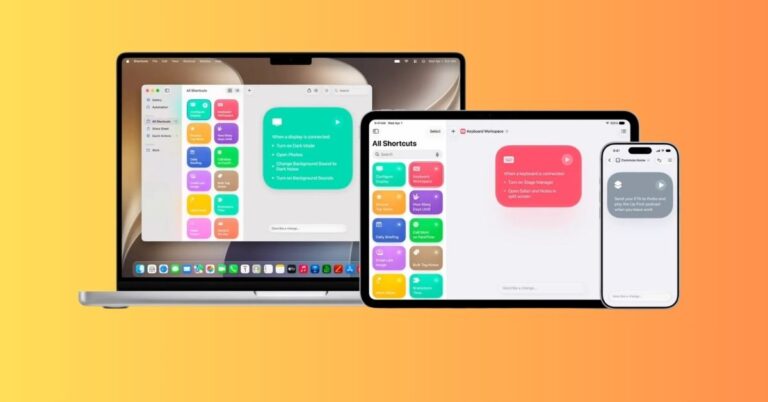
Apple is making Shortcuts easier in iOS 27 by letting users describe an automation in plain language and have Apple Intelligence build the workflow.
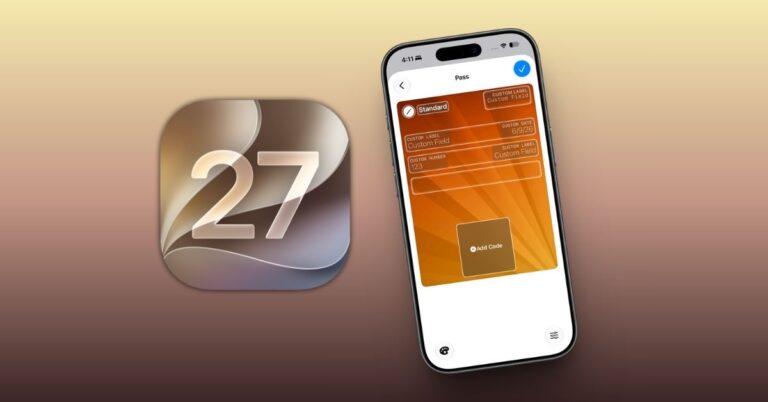
Apple Wallet gains two useful upgrades in iOS 27: the ability to create digital passes from physical cards and a simpler way to split Apple Pay purchases through Apple Cash.
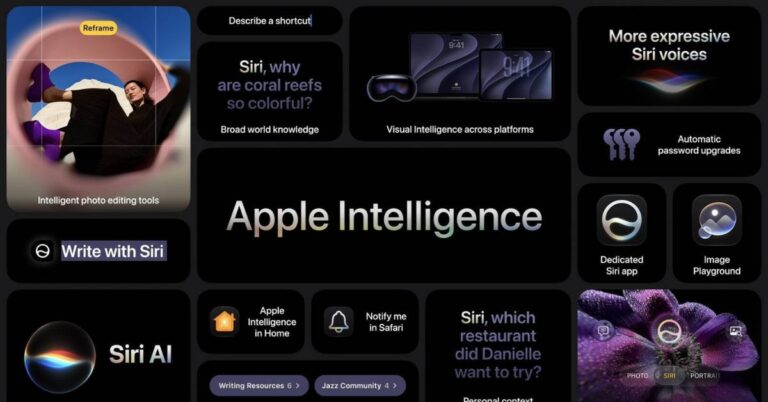
iOS 27 gives Apple Intelligence its biggest reset yet, with Siri AI, smarter apps, AI photo tools, natural-language Shortcuts, and more.
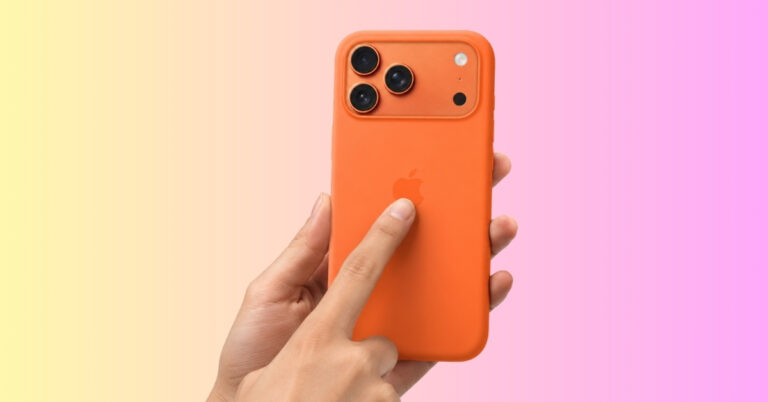
Tap your iPhone back to perform quick actions like taking a screenshot, running a shortcut, opening the front camera, etc.
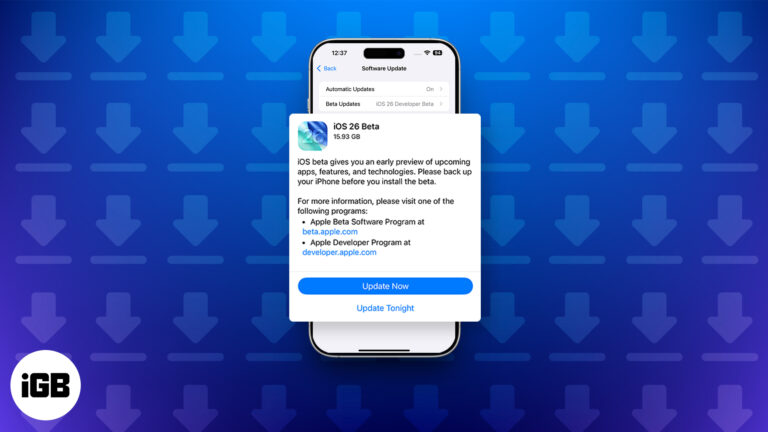
Want to try iOS 26 before everyone else? Here’s how to install the iOS 26.6 Developer Beta on iPhone and what to know before you do.
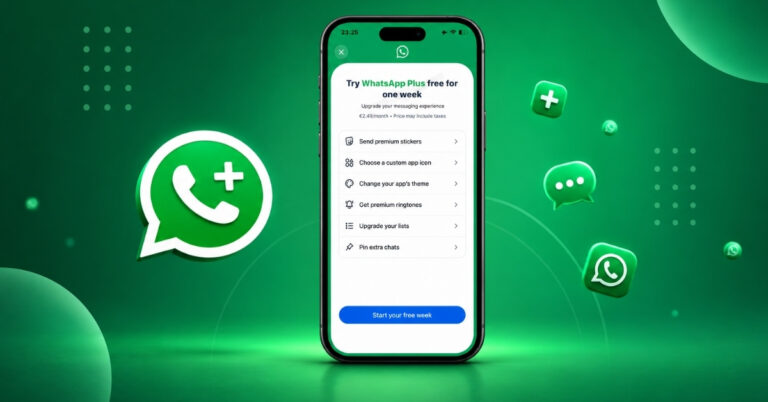
Curious about WhatsApp Plus? Here’s everything you need to know about its features, pricing, availability, and how it differs from regular WhatsApp.
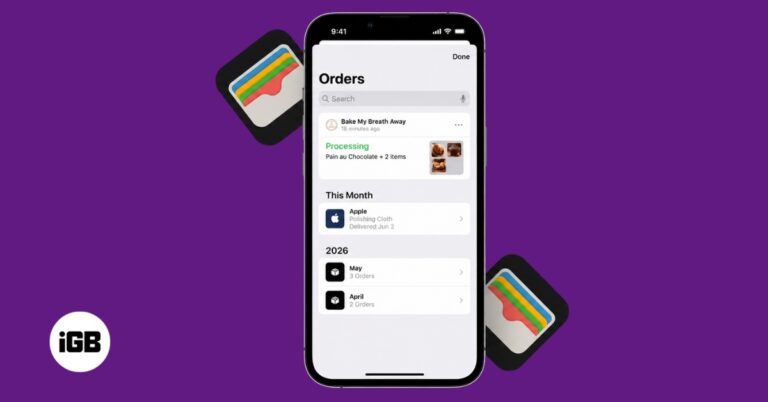
iOS 26 makes Wallet order tracking more useful by using Apple Intelligence in Mail to find supported shipment details from your emails. Here’s how to enable it, view your orders, and fix missing deliveries.

Want to browse Instagram without anyone knowing you’re online? Here’s how to turn off your Active Status, stay hidden, and keep your activity completely private.
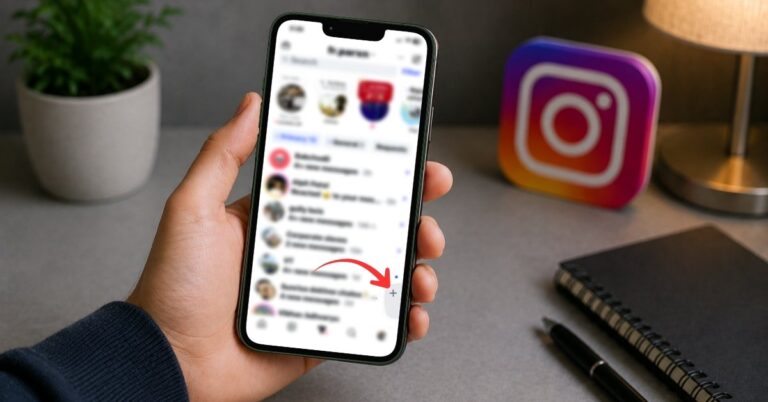
Instagram’s new Instants feature brings disappearing photos to DMs, but not everyone wants it crowding the inbox. Here’s how to hide Instants and make your Instagram messages feel cleaner again.
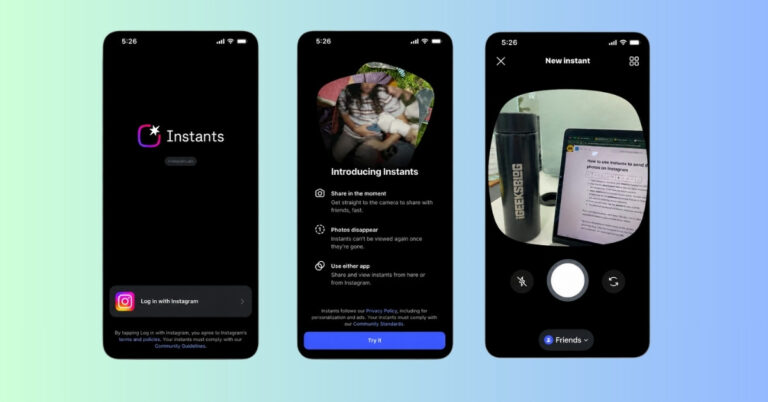
Instagram Instants is Meta’s new Snapchat-like feature for sending quick, unedited disappearing photos through Instagram DMs. Here’s how it works and whether it is worth using.

X is rolling out AI-powered custom timelines built by Grok. Here’s how the new feature works, why it feels surprisingly addictive, and the trade-offs most users will miss.

Gemma 4 brings powerful local AI to your Mac and iPhone. Here’s how it works, which model to choose, and how to run it on your device.
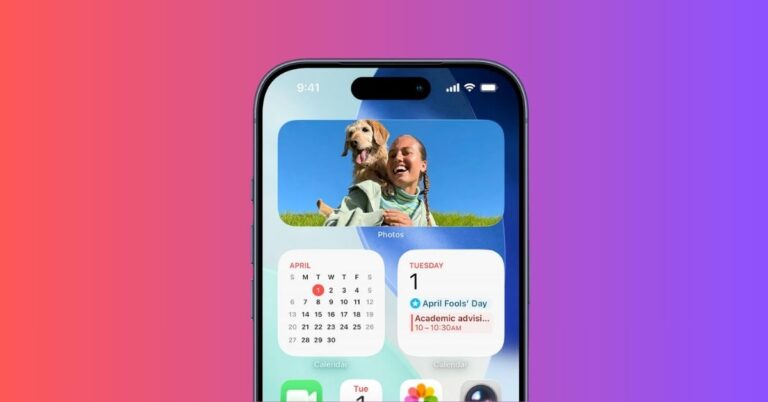
You can now enable Spatial Scene and Full Color options for Photos widget on Home Screen.
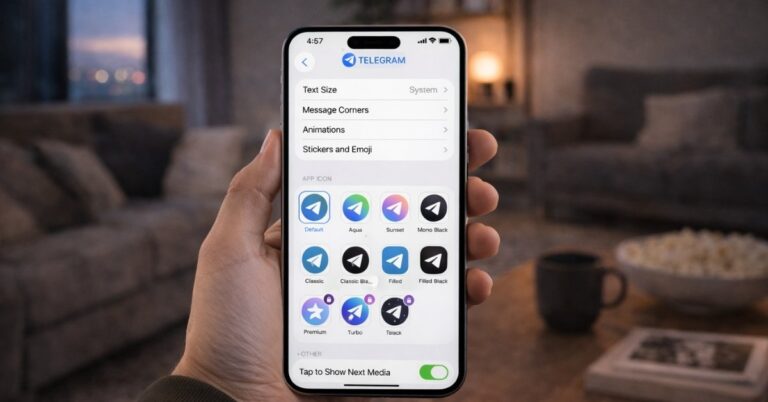
These Telegram tips and tricks helped me organize chats, save time, and use the app more efficiently every day.
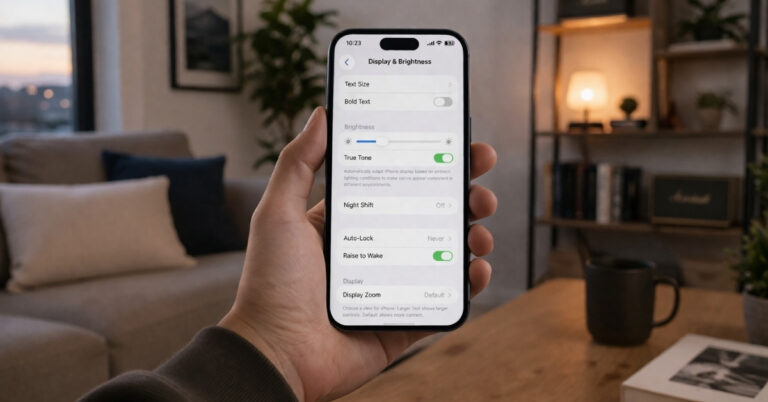
These iPhone display settings can instantly reduce eye strain and make your screen more comfortable to use.

Now you can just asked ChatGPT and pick what to watch. No more endless scrolling on Netflix!
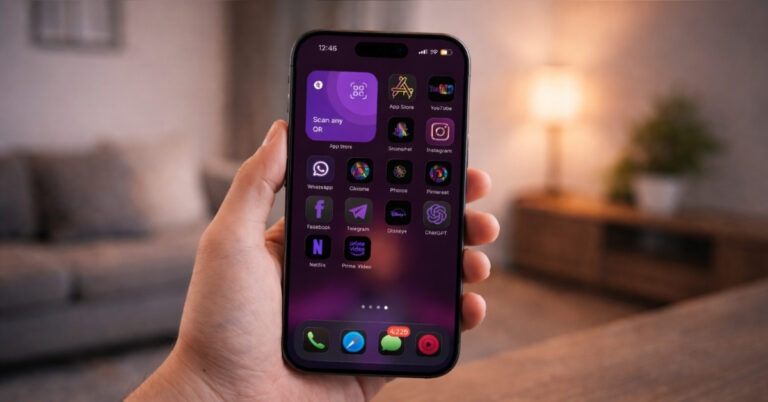
Want a better-looking iPhone home screen? This simple trick lets you change app icons and customize your layout easily.


