
FaceTime Like a Pro
Get our exclusive Ultimate FaceTime Guide 📚 — absolutely FREE when you sign up for our newsletter below.

FaceTime Like a Pro
Get our exclusive Ultimate FaceTime Guide 📚 — absolutely FREE when you sign up for our newsletter below.



NameDrop lets you share contact information with just a tap of two iPhones. This article explains how NameDrop works on iPhone and how to use it.
Master video editing on your iPhone with the Photos app and iMovie.

Apple’s iOS 26 brings big changes, but many iPhone owners are frustrated. From Liquid Glass to battery drain, here’s why the update is sparking backlash.

Updated to iOS 26? Here are 30+ iPhone settings you should change right now to boost privacy, battery life, and overall performance.

Apple's Notes app allows you to create links between notes. Learn how to link notes in Apple Notes on iPhone and Mac, and explore the benefits of linking notes.

With Apple Intelligence, you can summarize emails, priority sort inbox, proofread and rewrite emails in the Mail app on iPhone.

Learn how to fix iPhone Auto-Lock not working with this troubleshooting guide. Easily resolve the issue with some quick steps.

Can’t connect to Wi-Fi on your iPhone or iPad after a software update? Try these easy troubleshooting steps to fix WiFi issues.

Unable to make or receive FaceTime calls? Try these proven methods to fix FaceTime issue on your iPhone.

Get back accidentally deleted apps on your iPhone, even if you can’t remember the app name.

Want to save the embarrassment of having your iPhone play loud audio in public? The Volume Limit feature lets you set your iPhone's speaker volume.

With iOS 18.2 Apple introduced layered Voice Memos recordings on iPhone, enabling musicians to create dual-layered tracks easily.

Stuck in login loops that refuse to clear, pages half loading, spinner just sitting there? The fix is simple, clear Safari browsing data on your iPhone today.

Master iPhone photography with iOS 26. From ProRAW to Night mode, here are the best camera settings to capture stunning, professional-quality photos.

Does Snapchat keep crashing on your iPhone? Here's how you can fix the problem and find out what causes it.
One of the biggest changes in the new Control Center is the dedicated Power button. No more juggling the Side and Power combo just to shut the iPhone down.
Can’t find an app on your iPhone? Here’s a simple guide to find hidden apps on iPhone and iPad across recent iOS updates.

Quickly resolve app problems by force quitting apps.

Make the most of the Action Button to enhance the functionality of your iPhone.

 Ava Biswas and Yash Wate
Troubleshoot your Camera Control button and start capturing your moments again.
Ava Biswas and Yash Wate
Unlock your iPhone's last-resort fix—learn DFU mode in minutes with this detailed guide.

Out with the old, in with the secure! Learn how to factory reset your device and send it off worry-free.

Is your iPhone stuck on a blank screen and wants to restart? Check out this guide on how to force restart iPhone and iPad models.

Restarting our iPhones is the first thought that comes to our mind whenever we encounter any issue. This is because simply restarting your iPhone can often fix issues like app crashes, sluggish performance, or connectivity problems. While restarting an iPhone…
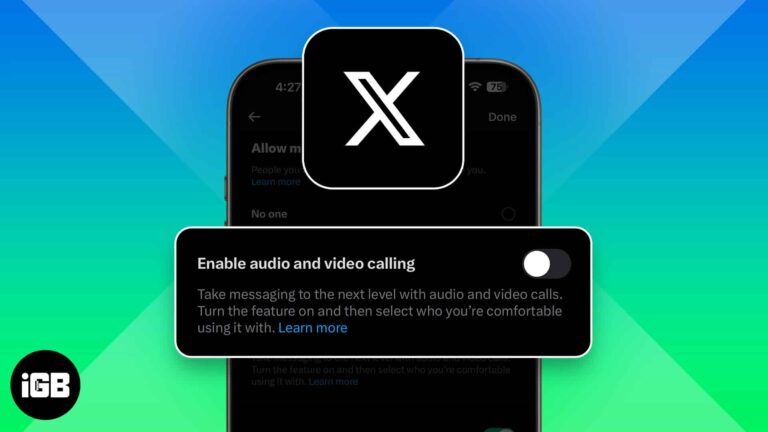
X (formerly Twitter) now lets anyone call you by default, raising privacy concerns. Luckily, you can turn off audio and video calls or limit who can reach you in just a few taps.

Step-by-step guide to enter Recovery Mode on your iPhone.

Free up memory and improve performance by clearing RAM on your iPhone.
Shoot Spatial photos and videos for Apple Vision Pro using your iPhone camera.

 Jibin Joseph and Vikhyat
iOS 26 revamps the Messages app with Backgrounds, Live Translation, Polls, and more. Here’s everything you should know!


